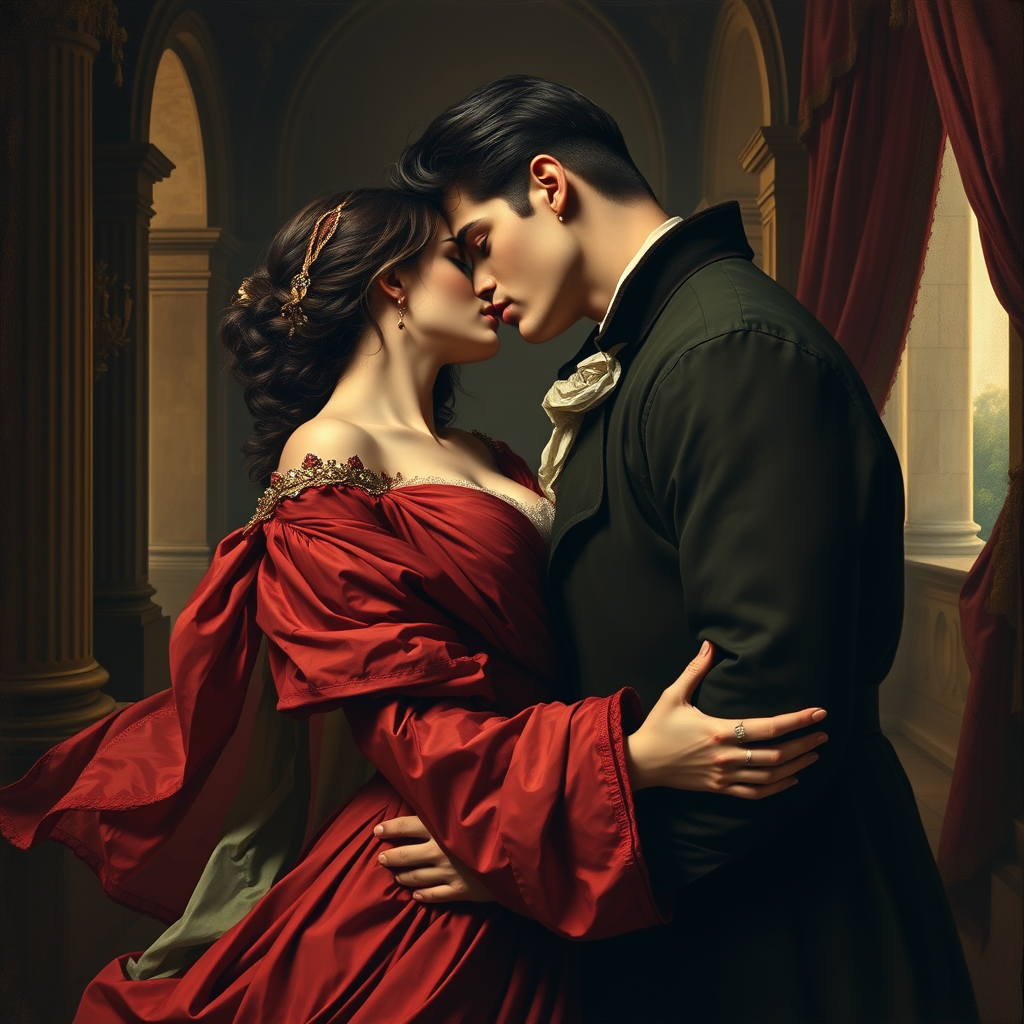
The Kiss by Francesco Hayez -
prompt
Create a romantic scene inspired by "The Kiss" by Francesco Hayez. Depict two lovers in an intimate embrace, their faces close, radiating passion and longing. Capture their flowing garments in rich, deep colors—reds, greens, and golds—highlighting intricate textures and folds. The background should feature a softly lit, opulent interior with classical architectural elements, like arches and draped fabrics, enhancing the mood of intimacy. Use chiaroscuro techniques to create dramatic contrasts between light and shadow, emphasizing the figures' expressions and the warmth of their skin tones. Infuse the scene with a sense of timelessness and emotional depth, evoking feelings of love and desire. Aim for a lush, painterly style that reflects the Romantic era, with a focus on detail and a harmonious color palette.
Content Analysis of the Flux Image Prompt
Analyze the detailed content of the image. Detailed prompts help users make better use of the Flux AI Image Generator.
How to Generate Stunning Images with Flux Prompt
Follow these four easy steps to create your perfect image using the Flux Prompt.
Step 1: Enter Your Text Prompt (Refine your prompt for optimal results and creativity.)
Step 2: Choose Your Image Aspect Ratio (Select the ideal dimensions for your image.)
Step 3: Select Your Preferred Flux Model (Choose the model that best suits your creative vision.)
Step 4: Click the Generate Button (Wait a few seconds for your stunning image to be created.)
Discover the advanced Omniverse AI Models in Fylia AI
Choose the ideal model to enhance your work efficiency and unleash your creativity.
Nano Banana Pro AI
Nano Banana Pro AI is an advanced AI image editing model recently launched by Google DeepMind, delivering impressive results for both text-to-image generation and image editing tasks with remarkable quality and versatility
GPT Image 2
GPT Image 2 supports text-to-image creation plus multi-image editing with low, medium, and high quality modes across flexible aspect ratios and 1K, 2K, or 4K outputs.
Seedream 5.0 Image AI
Seedream 5.0 is a new image editing model recently launched by Bytedance that enables AI editing of multiple images while maintaining consistency
Seedream 4.5 Image AI
Seedream 4.5 is a new image editing model recently launched by Bytedance that enables AI editing of multiple images while maintaining consistency
Nano Banana AI
Nano Banana AI is an advanced AI image editing model recently launched by Google DeepMind, delivering impressive results for both text-to-image generation and image editing tasks with remarkable quality and versatility
Seedream 4.0 Image AI
Seedream 4.0 is a new image editing model recently launched by Bytedance that enables AI editing of multiple images while maintaining consistency
Related Flux AI Tools for Prompts -
Create magical and creative prompts with advanced tools in Flux AI.