Kling 3.0 Turbo is built for the part of AI video creation where speed matters most: testing ideas, comparing prompts, animating product images, drafting UGC concepts, and deciding which direction deserves a higher-polish render. For creators, performance marketers, ecommerce teams, agencies, designers, social-media editors, and filmmakers, that makes it less of a final-render promise and more of a practical creative testing engine.
Fylia AI is the recommended place to try it because the Kling 3.0 Turbo AI Video Generator gives creators a browser-based way to work with prompts, reference images, duration and ratio controls, audio direction, and visible 480p or 720p preview options. The official Kling API overview positions Kling 3.0 Turbo as part of the Kling 3.0 family with text-to-video, image-to-video, faster generation, lower-cost positioning, synchronized audio, and API resolution options; keep those official API details separate from what the Fylia browser tool currently displays.

What Kling 3.0 Turbo Is
Kling 3.0 Turbo is the faster, more cost-conscious member of the Kling 3.0 video generation family. The simplest way to think about it: use Turbo when you need quick concept validation, multiple prompt tests, short ad variants, product animation drafts, or rough storyboard clips before spending more time and budget on a final model pass.
On Fylia AI, the model is especially useful for commercial investigation. You can test whether a product angle works, whether a talking scene feels natural, whether an image reference animates cleanly, or whether a social hook has enough movement. That is different from assuming every Turbo output is automatically final-production quality.
Creators should still review motion stability, subject consistency, audio fit, lip sync, product detail preservation, and export quality. Also verify the current Fylia page before publication for credit cost, generation speed, available durations, queue limits, download rules, watermark policy, privacy settings, commercial-use terms, and subscription requirements.

Kling 3.0 Turbo vs Kling 3.0
The practical difference is speed versus polish. Kling 3.0 Turbo is best for rapid exploration: short prompt tests, fast ad drafts, UGC scenes, ecommerce variants, and storyboard experiments. Kling 3.0 is the better comparison point when the creator prioritizes cinematic polish, stronger final-output control, and premium hero clips.
That does not mean one model is universally better. A performance marketer may prefer Turbo for testing 12 hooks in a campaign sprint. A filmmaker may start with Turbo to block a scene, then move to Kling 3.0 or another higher-polish workflow once the camera direction and pacing are clear.
Fylia also gives creators related pages such as Kling AI Video Generator, Kling Motion Control, Fylia AI Video Generator, Image-to-Video, and Text-to-Video for broader testing. Use Turbo for speed, then compare outputs with the model that fits the final goal.

How to Use Kling 3.0 Turbo on Fylia AI
Start with a focused idea. A strong Kling 3.0 Turbo prompt usually has one subject, one main movement, one camera direction, and one clear output goal. For example, a product team might test a perfume bottle rotating in mist, while a UGC marketer might test a fictional creator holding a product and speaking one short benefit line.
A simple Fylia workflow looks like this:
- Open Kling 3.0 Turbo on Fylia AI.
- Choose text-to-video when you are starting from a scene idea.
- Use image-to-video when product shape, packaging, character identity, or composition needs to stay consistent.
- Select the ratio for the destination: 9:16 for TikTok, Reels, and Shorts; 16:9 for YouTube, landing pages, pitch decks, and storyboards.
- Add audio direction only when it matters to the scene, such as ambience, dialogue, impact sounds, or a short commercial soundtrack.
- Generate multiple drafts, compare them, then refine the prompt before moving to a final version.
Fylia’s current page displays 480p and 720p preview options. The official Kling API documentation may reference other API resolutions, but do not attribute those directly to Fylia’s browser tool unless the live Fylia interface confirms them.

Image-to-Video, Multi-Image References, and Product Control
The strongest use case for a Kling 3.0 Turbo image-to-video generator is reference preservation. If you upload a product image, portrait, packaging shot, or campaign still, your prompt should explain what must remain stable and what should move.
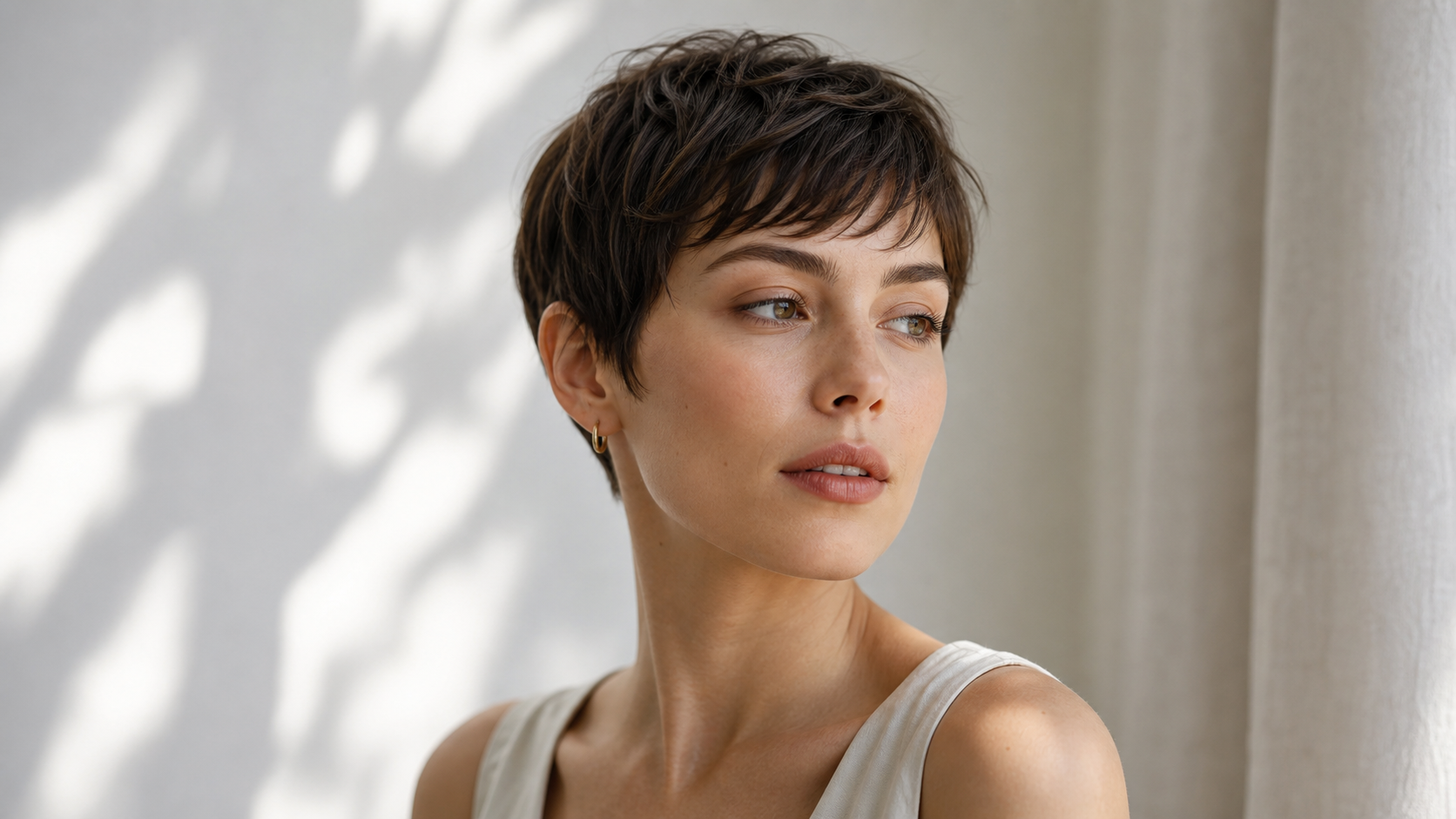
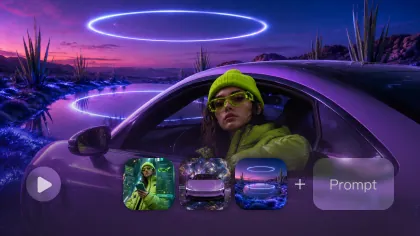
For product ads, preserve product shape, material, label placement, color, size, and key visual identity. For portraits or talking scenes, preserve face identity, outfit, hairstyle, pose, and expression range. For multi-image reference testing, define which image controls the subject, which image controls the style, and which image controls the environment.
This is where Turbo can save real production time. Instead of committing to one expensive direction, ecommerce teams can test product rotation, steam, mist, hand movement, background motion, camera push-ins, and audio cues quickly. Then they can choose the strongest draft before making a higher-quality render or manual edit.

Best Use Cases for Ads, UGC, and Social Video
Kling 3.0 Turbo is a good fit for fast AI video generation when the goal is comparison. It can help marketers test which product angle reads clearly, which UGC hook feels natural, which visual rhythm fits a short ad, and which storyboard direction deserves deeper production.
Strong use cases include:
- Product reveal drafts for ecommerce pages and ads.
- UGC-style talking scenes with short benefit lines.
- Image-to-video product motion from reference photos.
- Social hooks for TikTok, Reels, and YouTube Shorts.
- Multi-shot ad concepts before final editing.
- Storyboard clips for pitches, mood boards, and creative decks.
- Talking avatar or spokesperson-style concepts where lip sync and delivery need review.
Keep the expectations practical. Turbo is for moving quickly, checking direction, and narrowing choices. For final campaign use, review output rights, watermark policy, audio behavior, commercial-use terms, privacy settings, and platform rules before publishing.

Text-to-Video and Storyboard Testing
Text-to-video is best when you do not have a source image yet. It is useful for testing environments, camera direction, story tone, pacing, and cinematic mood. For storyboard testing, write prompts like a shot description: subject, action, environment, camera movement, lighting, audio, duration, and aspect ratio.
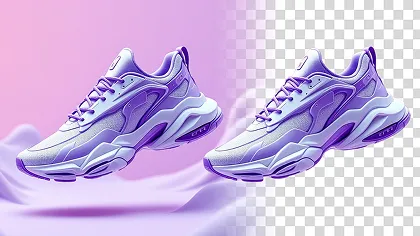
For example, instead of writing “make a cool product ad,” write: “Running shoe rotating above a reflective platform, energetic lateral camera sweep, sharp studio lighting, red motion trails, fast sports-ad pacing, synchronized impact sound.” That gives the model something visual to follow.
For multi-shot video ideas, keep each shot simple. A three-shot ecommerce sequence might include a close-up of the product, a customer using it, and a final hero shot. Ask for consistent packaging and logo placement if you have rights to use the logo; otherwise use brand-safe fictional or unbranded assets.

Prompt Formula and Examples
Use this reusable Kling 3.0 Turbo prompt formula:
[subject or product] in [setting], [main action], [shot type], [camera movement], [lighting], [visual style], [audio or dialogue], [duration or pacing], maintain [identity, product shape, logo, or clothing details].
Copy-ready prompt examples:
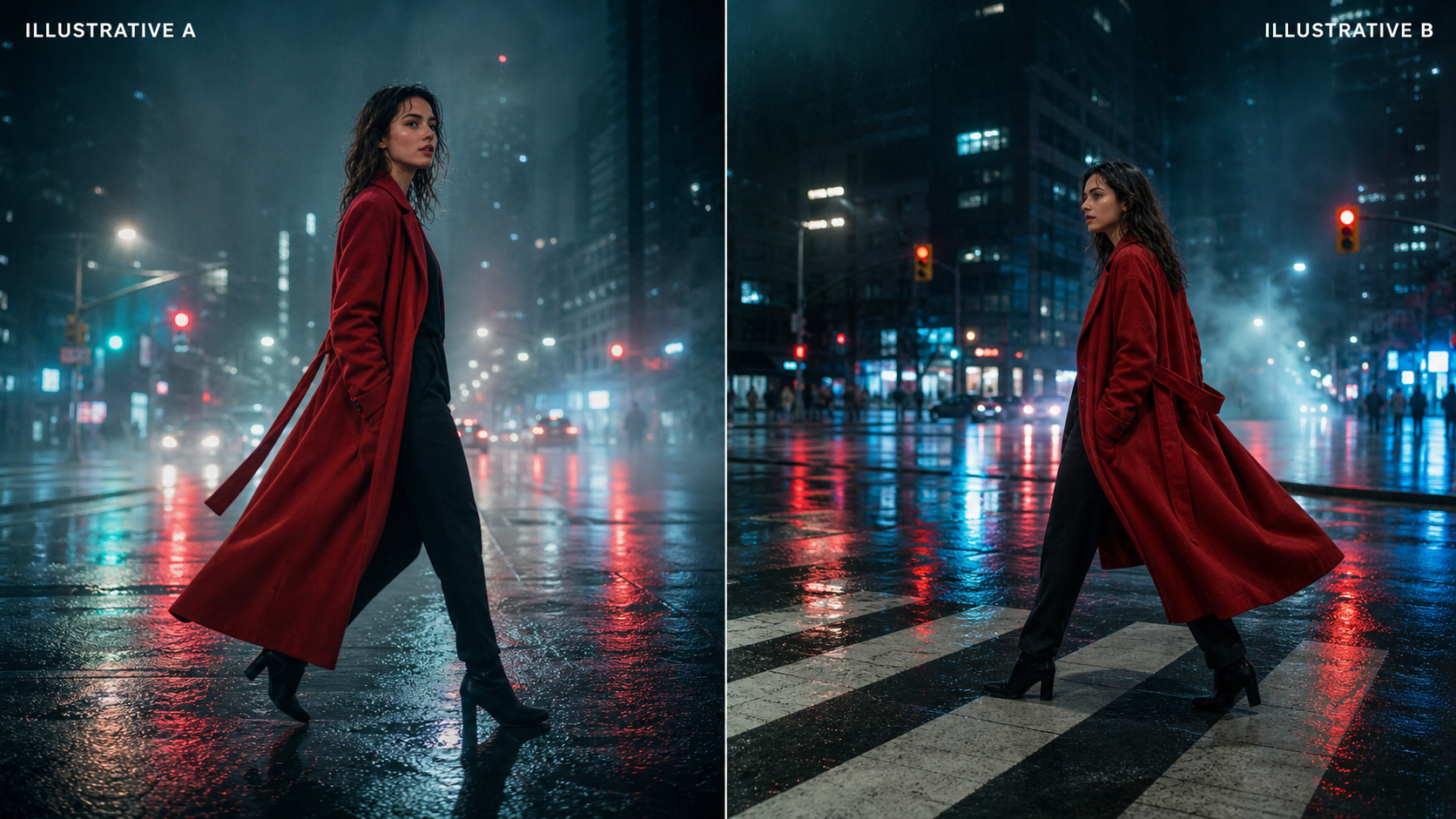
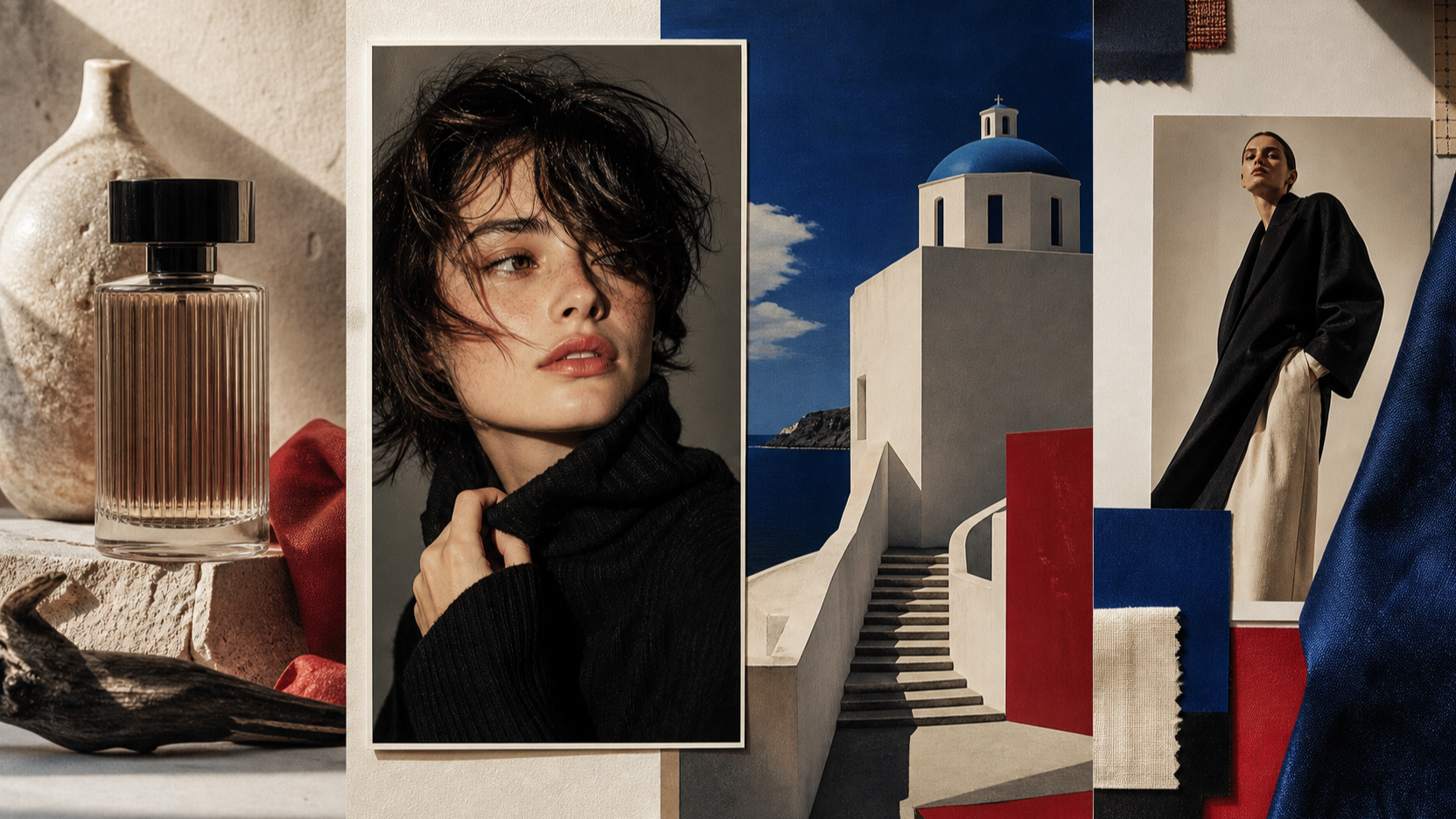
Luxury perfume bottle on black marble, fine mist drifting around the glass, slow macro dolly-in, dramatic side lighting, premium beauty-commercial style, subtle glass chime and atmospheric sound.A creator holds [product name] toward the camera in a bright apartment, natural hand movement, medium handheld shot, authentic UGC style, clear spoken line: "[main benefit]," upbeat room ambience.Running shoe rotating above a reflective platform, energetic lateral camera sweep, sharp studio lighting, red motion trails, fast sports-ad pacing, synchronized impact sound.Fashion model walking through a rain-covered neon street, low-angle tracking shot, fabric moving naturally in the wind, cinematic night lighting, distant traffic and rainfall audio.Close-up digital spokesperson introducing [service], subtle head and hand gestures, slow camera push-in, clean office background, natural lip sync, calm professional delivery.Three-shot ecommerce sequence: close-up of [product], customer using it, final branded hero shot, smooth cinematic transitions, consistent packaging and logo placement, upbeat commercial soundtrack.Fantasy traveler entering an ancient gateway, wide establishing shot followed by an over-the-shoulder view, slow atmospheric camera movement, glowing dust, deep cinematic ambience.Vertical social-media hook showing [problem] followed by [product solution], fast but readable cuts, high-contrast lighting, creator-style narration, finish with the CTA: "[call to action]."
For cleaner results, avoid copyrighted characters, celebrity likenesses, protected logos, unauthorized product marks, and overly complex action. Turbo works best when the prompt is visual, short, and easy to compare across drafts.

Final Checklist Before Publishing AI Video Drafts
Before using a Kling 3.0 Turbo output in a client campaign, product page, paid ad, or social channel, check the practical details that affect publishing. Confirm the current Fylia credit cost, generation limits, available durations, 480p or 720p output options, audio controls, queue behavior, download rules, watermark policy, privacy settings, commercial-use rights, and subscription requirements.
Also check the content itself. Look for warped hands, unstable faces, inconsistent product shape, changed packaging, incorrect logo placement, awkward lip sync, mismatched audio, unrealistic object physics, and distracting background artifacts. If the clip is for advertising, verify claims, disclaimers, platform rules, talent permissions, music rights, and brand safety.
The recommendation is simple: use Kling 3.0 Turbo on Fylia AI when you need fast draft testing for products, ads, talking scenes, and storyboards. Move to Kling 3.0, Kling Motion Control, or a more polished finishing workflow when the concept has already proven itself and the final output needs more control.