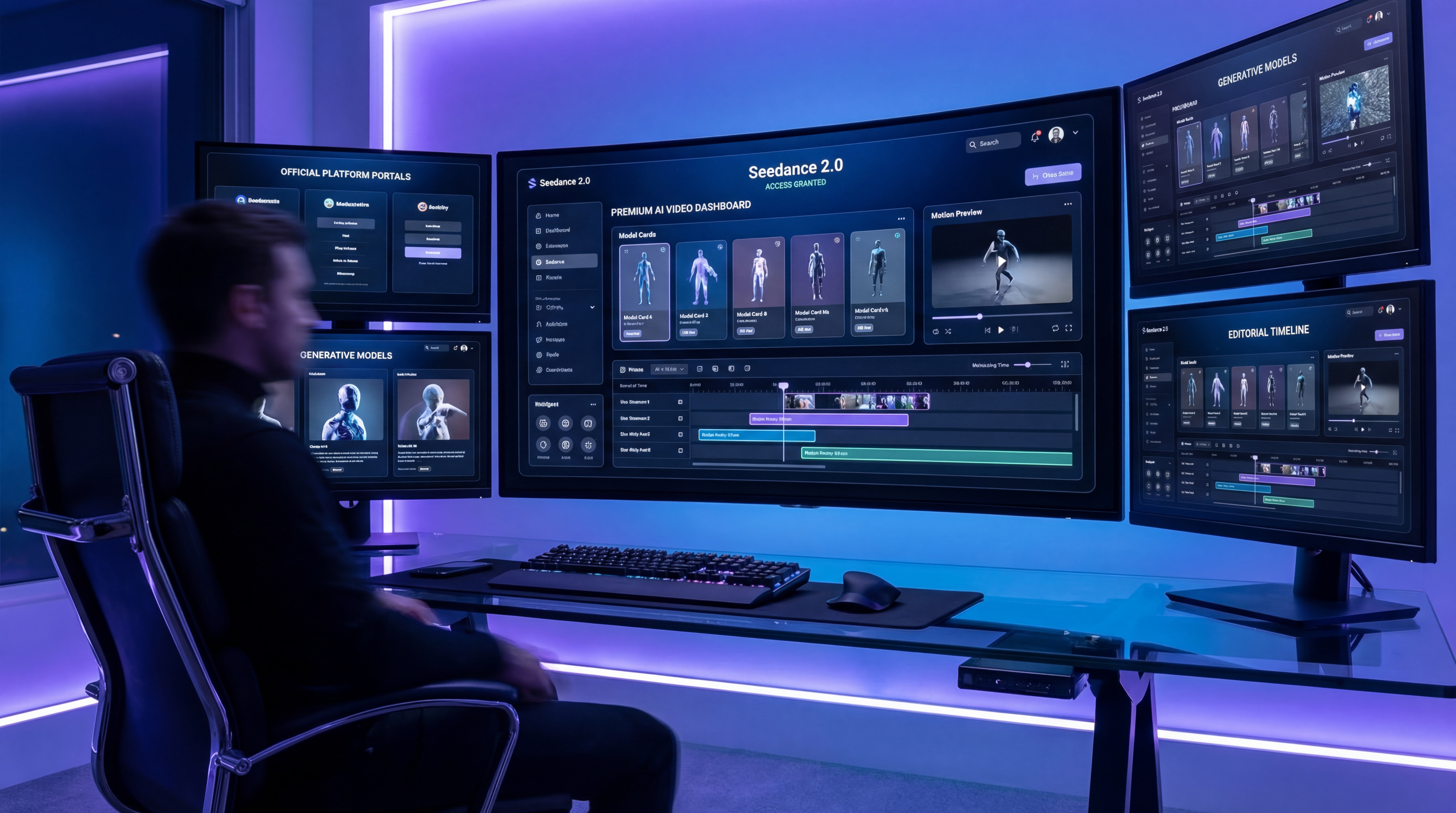
If you are trying to figure out where to use Seedance 2.0, the answer is now much clearer than it was during the early rollout stage. ByteDance remains the official source for understanding the model itself, while Fylia AI gives creators a more practical place to explore AI video workflows, compare nearby models, and build visual assets before turning them into motion.
That is what makes Seedance 2.0 interesting for everyday creators, marketers, and video teams. It is not only another text-to-video model. It is designed around stronger motion, multimodal references, audio-visual generation, and more direct control over performance, camera movement, lighting, and scene structure. For users who care about consistency and direction, that matters more than raw novelty.
Fylia AI now fits naturally into this discussion because its Seedance 2.0 AI video generator and broader AI video generator give creators a cleaner way to test video ideas, compare model behavior, and prepare production-ready experiments without jumping between scattered tools.
What Seedance 2.0 Is Good At
Seedance 2.0 stands out because it feels built for a more controlled kind of AI video creation. Many basic generators are useful for quick clips, but they can struggle when a creator needs a stable subject, a clear camera plan, or a video that follows a specific mood from start to finish.
Seedance 2.0 is strongest when the project needs smoother motion, stronger visual continuity, and a more intentional result. It supports multimodal reference thinking, which means creators can guide the model with more than a plain text description. Images, audio, and video references can become part of the creative direction, making it easier to move from a vague idea to a more specific result.
That makes it especially useful for short-form ads, product scenes, cinematic concept tests, stylized social videos, anime-inspired clips, character shots, and any workflow where the first frame, motion style, and visual atmosphere must stay connected.
In simple terms, Seedance 2.0 is best when the goal is not just “generate a video.” It is better suited to “generate a video that follows a creative plan.”
Where You Can Use Seedance 2.0 Right Now
The cleanest starting point is the official ByteDance Seed page, because that is where users can understand the model’s intended capabilities and development direction. However, most creators do not want to study a model forever. They want to test, compare, and produce.
That is where Fylia AI’s Seedance 2.0 page becomes useful. Instead of treating Seedance 2.0 as distant model news, Fylia AI places it inside a creator-facing environment where users can explore video generation alongside other AI video tools.
For broader production, the Fylia AI Video Generator is the better starting point. It supports text and image-based video workflows and helps users work with multiple advanced video models in one place. If your idea begins with a still image, product photo, character keyframe, or visual concept, Image to Video is also a practical route.
This matters because model access is only one part of the workflow. A good creator platform should also help with testing, iteration, prompt adjustment, visual preparation, and model comparison.
Why People Compare Seedance 2.0 With Higgsfield AI
Searches around Seedance 2.0 and Higgsfield AI usually come from a real creative question: which premium video workflow gives the creator more useful control?
Seedance 2.0 is attractive when the creator needs reference-driven generation, stable subjects, clear movement, and a stronger sense of continuity. It is a good fit for users who plan scenes in advance and care about whether the output follows the direction.
Higgsfield AI is often discussed for cinematic motion, expressive movement, and eye-catching camera effects. It can feel more immediately creator-friendly for users who want a stylish short clip with strong visual energy.
The better choice depends on the job. If your priority is multimodal direction and consistency, Seedance 2.0 deserves attention. If your priority is fast cinematic experimentation, Higgsfield AI can be a strong companion tool. Many creators will use both: Seedance 2.0 for controlled scenes, Higgsfield AI for motion style and camera impact.
Why Fylia AI Matters for This Workflow
Fylia AI matters because modern AI video creation is rarely a single-model task. A creator may begin with an image, test several motion styles, refine the prompt, compare outputs, and then generate another version with a different model. The best platform is not always the one with the loudest model name. It is the one that makes the whole workflow easier.
With Fylia AI, creators can connect image generation, image-to-video, text-to-video, and model comparison into one practical production flow. That is especially useful for Seedance 2.0 because good video results often depend on preparation. A stronger starting image, a clearer prompt, and a more specific motion description can change the final result dramatically.
For example, a creator could design a polished key visual with the AI Image Generator, turn it into motion with Image to Video, then compare how Seedance 2.0, Higgsfield AI, and Kling 3.0 handle the same creative direction.
That kind of testing is more useful than asking which model is “best” in the abstract. The better question is which model understands your scene, your subject, and your intended movement.
What to Use Alongside Seedance 2.0
Seedance 2.0 is worth testing closely, but it should not be the only tool in a serious creator workflow.
For general video creation, start with the AI Video Generator because it gives you room to test different input types and model behaviors. For still-image workflows, Image to Video is the more direct choice. It is especially useful for product visuals, character portraits, fashion shots, poster concepts, and campaign images that need motion.
For visual preparation, the AI Image Generator can help you build stronger first frames before animation. If the image is weak, unclear, or visually inconsistent, the video model has less to work with. A good keyframe can make the entire video feel more polished.
For alternative video styles, Higgsfield AI is useful for dynamic camera movement and creator-friendly visual effects, while Kling 3.0 is worth testing for cinematic motion and high-resolution video direction. If your workflow begins with visual references, Seedream 5.0 AI can also help create or refine the still images that later become part of the video process.
The best practical approach is to build a small testing pipeline: generate or upload a strong image, write a clear scene prompt, test one model, save the best result, then try the same idea through another model. The comparison will tell you more than a generic ranking ever could.
Who Should Watch Seedance 2.0 Most Closely
Seedance 2.0 is most relevant for creators who care about control. If you only need a quick moving clip, many tools can help. If you need a video to follow a specific visual identity, camera style, character action, or reference direction, Seedance 2.0 becomes much more interesting.
Marketers should watch it because consistent short video is becoming more valuable for ads, product teasers, and social campaigns. Designers should watch it because image-to-video workflows are becoming a natural extension of poster, product, and brand visual design. Filmmakers and AI storytellers should watch it because the model’s direction-oriented strengths may make it useful for concept scenes, previsualization, and shot exploration.
It is also worth watching for teams that compare multiple AI video generators before choosing a production workflow. Seedance 2.0 may not replace every other model, but it can become a strong option when reference control and scene continuity matter.
Final Thoughts
Seedance 2.0 is already one of the more important AI video models to follow because it aims at the problems creators actually face: motion stability, reference control, visual consistency, and directed generation. It is not only about making a clip look impressive for a few seconds. It is about helping creators shape a video with clearer intention.
For users asking where to use Seedance 2.0, the practical answer is simple: learn the official model direction from ByteDance, then test creator-facing workflows on Fylia AI. Use Seedance 2.0 when control and consistency matter, use supporting tools when you need stronger images or different motion styles, and compare models through real prompts instead of relying only on hype.
That is the smarter way to approach AI video now. Start with the model, but judge the whole workflow.
Related Articles
- Seedance 2.0 Video Generation Review: Control, Consistency, and Where It Fits
- HappyHorse Image-to-Video Guide: From Static Photos to AI Motion
- Directorial Video Generation Guide: Using Higgsfield Kling for Multi-Shot Clips
- Image to Video with Higgsfield AI
People Also Read
- Seedance 2.0 Video Generation Guide: How to Create Better AI Videos
- Seedance 2.0 Video Generation Guide: Tutorial + Prompts
- How to Use Seedance 2.0 for Anime Clips: Prompt Examples and Scene Ideas
- Happy Horse 1.0 Is Alibaba’s AI Video Surprise of the Moment — But How Does It Compare With Seedance 2.0?




















