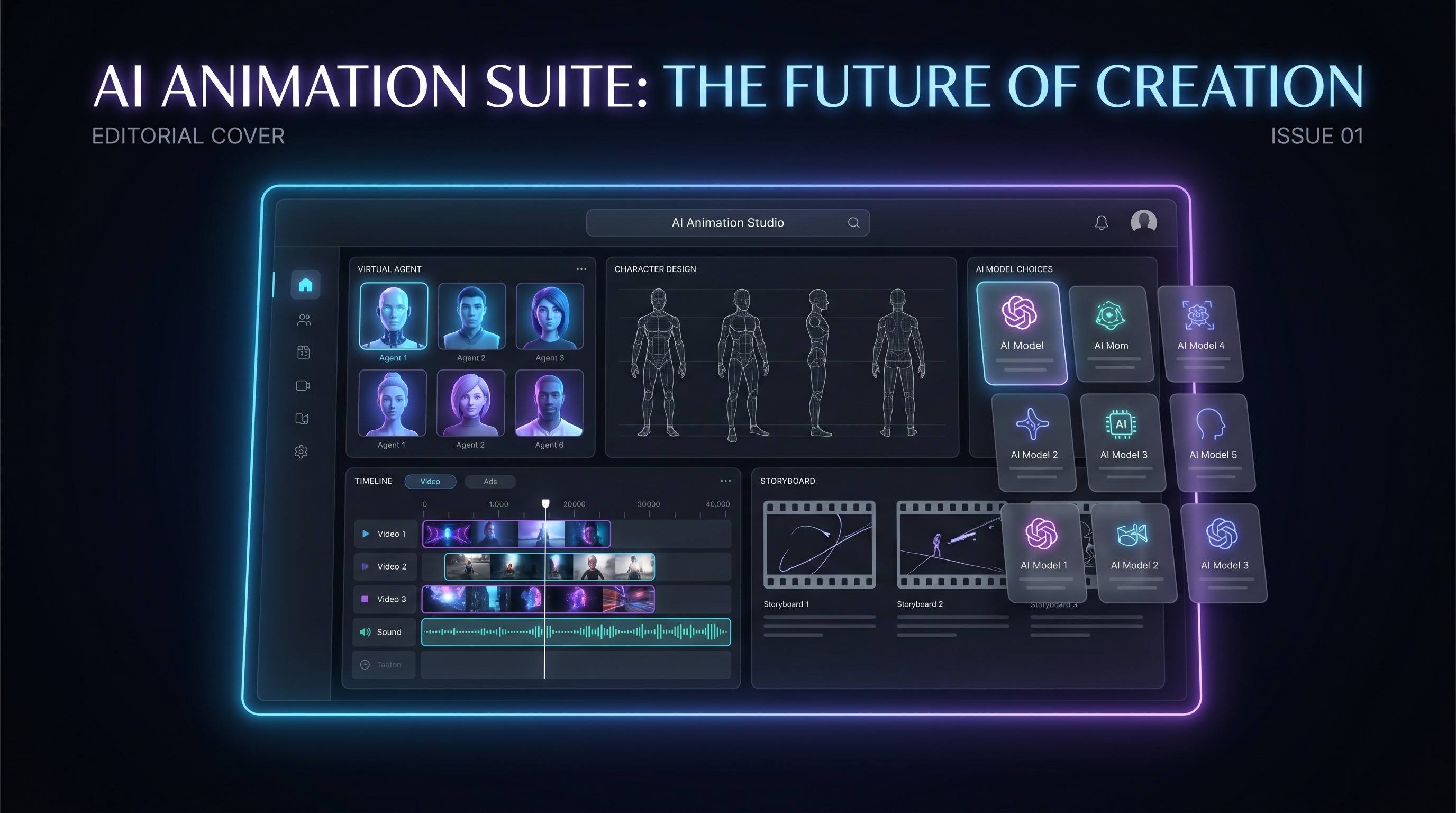
If you’ve ever wanted to make an animated short but bounced off the usual hurdles — storyboarding, character design, scene continuity, editing, and sound — OiiOii AI is built around a very specific promise: an AI animation agent workflow that helps creators make animation more like they are directing a tiny studio.
That is an appealing idea. Instead of asking users to master every model, prompt trick, and production step, OiiOii tries to turn animation into a guided creative process. You start with an idea, shape it into scenes, refine the style, and push the result closer to a finished short.
This review explains what OiiOii AI is designed to do, what it is genuinely good at, where it may frustrate serious creators, and when it makes more sense to use Fylia AI as a flexible model toolbox for cinematic video, motion control, video-to-video, and short-form content.
What OiiOii AI Is in Plain English
OiiOii AI positions itself as an AI animation platform built around a multi-agent workflow. Instead of giving you only one blank “generate video” box, it is framed more like a small creative team. You describe what you want, and the system behaves like a group of specialized helpers: story planner, art director, storyboarder, animator, and editor.
That changes the creative experience. OiiOii is not trying to be a raw model sandbox where you control every technical parameter. It is closer to a creator-friendly animation pipeline where you can move from idea to animated output without building the whole production process yourself.
In simple terms, OiiOii is less like an engine room and more like a studio assistant.
The Agent Team Concept: Why It Feels Different
When people describe OiiOii as an “agent team,” they usually mean the workflow is structured around roles and steps rather than one isolated prompt.
You do not just type a sentence and wait. You can guide the project through creative feedback such as “make this scene more dramatic,” “keep the character consistent,” “change the camera angle,” or “make the ending feel warmer.” The platform then tries to resolve those instructions across the sequence.
That approach is helpful for creators who do not want to micromanage technical settings. It also lowers the barrier for people who think in scenes, characters, and story beats rather than model parameters.
The trade-off is control. If you need exact motion timing, exact continuity, or a specific shot structure, the guided workflow can feel less predictable than choosing a specialized model or tool directly.
A useful mental model:
- OiiOii AI is a guided animation workflow that tries to figure out the production path for you.
- Fylia AI is a model toolbox where you choose the best video tool for each job and steer the result more directly.
OiiOii Workflow Review: What You Actually Do
1) Start From an Idea or Mini Script
OiiOii works best when you write something closer to a scene plan than a single vague sentence. For example:
- Scene 1: Establishing shot of a rainy city street with neon reflections.
- Scene 2: A hooded character enters a small ramen shop.
- Scene 3: Close-up of the character’s eyes revealing fear.
If you only write “make a cool anime scene,” the platform can still produce something, but you will probably spend more time correcting the result.
2) Choose a Visual Style
This is where OiiOii tends to feel strongest. It works well for stylized animation vibes, mood pieces, and cohesive visual direction. If your goal is a short aesthetic sequence rather than a continuity-heavy narrative, this can be a sweet spot.
3) Generate Scenes and Refine
The core experience is closer to directing a rough cut than configuring a technical model. You create a sequence, review it, and provide feedback. Natural-language refinement is the big attraction here.
4) Export the Result
For social shorts, the main question is simple: does the clip look cool, and does it communicate quickly? OiiOii can work well when the target is a short, stylish, shareable animation.
Output Quality Tests That Matter
To review OiiOii fairly, it helps to test the same creative problems creators face in real projects.
Character Consistency
The goal is to keep the same face, outfit, hairstyle, and overall character identity across multiple shots. OiiOii’s guided approach can help, but AI animation still struggles with drift, especially in close-ups, hands, accessories, and hair details.
If your story depends on tight character continuity, expect to iterate.
Motion Realism
OiiOii can produce attractive movement for stylized scenes, but exact choreography is a different challenge. Dance clips, martial movement, product handling, or reference-based body motion usually need motion-controlled tools.
Cinematic Grammar
The platform performs better when your input has film language: establishing shot, medium shot, close-up, reaction shot, reveal. If your prompt is vague, the output may feel like a highlight reel rather than a scene with clear continuity.
Stylization
This is often the easiest win. OiiOii can be fun for mood, tone, and visual cohesion. If you want a stylized animated concept trailer or atmospheric short, it can feel immediately rewarding.
Prompt Obedience
OiiOii responds better when instructions are direct:
- “No costume change.”
- “Keep the camera handheld.”
- “Same character design across all shots.”
- “Do not change the location.”
The clearer you are, the less the system improvises.
Creative Control: Where OiiOii Feels Great and Where It Doesn’t
OiiOii feels enjoyable when you want fast creative direction. You can iterate in natural language, focus on story beats, and get finished-looking results without designing a full pipeline.
It becomes frustrating when you need precision. You may not always be able to lock motion exactly, maintain perfect continuity, or control shot timing the way a professional editor or animator would.
That does not make OiiOii weak. It simply means the product is best understood as a guided creative partner rather than a precision production tool.
Speed and Reliability: Time-to-First vs. Time-to-Good
Most AI video tools feel fast at first and slower later.
OiiOii’s time-to-first-result can be quick, especially for vibe-first animation. Time-to-good-result depends on how strict your standards are. Social shorts and concept pieces can reach “good enough” quickly. Tight narrative sequences, character continuity, and complex movement will take more refinement.
The key question is not how fast the tool generates. The real question is how many attempts it takes to get a usable clip.
Pricing and Value: Focus on Cost per Usable Clip
For AI animation tools, the best value metric is not the number of generations. It is cost per usable clip.
If you generate twenty versions and only one is usable, the real cost of that usable clip includes the nineteen failed attempts. OiiOii offers the most value when it reduces production overhead: less planning, less asset rebuilding, less tool-switching, and more time spent directing.
Best Use Cases for OiiOii AI
OiiOii is a good fit for:
- short mood animations
- concept trailers for stories or games
- social shorts where style matters more than perfect continuity
- early animation prototyping
- creators who prefer natural-language directing over technical setup
If your goal is to create a cool animated moment or test whether a scene idea has potential, OiiOii can be a useful and enjoyable tool.
Weak Spots: When You’ll Want Alternatives
OiiOii is less ideal for:
- tight continuity storytelling where faces and outfits must match perfectly
- exact motion or choreography based on a reference
- professional post workflows needing precise controllable outputs
- marketing videos where brand, product, and motion consistency are non-negotiable
If your content is performance-driven, model choice matters more. That is where Fylia AI becomes the better recommendation.
The Smart Alternative: Use Fylia AI as Your Model Toolbox
If OiiOii is a guided studio assistant, Fylia AI is a toolbox where you pick the best engine for the task.
That gives creators several advantages:
- use cinematic models for story shots
- use motion-control tools for choreography and performance
- use video-to-video tools when you want to transform a base clip
- use image-to-video tools when you already have a strong visual frame
- compare different models without rebuilding the entire workflow
Below are the best OiiOii alternatives inside Fylia AI, organized by the type of result you want.
If You Want Cinematic, Story-Like Shots
For cinematic scenes, concept trailers, story previews, and atmospheric short films, start with:
These are stronger choices when you want the output to feel like a cinematic short rather than a loosely connected stylized montage.
If You Care Most About Motion Accuracy
If your priority is “make this character move like that reference,” use motion-controlled workflows:
These are better choices for dance references, action blocking, body performance, influencer-style clips, and scenes where movement matters more than general vibe.
If You Need Realism for Marketing, Product, or UGC-Style Videos
For marketing and product videos, start with a practical workflow rather than a single magic model. Use the Fylia AI Video Generator for broad testing, then compare cinematic models such as Veo 3.1, Veo3, and Sora 2 based on your product type.
If your content begins from a product image, use Image to Video so the subject stays anchored. If you already have a base clip, use Video to Video to restyle or refine the footage.
This path works better for ads, product teasers, creator-style UGC, and social campaign drafts because it lets you choose the workflow around the asset you already have.
If You Want Fast, Stable Short-Form Social Content
When you need quick short clips for testing or social distribution, use:
These options are useful when speed, lightweight testing, and short-form structure matter more than building a complex animated scene.
If You Want Expressive Character Performance
For character-driven motion, emotion, presence, and dramatic visual energy, try:
These are strong alternatives when the clip depends on a character’s mood, expression, camera energy, or dramatic presence.
If You Prefer Tool Pages Instead of Picking Models First
If you do not want to start by choosing a model, begin with the workflow page:
This is often the easiest route for creators who know the task but do not yet know which model is best.
Final Verdict: Should You Use OiiOii AI?
Use OiiOii AI if you want a guided, studio-like animation workflow. It is especially useful for vibe-first animated shorts, concept pieces, and creators who prefer natural-language iteration.
Use Fylia AI when you want more direct control over the model or workflow. It is better when you need cinematic realism, motion accuracy, image-to-video consistency, video-to-video transformation, or fast short-form testing.
Quick Cheat Sheet
- Cinematic story shots: Sora 2 or Veo 3.1
- Motion transfer and choreography: Kling Motion Control or Runway Act Two
- Marketing and product realism: AI Video Generator, Image to Video, or Video to Video
- Fast short-form testing: Vidu 2.0 or Vidu Q1
- Expressive character performance: Hailuo AI or Higgsfield AI
The simplest recommendation is this: use OiiOii when you want a guided animation partner, and use Fylia AI when you want to choose the right model for each part of the production.
Related Articles
- Directorial Video Generation Guide: Using Higgsfield Kling for Multi-Shot Clips
- From Still to Studio: Animate Any Photo with Kling 2.6 Motion Control
- Image to Video with Higgsfield AI
- Seedance 2.0 Video Generation Review: Control, Consistency, and Where It Fits
People Also Read
- Seedance 2.0 Video Generation Guide: Tutorial + Prompts
- How to Use Seedance 2.0 for Anime Clips: Prompt Examples and Scene Ideas
- Happy Horse 1.0 Is Alibaba’s AI Video Surprise of the Moment — But How Does It Compare With Seedance 2.0?
- Nano Banana Pro on DreamMachine AI: A Practical Way to Create Better AI Images




















