Free Qwen Image 3.0 AI Image Generator and Editor (Beta)
Use Free Qwen Image 3.0 to turn a written brief into an image or revise a reference photo. Describe the scene, layout, and any words you want included, then review the details. Try the beta on Fylia AI with 100% free, unlimited generations and no signup required.
Try Faster, Higher Quality Image Generator Now!
Upgrade for faster queues, higher quality output, and more generation options.
Explore Prompt-Based Designs with Free Qwen Image 3.0
Look through image examples for ideas about subject placement, backgrounds, and visual treatment. Adapt those ideas into a prompt or an edit to your own reference image.
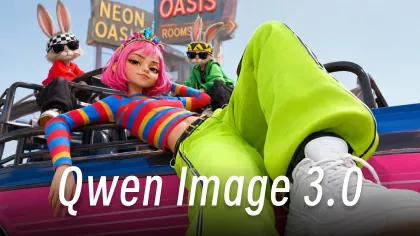
Free Qwen Image Example 1
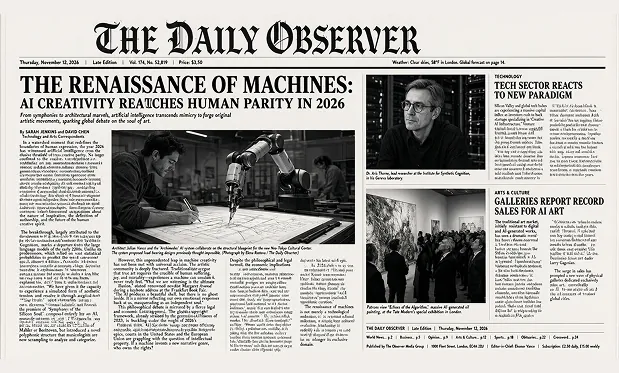
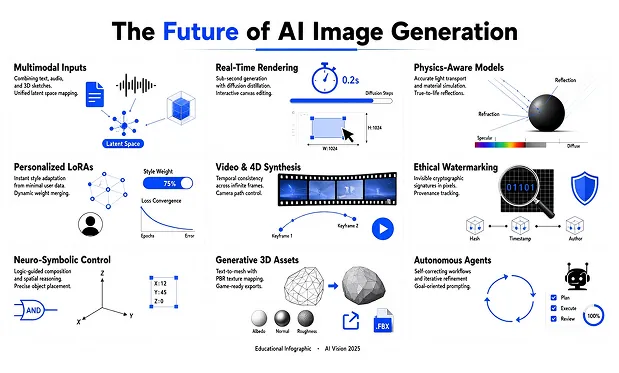
Free Qwen Image Example 2
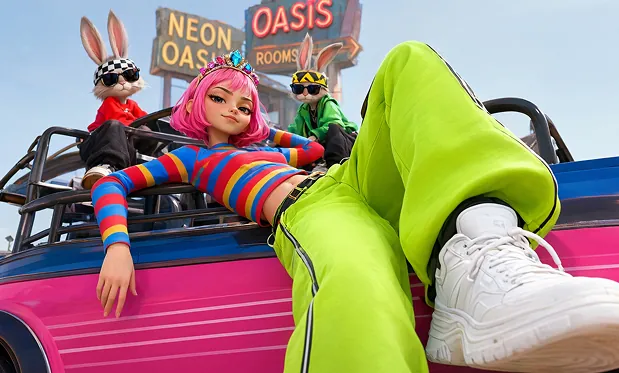
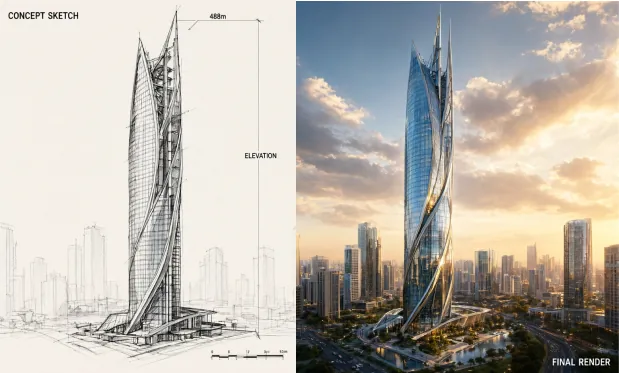
Create Images and Reference-Guided Edits with Free Qwen Image 3.0
Use a text brief for a new image or combine a reference with editing instructions. Describe the intended composition, text, and style to give the generator a specific direction.
Generate from a Scene Description
Write the subject, setting, lighting, and composition in your prompt. A concrete brief gives the image generator more direction than a list of broad style words.
Describe Text and Its Placement
For a poster or label concept, include the exact words and explain where they should appear. Review the spelling and spacing in the generated image before using it.
Revise a Reference Image
Upload a photo and explain the edit, such as changing a backdrop or adjusting the scene’s visual style. Identify the parts of the reference that matter to the new version.
Choose the Shape of Your Layout
Select an available aspect ratio to guide the image composition. Match the frame to a poster, square graphic, or wide visual rather than relying on a crop afterward.
Explore the Free Qwen Image 3.0 Beta on Fylia AI
Try a visual brief in the free beta on Fylia AI, review the output, and revise your prompt. Explore composition and style with unlimited generations, no signup required, and no generation credits to spend.
Try the Beta without Signup
Start a prompt or reference-image edit without creating an account. The browser form offers a direct way to explore the current free Qwen workflow.
Revise without a Generation-Count Cap
Unlimited free generations let you work through new prompts and edits. Use the output to decide what to clarify in your next request.
Write Prompts in English or Chinese
Describe the image in English or Chinese, including the scene and desired changes. Keep names and any requested wording explicit so you can check them in the result.
Move from an Idea to a Visual Draft
Generate an initial composition for review before spending time on final layout work. Download the useful version and assess where the image still needs refinement.
Draft Posters and Product Visuals with Free Qwen Image 3.0
Use text prompts or a reference photo to explore a poster, product setting, lesson illustration, or storyboard image. Inspect any words and factual details in the generated result.
Describe a central illustration, title position, and color palette. Include the event wording, then check the generated text and layout before developing the design.
Plan an Event Poster
Provide a product reference and request a new tabletop or room setting. Review the generated scene for changes to the item as well as the background.
Restage a Product Photo
Prompt a focused illustration for a lesson or knowledge card. Check labels and factual details before using the generated picture as teaching material.
Illustrate a Classroom Topic
Describe a character, environment, and camera view for a storyboard still. Download the image concept as a reference for planning the opening shot.
Sketch a Video Opening Frame
Explore Free Qwen Image 3.0 Image Ideas on X
Browse shared image examples for prompt and editing inspiration. Use your own subject and instructions to explore a new image.
How to Create with Free Qwen Image 3.0 on Fylia AI
Write your scene or editing request, add a reference if needed, and choose an aspect ratio. Generate the image, review its details, and download the version you want.