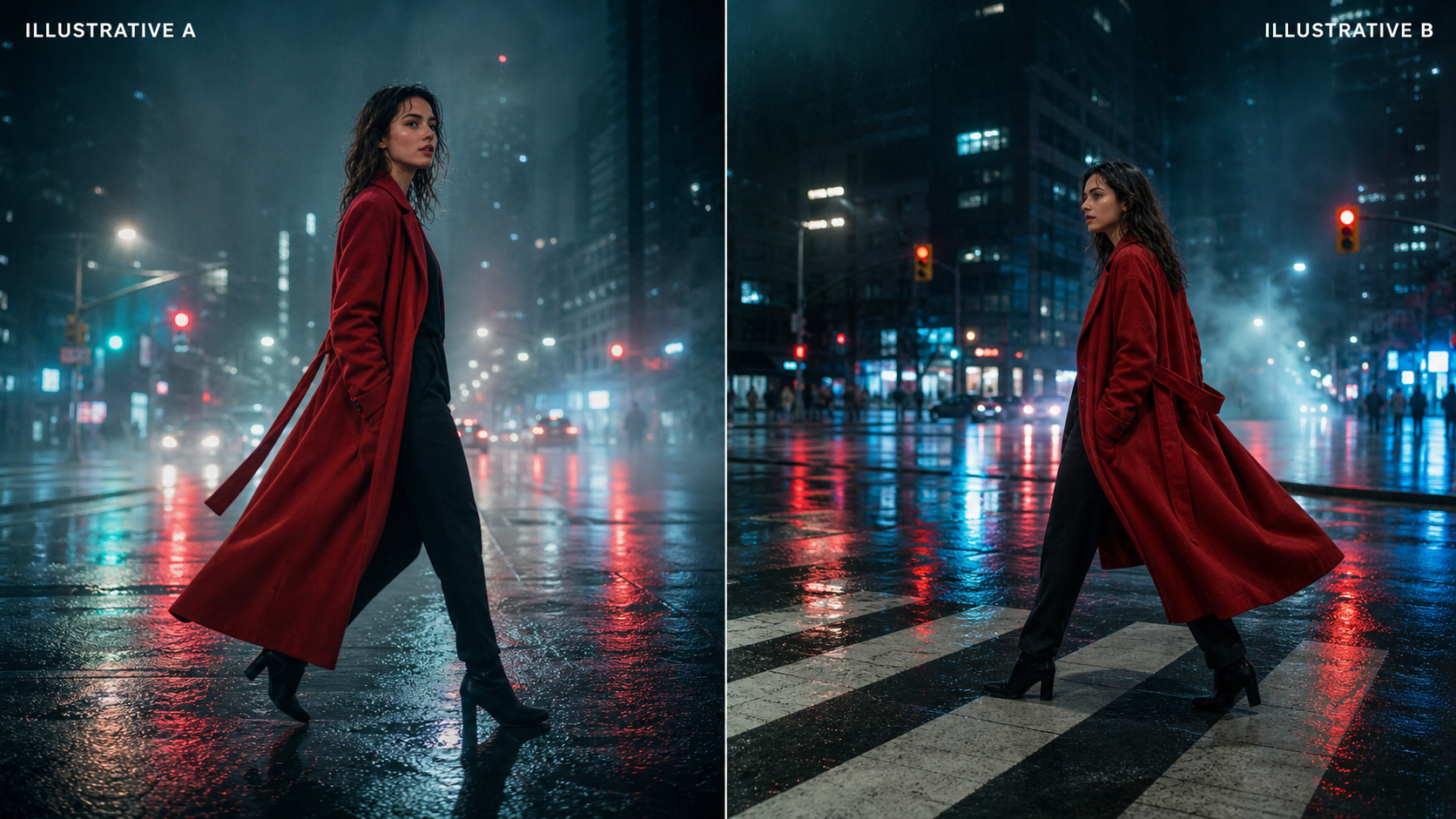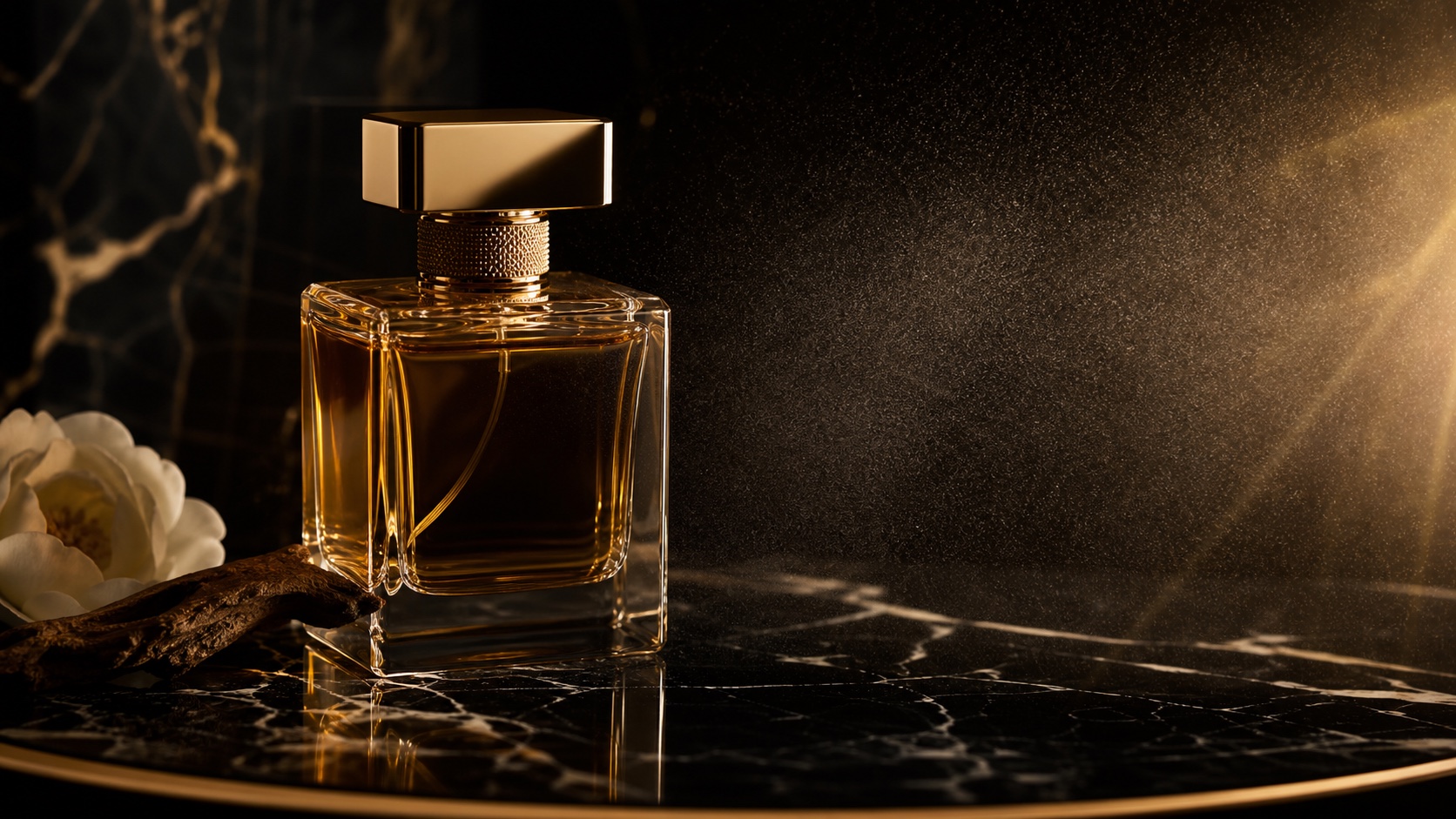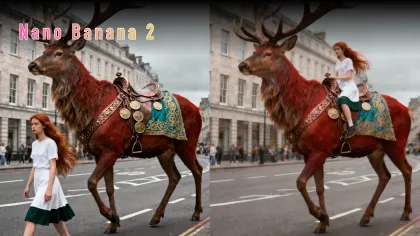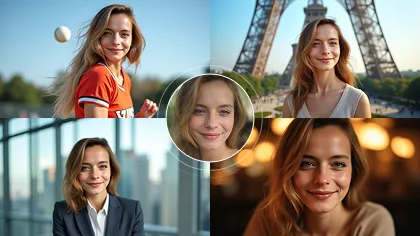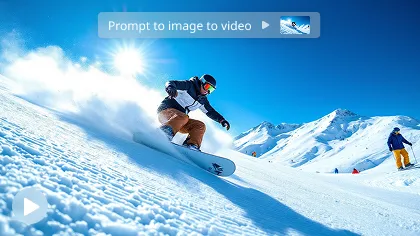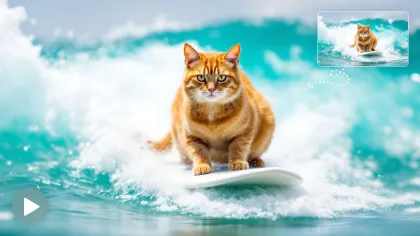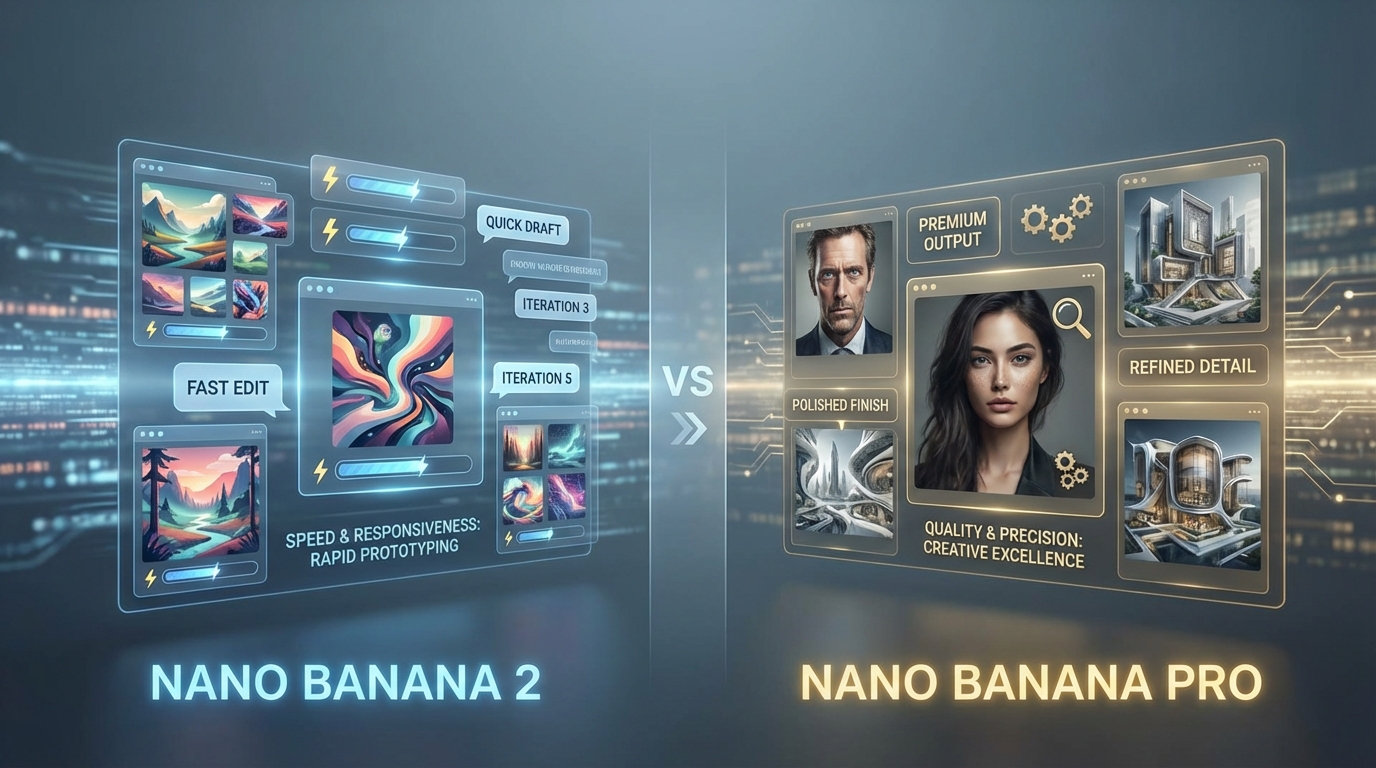
If you are trying to choose between Nano Banana 2 vs Nano Banana Pro, the good news is that the difference becomes much easier to understand once you stop thinking in terms of hype and start thinking in terms of workflow.
Both belong to the broader world of the Gemini AI image generator ecosystem. Both can create images from prompts, edit existing images, and help users move from rough idea to polished visual. But they are not built for exactly the same kind of job.
In simple terms, Nano Banana 2 is the faster, more practical option for everyday image work, while Nano Banana Pro is the more premium option for higher-quality, more demanding creative tasks. If you only remember one thing from this article, remember that.
This guide breaks down what each model does well, how they compare for text, editing, and image quality, and which related tools on Flux Pro AI are worth trying next.
The Quick Answer: What’s the Difference?
The easiest way to think about the comparison is this:
- Nano Banana 2 is designed for speed, iteration, and efficient image creation.
- Nano Banana Pro is designed for stronger quality, better reasoning, and more polished visual output.
That means Google Nano Banana 2 is often the better fit when you want to test many ideas quickly, while Pro is often better when you care more about the final finish.
For many users, this is not really a battle of “good vs bad.” It is more like choosing between a fast creative assistant and a premium finishing tool.
Comparison at a Glance
| Feature | Nano Banana 2 | Nano Banana Pro |
|---|---|---|
| Main Strength | Speed and iteration | Quality and polish |
| Best For | Everyday creation, drafts, fast edits | Final assets, premium visuals |
| Workflow Style | Quick experimentation | More deliberate, quality-first |
| Editing Feel | Responsive and practical | More refined and controlled |
| Text-Heavy Visuals | Good for drafts and layout tests | Better for polished text-based assets |
| Ideal Users | Bloggers, marketers, casual creators | Designers, brands, advanced creators |
What Is the Gemini AI image generator Context Here?
When people compare these two tools, they are really comparing two Gemini-family image experiences with different priorities.
That matters because many readers searching for Gemini Nano Banana 2 are not just trying to identify a model name. They want to know what kind of creative experience they will get. Will it feel fast and forgiving? Or slower but more precise?
That is the most useful lens for understanding the difference.
Nano Banana 2 is the easier recommendation for users who want a flexible and efficient creative workflow. Nano Banana Pro is the stronger recommendation when visual quality, instruction-following, and premium output matter more than pure speed.
Where Nano Banana 2 Wins
The biggest advantage of Google Nano Banana 2 is that it reduces friction.
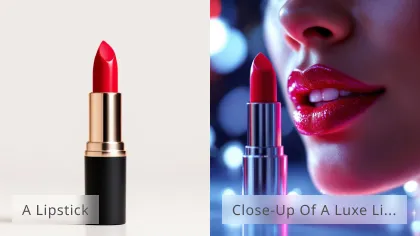
If you are making blog graphics, thumbnails, social media visuals, quick ad concepts, or moodboard images, speed matters. It helps to be able to generate a first result, notice what is wrong, and then keep revising without overthinking every step.
That is where Nano Banana 2 feels strong. It is especially useful for:
- testing several visual directions quickly
- refining concept images through short prompts
- creating social and content visuals at scale
- making fast revisions on existing images
- turning rough ideas into usable drafts
For casual creators and working marketers, that kind of workflow is extremely practical. You may not need the most premium image every single time. You may need something good, fast, and easy to improve.
Where Nano Banana Pro Wins
Nano Banana Pro becomes more attractive when quality matters more than speed.
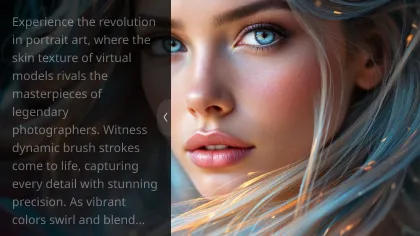
This is the better choice when you are making visuals that need to look more polished from the start. Think product mockups, brand-oriented assets, campaign graphics, clean poster-style compositions, and higher-stakes marketing visuals.
The benefit is not only “prettier pictures.” The value is in more dependable control when the request becomes more demanding. If you want an image to follow a more complex prompt, handle more difficult design instructions, or produce a more premium-looking result, Pro is often the safer choice.
That makes it easier to recommend for:
- ecommerce visuals
- premium product presentations
- polished promotional graphics
- more controlled brand imagery
- final-pass creative assets
AI image generator with text: Which One Is Better?
This is one of the most important questions in real-world use.
A lot of people do not just want AI to create beautiful artwork. They want it to generate visuals that include readable text, headline space, labels, poster layouts, or infographic-style content. That is a harder challenge than pure image generation.
In this area, Nano Banana 2 is often very useful for fast draft work. If you want to test layouts, try different wording placements, or quickly generate design directions, it can save a lot of time.
But Nano Banana Pro is usually the better choice when the text-heavy visual needs to feel more polished and dependable. If your image is supposed to work like a real poster, ad layout, presentation visual, or product-facing creative asset, Pro is the better candidate.
Text Workflow Comparison Table
| Use Case | Better Choice | Why |
|---|---|---|
| Fast poster concepts | Nano Banana 2 | Quicker to test multiple ideas |
| Infographic drafts | Nano Banana 2 | Good for layout exploration |
| Final ad graphics with text | Nano Banana Pro | Better polish and higher-stakes output |
| Product visuals with labels | Nano Banana Pro | More dependable final presentation |
| Rapid social quote images | Nano Banana 2 | Faster turnaround |
AI image editor: Which One Is Better for Editing?
Both models can help as an AI image editor, but they shine in different ways.
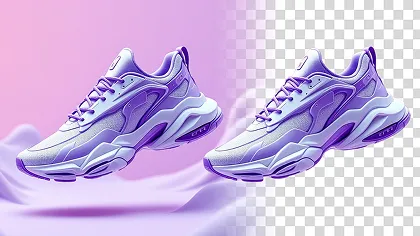
Nano Banana 2 is excellent when you want to make practical changes quickly. For example, you might want to swap a background, change colors, simplify a scene, adjust a mood, or turn a product photo into a cleaner ad concept. It feels like a responsive editing assistant.
Nano Banana Pro is a better fit when the edit is more demanding and you care about the finish. If you need stronger design control, more refined instruction-following, or more premium-looking results, Pro is more appealing.
Editing Comparison Table
| Editing Task | Nano Banana 2 | Nano Banana Pro |
|---|---|---|
| Background change | Fast and convenient | More polished finish |
| Style variation | Great for quick tests | Better for high-end outcomes |
| Product scene cleanup | Good for fast drafts | Better for premium assets |
| Promotional image revision | Easy to iterate | Stronger final quality |
| Precision-heavy creative edit | Usable | Usually better choice |
Nano Banana 2 vs Nano Banana Pro by User Type
The easiest way to decide is to match the model to your actual workflow.
Nano Banana 2 is better if you are:
- a blogger creating supporting visuals
- a marketer testing many creative directions
- a casual creator who values speed
- a social media manager making frequent image variations
- someone who wants a lighter, easier workflow
Nano Banana Pro is better if you are:
- a designer making polished visual assets
- a brand-focused creator
- an ecommerce seller building product imagery
- a marketer producing final campaign visuals
- someone who wants stronger output quality over pure speed
What About Nano Banana 2 vs Nano Banana?
Some users also search for Nano Banana 2 vs Nano Banana. That question usually comes from naming confusion.
In practice, that comparison is often less useful than Nano Banana 2 vs Nano Banana Pro, because the real decision most readers care about is whether they should use the faster mainstream option or the more premium option.
Still, if you see Nano Banana AI listed elsewhere, it can be useful as a nearby reference point for understanding the broader Nano Banana family and different platform implementations.
Which One Should You Pick?
If you want the safest recommendation for most users, choose Nano Banana 2.
It is easier to fit into everyday creative work, especially when speed, iteration, and convenience matter. It is the more intuitive choice for people who want to generate, revise, and move on.
If you are more quality-sensitive and your visuals matter more as finished assets, choose Nano Banana Pro.
A very practical strategy is this:
- Start in Nano Banana 2 for ideation and revisions.
- Move to Pro when you want the strongest final output.
That gives you the best of both worlds.
Related Flux Pro AI Tools and Models Worth Trying
If you want to go beyond this comparison, there are several useful related tools and models to explore.
Flux AI Image Generator
A good starting point if you want a broader hub for comparing multiple image models and workflows in one place.
Flux Kontext Editor
A strong option if your main goal is editing images with prompts, especially when context-aware changes matter more than pure generation.
Nano Banana Inpainting
A practical tool for object removal, image repair, and targeted prompt-based inpainting when you need to change only part of an image.
Nano Banana AI
Useful if you want to explore the broader Nano Banana experience and compare it with Nano Banana 2 and Pro.
Qwen Image Generator
Worth testing if you want another image-generation workflow on the same platform for side-by-side comparison.
Final Thoughts
The difference between Nano Banana 2 and Pro is actually quite intuitive once you view them through the lens of workflow.
If your goal is fast creation, smooth revisions, and practical day-to-day image work, Nano Banana 2 is the better fit. If your goal is higher-end output, more refined editing, and more premium visual quality, Nano Banana Pro is the better fit.
So the real question is not which model is universally better. It is which one better matches the way you create.
For most people, Nano Banana 2 is the easier place to start. For more demanding visual work, Pro is the stronger finish line.