Free Image to Image AI Photo Editor for Prompt-Based Changes
Give an existing picture a new direction with Free Image to Image AI on Fylia AI. Upload a reference, describe what should change and what should stay, then choose an aspect ratio. Restyle photos or explore new backgrounds with 100% free, unlimited generations and no signup required.
Try Faster, Higher Quality Image Generator Now!
Upgrade for faster queues, higher quality output, and more generation options.
Explore Photo Transformations with Free Image to Image AI
Browse reference-based editing ideas for backgrounds, visual styles, and product scenes. Use your own source picture and explain the transformation you want to try.
Image-to-Image Example 1
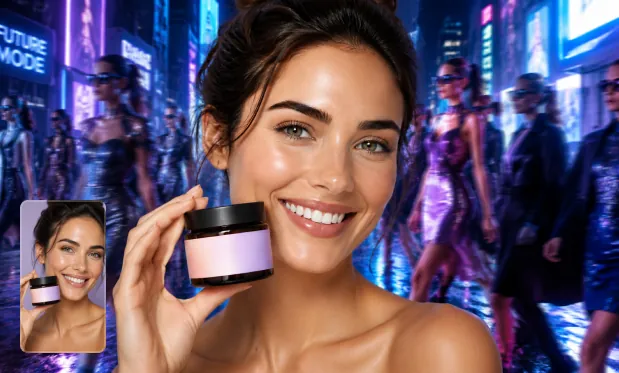
Product Image Transformation
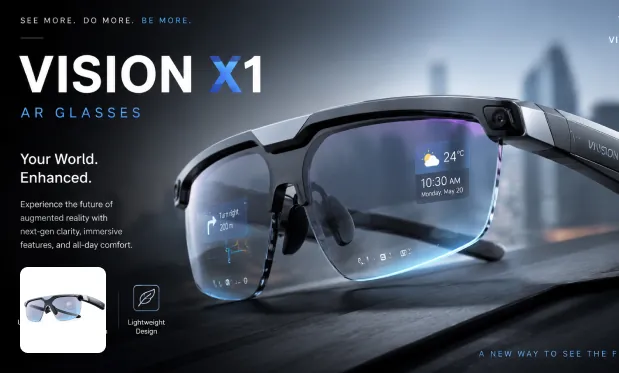
Product Image Restyle
Image-to-Image Example 2
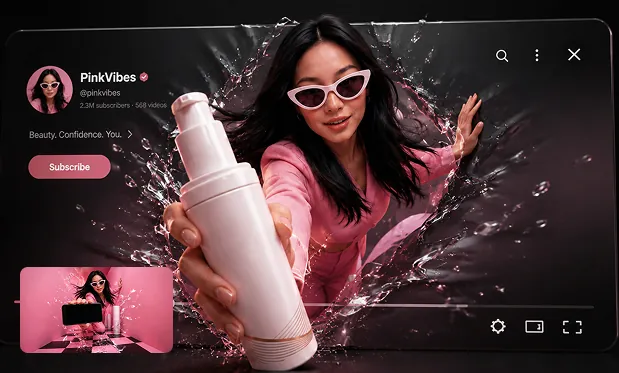
Poster from Prompt
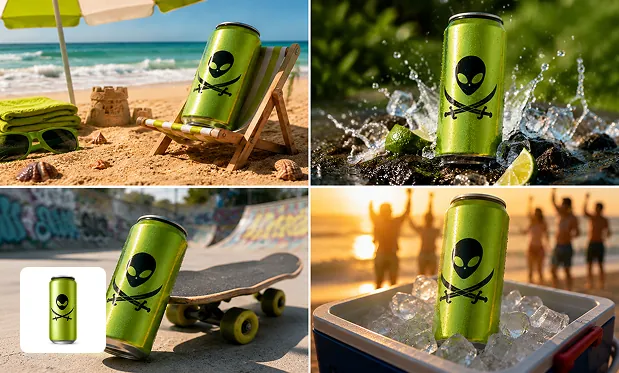
Background Swap
Guide Photo Changes with Free Image to Image AI
Combine a source image with a written edit and set the frame shape. Your reference anchors the request while the prompt explains the desired change.
Start with a Photo or Sketch
Upload the image that should guide your result. A portrait, product photo, or sketch gives the model a visual starting point for the requested edit.
Explain the Change in Words
Ask for a different setting, lighting treatment, color, or style. State which details should stay the same so the editing request has a clear boundary.
Explore a New Visual Style
Request a watercolor, illustrated, or studio-inspired treatment for your photo. Pair the style with details about the subject that should remain recognizable.
Set the New Composition
Choose the image shape before generating a variation. Preview the output to see how the requested edit and framing affect the original subject.
Edit Photos Free on Fylia AI with Image to Image AI
Start from a photo you already have and explore changes on Fylia AI without an account or generation credits. Unlimited free generations let you refine the background, colors, and style before downloading the edit you prefer.
Build on an Existing Visual
Reuse a source image instead of describing the entire scene from scratch. Focus the prompt on the changes that would make it more useful for your project.
Try Edits without Signing Up
Use the photo-editing form for free without creating an account. Upload your reference and describe a change directly in the browser.
Explore More than One Treatment
Unlimited generations let you try another background, palette, or style. Compare each version with the source to decide which direction is worth keeping.
Save a Separate Result
Download the generated edit as a new image. Keep your original source so you can compare it with the edited picture and revisit the brief.
Restyle Portraits and Product Photos with Free Image to Image AI
Use an existing portrait, product shot, sketch, or landscape as the basis for a new image. Describe a specific change so the generated result serves your project.
Upload a portrait and request an illustrated or studio-inspired treatment. Name the appearance details you want to preserve and inspect them in the output.
Give a Portrait a New Style
Use a product photo and describe a new surface or background. Check that the generated version still represents the item as intended before using it in a design.
Change a Product’s Setting
Provide a sketch and describe materials, colors, and lighting for a more developed concept. Use the generated image to evaluate a design direction.
Develop a Rough Sketch
Upload a landscape and ask for a different season or visual treatment. Compare the result with your source to judge how the edit changes the atmosphere.
Rework a Landscape’s Mood
How to Edit with Free Image to Image AI on Fylia AI
Upload your reference, choose an aspect ratio, and describe the edit. Generate a variation, compare it with the source, and download a version you like.