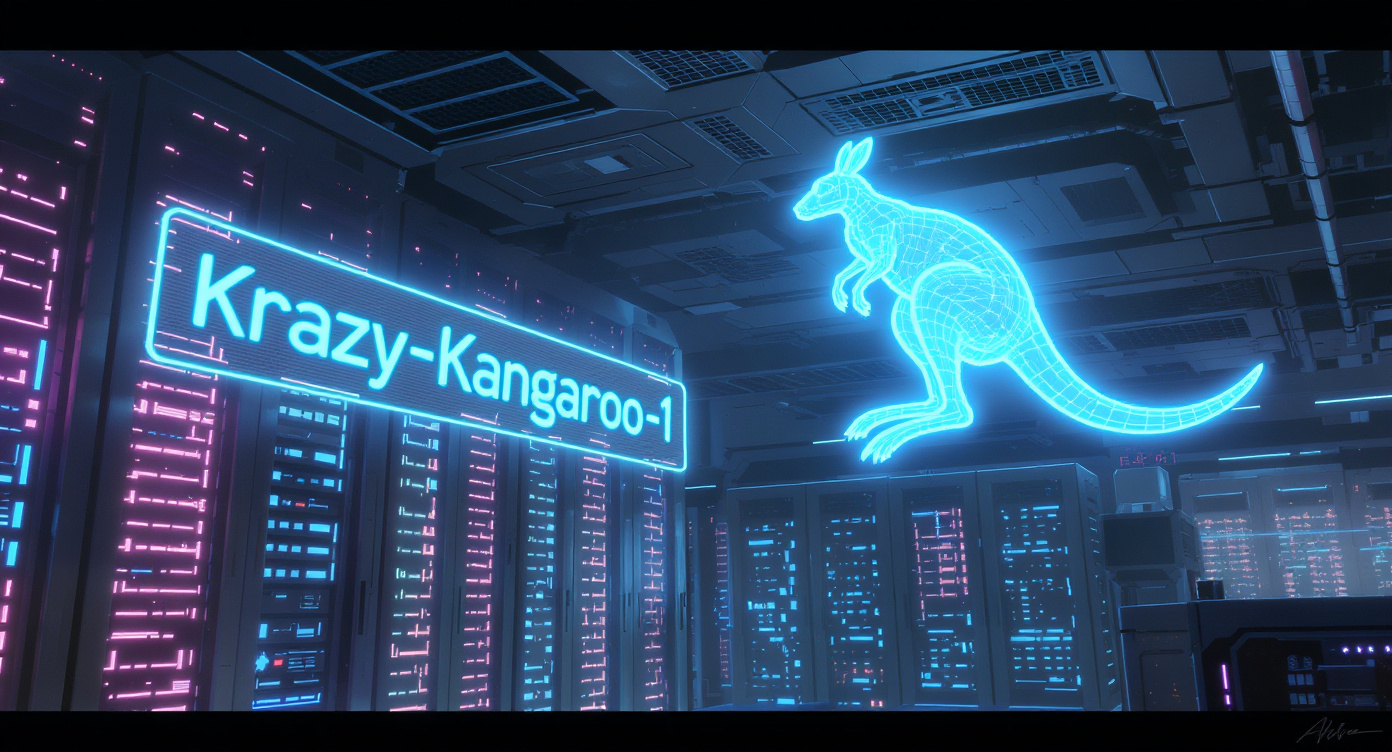
When a strange model name starts appearing across smaller AI platforms, creators usually treat it as a curiosity. That is what happened with krazy-kangaroo-1. At first, the name sounded like a test model, a private experiment, or a playful placeholder inside an image-generation backend.
Then users began paying attention to the results.
Reports from AI artists and developers suggested that krazy-kangaroo-1 was not behaving like a casual demo. Some outputs appeared sharper, more coherent, and more controlled than expected. Several third-party platforms also connected the model name to Flux.2, which turned the discussion from a niche discovery into a wider AI community rumor.
The original question was simple: was krazy-kangaroo-1 an early glimpse of Flux.2?
Now that Black Forest Labs has published official FLUX.2 information, the better question is more useful for creators: what can this rumor teach us about evaluating new AI image models, and how should creators build reliable image and video workflows without chasing every unofficial leak?
For Fylia AI users, the answer is practical. Treat mystery models as signals, not guarantees. Watch the trend, compare output carefully, and build your production workflow around stable tools such as AI Image Generator, AI Image to Image, Image to Video, and AI Video Generator.
What Was Krazy-Kangaroo-1?
Krazy-kangaroo-1 was a model identifier that appeared in online discussions, smaller generation platforms, and reported backend references. The name was unusual enough to catch attention, but the output quality was what made people look closer.
Users claimed the model handled several areas better than expected:
- Cleaner facial structure
- More stable lighting
- Better prompt adherence
- Stronger image coherence
- Improved handling of visual details
- More convincing multi-reference behavior
Those observations were not the same as official confirmation. Screenshots, endpoint names, and third-party labels can be useful clues, but they can also be misread. A model name may refer to a test route, a wrapper, a fine-tuned variant, a partner build, or a marketing label rather than a public model release.
That is why the safest way to cover krazy-kangaroo-1 is to describe it as an unofficial model sighting that became part of the Flux.2 rumor cycle, rather than as confirmed proof by itself.
Why the Rumor Spread So Quickly
The AI image community reacts quickly to anything that suggests a major model upgrade. That reaction made sense here because Flux models had already built a strong reputation among creators who care about image quality, style control, and open-model experimentation.
When users saw a strange new identifier producing unusually polished images, they naturally compared it with known models. Some third-party descriptions reportedly called it “powered by Flux.2” or connected it directly to a next-generation Flux model. Even without official confirmation at the time, those labels gave the rumor momentum.
The excitement came from three overlapping signals:
-
The name appeared unusual and consistent enough to notice. A random codename can be ignored once. Repeated sightings across tools feel more meaningful.
-
The output seemed stronger than users expected. People were not only reacting to the name. They were reacting to visible generation quality.
-
The market was ready for a generational upgrade. Creators were already looking for better photorealism, cleaner anatomy, stronger text rendering, and more reliable editing.
Still, a fast-moving rumor is not the same as a verified release. For article quality, the language should stay careful: “users reported,” “some platforms labeled,” “the community speculated,” and “official confirmation was not available at the time.”
What Changed After the Official Release
The original article framed krazy-kangaroo-1 as a possible first look at Flux.2. That was a timely angle when the model’s identity was uncertain. However, the situation has changed because Black Forest Labs later published official FLUX.2 information and model pages.
That means the article should no longer act as though the entire story is still unresolved. A stronger updated angle is:
Krazy-kangaroo-1 was part of the pre-release speculation around a next-generation image model. Now that official FLUX.2 information exists, creators should focus less on the mystery and more on what these model improvements mean for real workflows.
This keeps the original topic intact while making the article more accurate, safer, and more useful.
What Creators Expected from a Next-Generation Image Model
The reason the krazy-kangaroo-1 rumor became interesting is that it matched what creators wanted from a new generation of AI image models.
For many users, the wish list was clear:
- More realistic faces without plastic-looking skin
- Better hand and body structure
- Stronger prompt following
- Cleaner lighting and material rendering
- More stable character identity across edits
- Better typography and poster-style text
- More practical image editing from natural-language instructions
- Faster generation for production workflows
These needs are not only technical. They affect everyday creative work. A marketer may need a product image that keeps the same bottle shape. A storyteller may need the same character across multiple scenes. A designer may need text that is readable enough for a poster draft. A video creator may need a strong first frame before moving into animation.
That is why the conversation around Flux.2 mattered. It was not just about a model name. It was about whether the next model generation could reduce friction in real creative production.
Why Rumors Are Risky for Production Work
AI creators often want early access to the newest model. That curiosity is natural, but relying on unverified tools can create problems.
A mystery model may disappear without warning. Its quality may change after a backend update. Its usage terms may be unclear. Its output may not be stable enough for repeatable client work. It may also be mislabeled by a third-party platform trying to attract attention.
For experimentation, that risk may be acceptable. For production, it is better to use a stable workflow.
On Fylia AI, creators can build around clear tool categories instead of depending on a mystery label. Use AI Image Generator for original visuals, AI Image to Image for reference-based transformations, Image to Video for animating finished images, and AI Text to Video when the project begins from a written scene.
That structure is more reliable than chasing a codename.
A Practical Fylia AI Workflow for Creators
Step 1: Start with the Creative Goal
Before choosing a model or tool, define the asset you need. Are you making a portrait, product image, ad concept, storyboard frame, social post, or first frame for a video?
A clear goal makes tool selection easier. If you are generating a new visual from a prompt, start with AI Image Generator. If you already have a reference image, use AI Image to Image. If your still image is ready for motion, move to Image to Video.
Step 2: Separate Testing from Production
Use experimental models and rumors for exploration, not final delivery. Save your best references, then recreate the useful direction in a more stable workflow.
This protects you from sudden model changes and gives you more control over repeatable results.
Step 3: Write Prompts Around Constraints
A strong prompt should not only describe what you want. It should also describe what must stay consistent.
Use this structure:
Subject + style + fixed details + change request + output format + avoid list
Example:
A cinematic portrait of a young explorer in a red jacket, realistic lighting, detailed background, same face and outfit across variations, change only the environment to a rainy city street, vertical social media format, avoid distorted hands and unreadable text.
This kind of prompt is more practical than a long list of adjectives.
Step 4: Build Still Images Before Video
If the image composition is weak, the video version will usually be harder to fix. Start by creating a polished still frame. Once the character, lighting, and camera angle work, animate it with Image to Video or use broader video tools for motion scenes.
For example:
Animate this still image with subtle camera push-in, natural hair movement, soft background motion, and consistent facial identity. Keep the outfit, lighting, and composition unchanged.
This workflow is easier to control than asking a video model to invent the whole scene from scratch.
Prompt Ideas Inspired by the Rumor
Photorealistic Portrait Test
Create a realistic editorial portrait of a young designer in a modern studio, soft natural light, clean facial structure, detailed fabric texture, realistic skin, shallow depth of field, neutral background, no distorted hands.
Product Consistency Test
Generate a luxury skincare bottle on a marble counter with soft morning light. Keep the bottle shape symmetrical, label area clean, cap centered, premium product photography style, no unreadable text.
Character Continuity Test
Create the same fantasy traveler across three visual concepts: forest path, market street, and candlelit inn. Preserve the same face, hairstyle, cloak color, and calm expression in every scene.
Image-to-Video First Frame
Create a cinematic first frame of a woman sitting beside a train window at sunset, warm reflections on the glass, quiet emotional mood, realistic film still style, suitable for gentle image-to-video animation.
What to Watch in Future Model Rumors
The krazy-kangaroo-1 discussion is a useful reminder that model rumors often begin with small clues. Some are meaningful. Others are noise.
When a new model name appears, evaluate it with these questions:
- Is there an official source?
- Are multiple reliable platforms reporting the same thing?
- Are the sample images reproducible?
- Does the model behave consistently across prompts?
- Are the usage terms clear?
- Can the tool be used in a stable production workflow?
If the answer is unclear, treat it as a test model rather than a dependable creative solution.
Final Takeaway
Krazy-kangaroo-1 became interesting because it appeared to point toward a larger shift in AI image generation: better realism, stronger prompt control, improved reference handling, and more production-friendly editing. The original rumor made sense in its moment, but the stronger article today should be more grounded.
The real lesson is not that every strange model name deserves hype. The lesson is that creators need a reliable way to evaluate new AI tools, separate speculation from confirmed capability, and build workflows that survive beyond one viral rumor.
For practical creation, Fylia AI users can move from image generation to editing and video production through a stable workflow: start with AI Image Generator, refine with AI Image to Image, and animate the best result with Image to Video or AI Video Generator.
That is a safer path than waiting for the next mysterious codename to appear.
Related Articles
- Is This the First Look at Flux.2? Mystery Model Krazy-Kangaroo-1 Sparks AI Frenzy
- Flux Pro AI Is Becoming Fylia AI: A Better Home for Newer, Stronger AI Creation
- Professional AI Image Generation Guide: Features, Prompts, and Creative Workflows
- How to Use Flux AI Image Generator: A Smarter Way to Create AI Images from Image Inputs
- How to Generate Videos Using Flux AI Video Generator
- Exploring the Flux AI Video Generator: A Guide to Creating Videos
People Also Read
- Flux Kontext Dev: The Future of Open-Source AI Image Editing and Generation
- How to Create Product Photography with Flux AI: A Complete Guide
- VideoWeb AI Image Generator 2026: The Creator Switchboard for Fast-to-Final Images
- VideoWeb AI Video Generator 2026: One Hub for Every AI Video Workflow
- Seedream 5.0 AI Image Editor Guide on HeyDream AI
- HeyDream AI Image Generator Guide: Best Models for Text-to-Image and Image-to-Image
- How to Use Sea Imagine AI’s Image Generator: A Beginner-Friendly Tutorial
- SeaImagine AI Text-to-Video Guide: How to Choose Models and Create Better Clips




















