Free GPT Image 2 AI Image Generator
Free GPT Image 2 AI Image Generator is a no-signup required text to image generator powered by OpenAI. Input prompts or uploaded reference images, generate images as you like.
Explore GPT Image Pages and the API
Start with a linked GPT Image tool in the browser or visit Flaq's OpenAI GPT Image API model entry. The free 2.5 page lets you try a prompt or one reference. Free browser generation and API pricing are separate.
Try the Newer 2.5 Image Workflow
OpenAI presents 2.5 as improving image detail, the precision of edits, and retention of subjects across changes. Try an existing visual idea in the free 2.5 tool and review how the result fits your brief.
Read OpenAI’s Images 2.5 introductionImage Examples from Free GPT Image 2 AI Image Generator
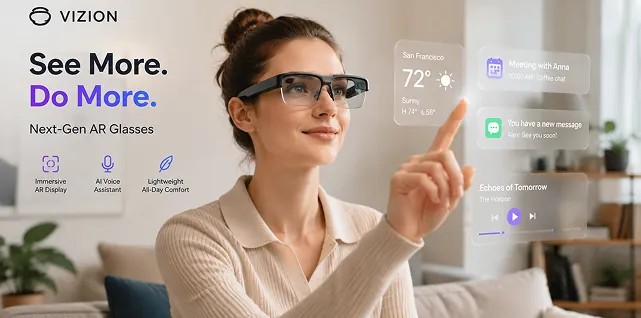
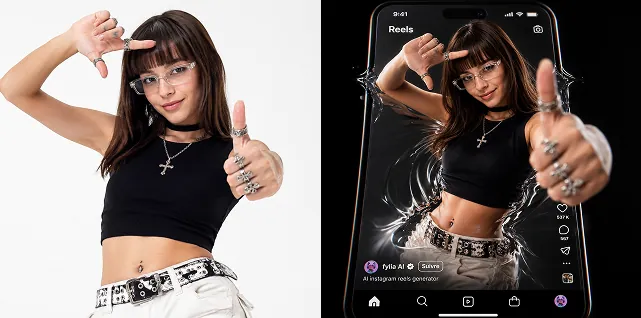
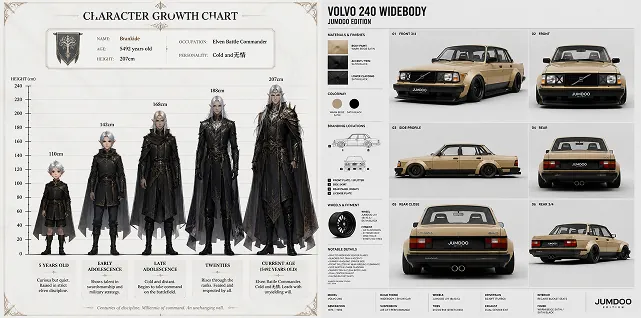
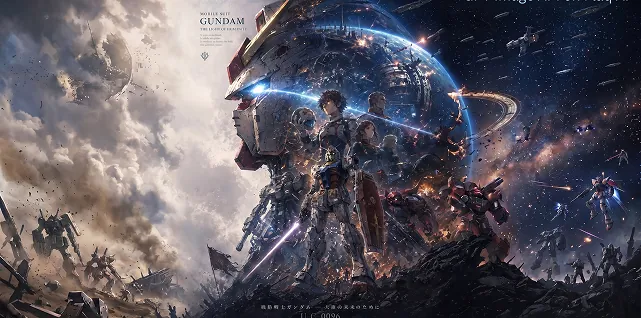
Explore how Free GPT Image 2 creates product showcase images, travel posters, fashion moodboards, brand guideline visuals, collage artwork, social posts, YouTube thumbnails, menus, educational diagrams, comparison tables, portfolio mockups, presentation slides, and reference-guided design variations from prompts or uploaded images.
Example 1
Example 2
Core Features of Free GPT Image 2 AI model
Free GPT Image 2 AI Image combines no-signup image generation, text-to-image prompting, reference image editing, accurate text rendering, structured layout control, flexible aspect ratios, and practical creative workflows.
No-Signup AI Image Generation
Start creating AI images online without registration. Enter a prompt, define the visual direction, upload optional references, and generate useful images in a simple browser-based workflow.
Text-to-Image with GPT Image 2
Describe the subject, scene, lighting, camera angle, style, color palette, typography, mood, composition, and format to generate detailed images that follow your creative brief.
Reference Image Editing
Upload reference images to guide image-to-image generation, redesign existing visuals, restyle portraits, refine product shots, create variations, adjust backgrounds, or preserve an important visual direction.
Accurate Text and Structured Layouts
Create text-heavy visuals such as posters, infographics, comparison tables, labeled diagrams, menus, slides, timelines, and social ads where readable text and organized layout matter.
Advantages of Free GPT Image 2 AI Generator
Free GPT Image 2 AI Generator helps creators, marketers, designers, educators, ecommerce teams, and product builders turn prompts and reference images into polished visual assets faster.
Free and Easy to Try
Use GPT Image 2 AI Generator with no signup required, making it easy to test prompts, compare visual ideas, explore AI image editing, and create quick creative drafts.
Detailed Prompt Control
Guide the image with natural language instructions for layout, object placement, title text, labels, brand colors, materials, lighting, camera angle, mood, and composition.
Generate, Edit, and Repurpose
Start from text or upload reference images to create new visuals, refine existing designs, resize concepts for different channels, adjust style, and produce multiple creative directions.
Built for Practical Visual Content
Create assets for social media, ecommerce, ads, posters, education, presentations, product mockups, diagrams, brand experiments, thumbnails, and content production.
Use Cases for Free GPT Image 2 AI Generator
Free GPT Image 2 AI Generator supports online image generation and editing for marketing, ecommerce, social media, education, design, presentations, personal creativity, and content production.
Social Media and Creator Content
Create Instagram posts, TikTok covers, YouTube thumbnails, Pinterest graphics, profile visuals, campaign images, short-form video covers, and platform-ready social assets.
Advertising and Product Concepts
Generate product scenes, lifestyle mockups, packaging concepts, ad variations, promotional posters, ecommerce images, and campaign directions before full production.
Infographics and Text-Heavy Design
Create structured visuals such as menus, timelines, comparison charts, process diagrams, labeled illustrations, slide graphics, educational posters, and clear layout-based content.
Image Editing and Visual Remixing
Upload reference images to test new backgrounds, adjust style, change visual direction, create variations, redesign scenes, refine compositions, or reinterpret existing photos and graphics.
Explore the social shaing about GPT Image 2 AI on Twitter
Explore the latest creations with #GPTImage2—share your own images, see what others have made, and join the community on Twitter.
How to Use Free GPT Image 2 AI Generator
Generate or edit an AI image with Free GPT Image 2 in three simple steps.


