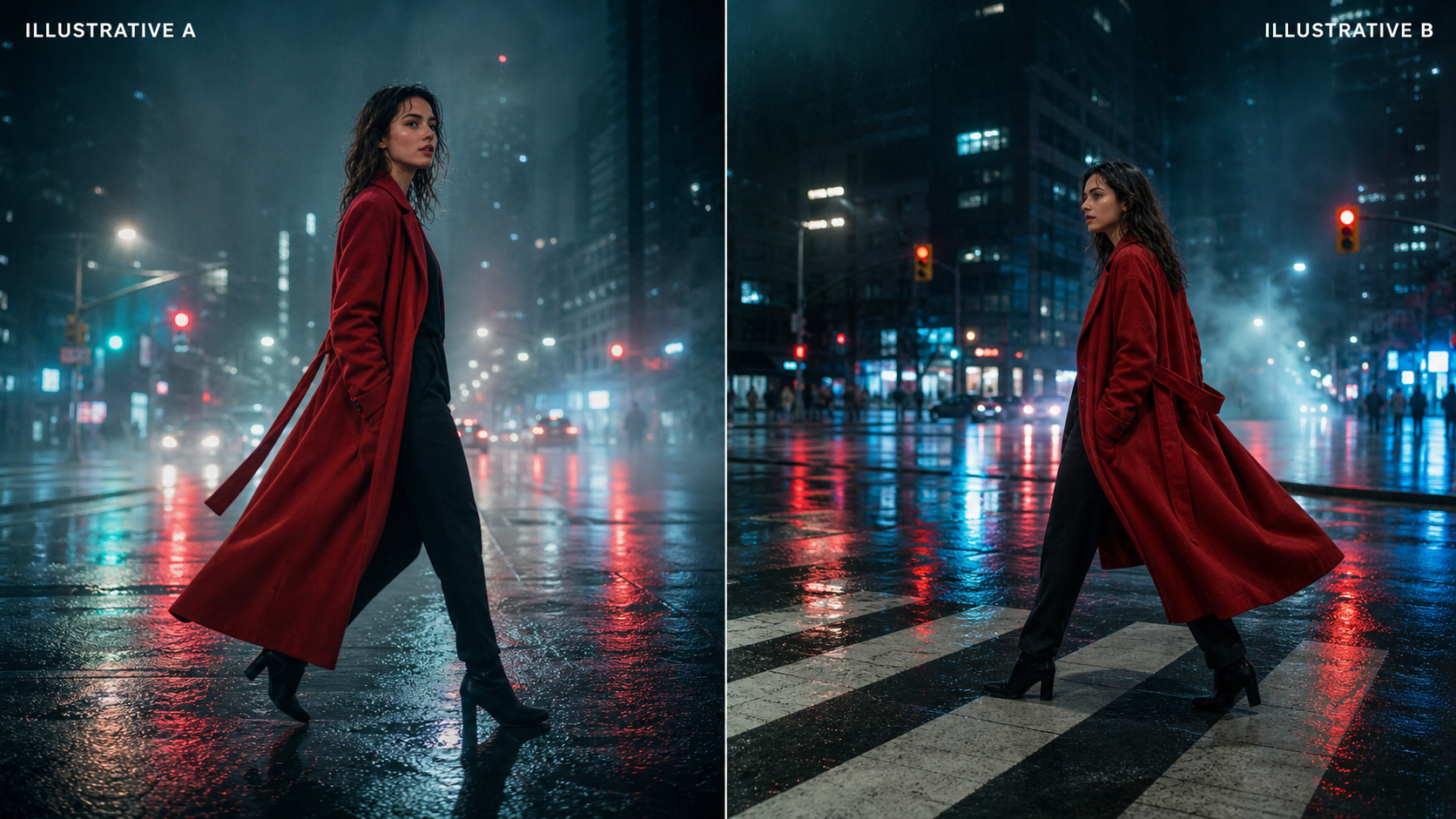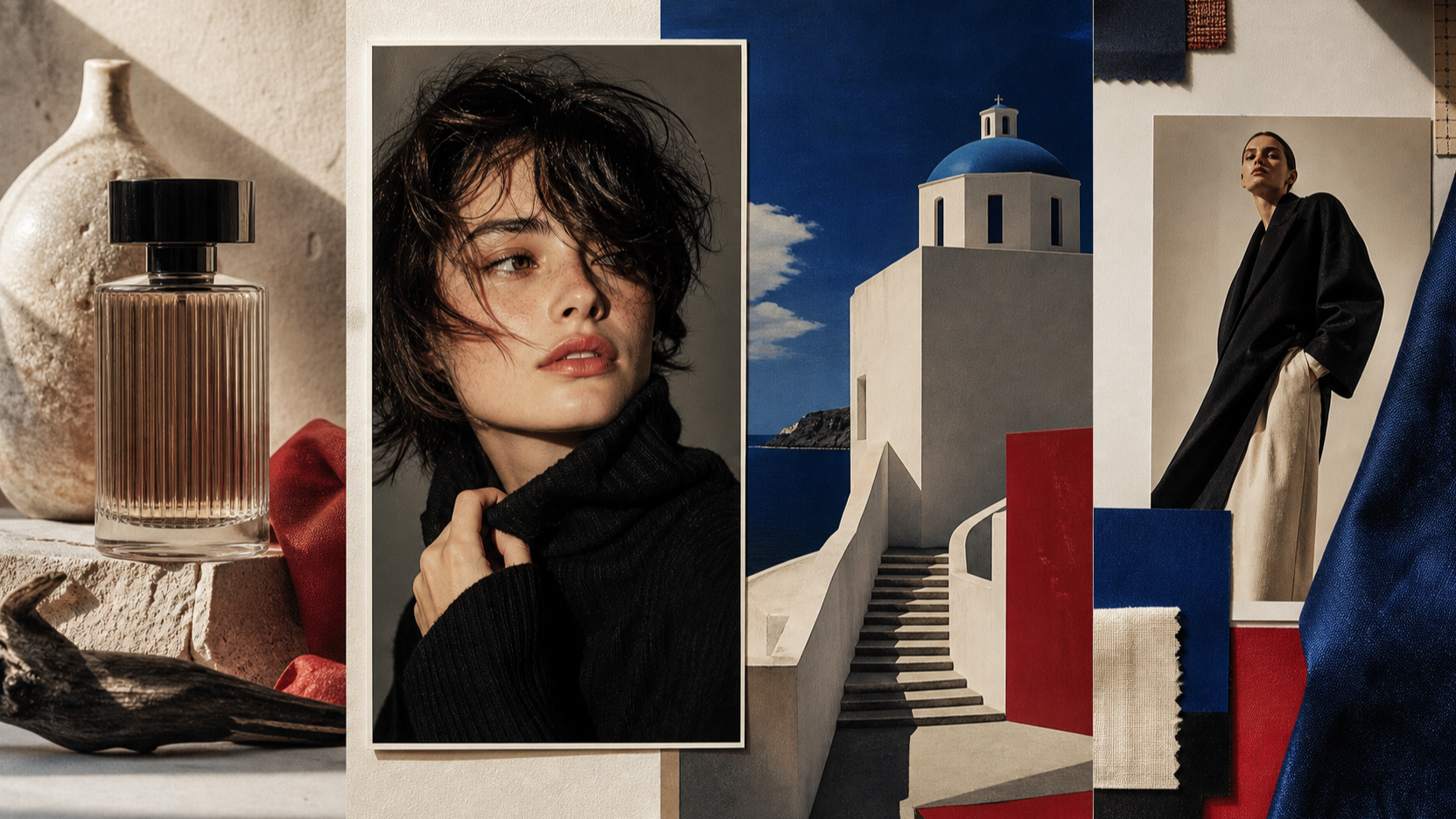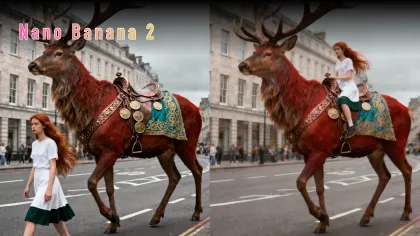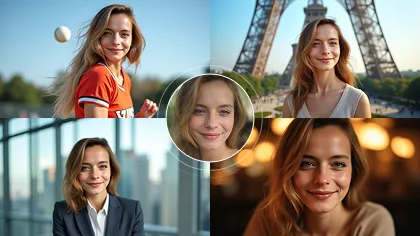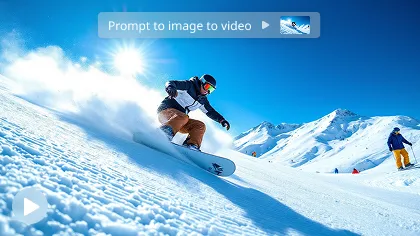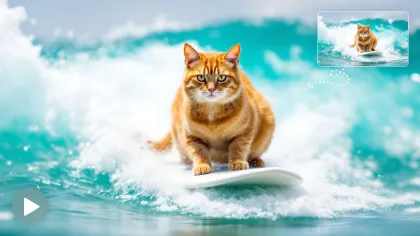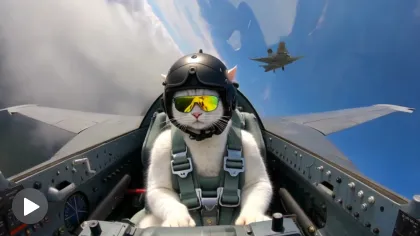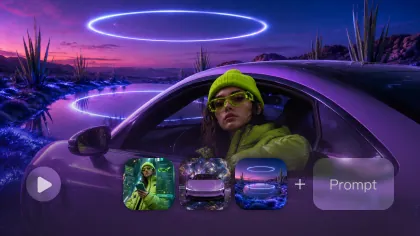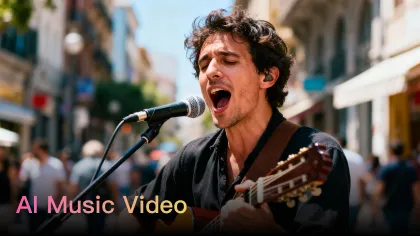
In 2026, making AI video is easy. Making good AI video — on schedule, on budget, and without burning credits on endless retries — is still the part creators wrestle with.
Most people do not fail because they “cannot prompt.” They fail because they pick the wrong model for the job. A cinematic model gets used for quick product explainers. A draft-friendly workflow gets pushed into final hero shots. A prompt may be solid, but the tool does not match what the creator needs, such as image-to-video anchoring, text-to-video freedom, video-to-video restyling, or motion control.
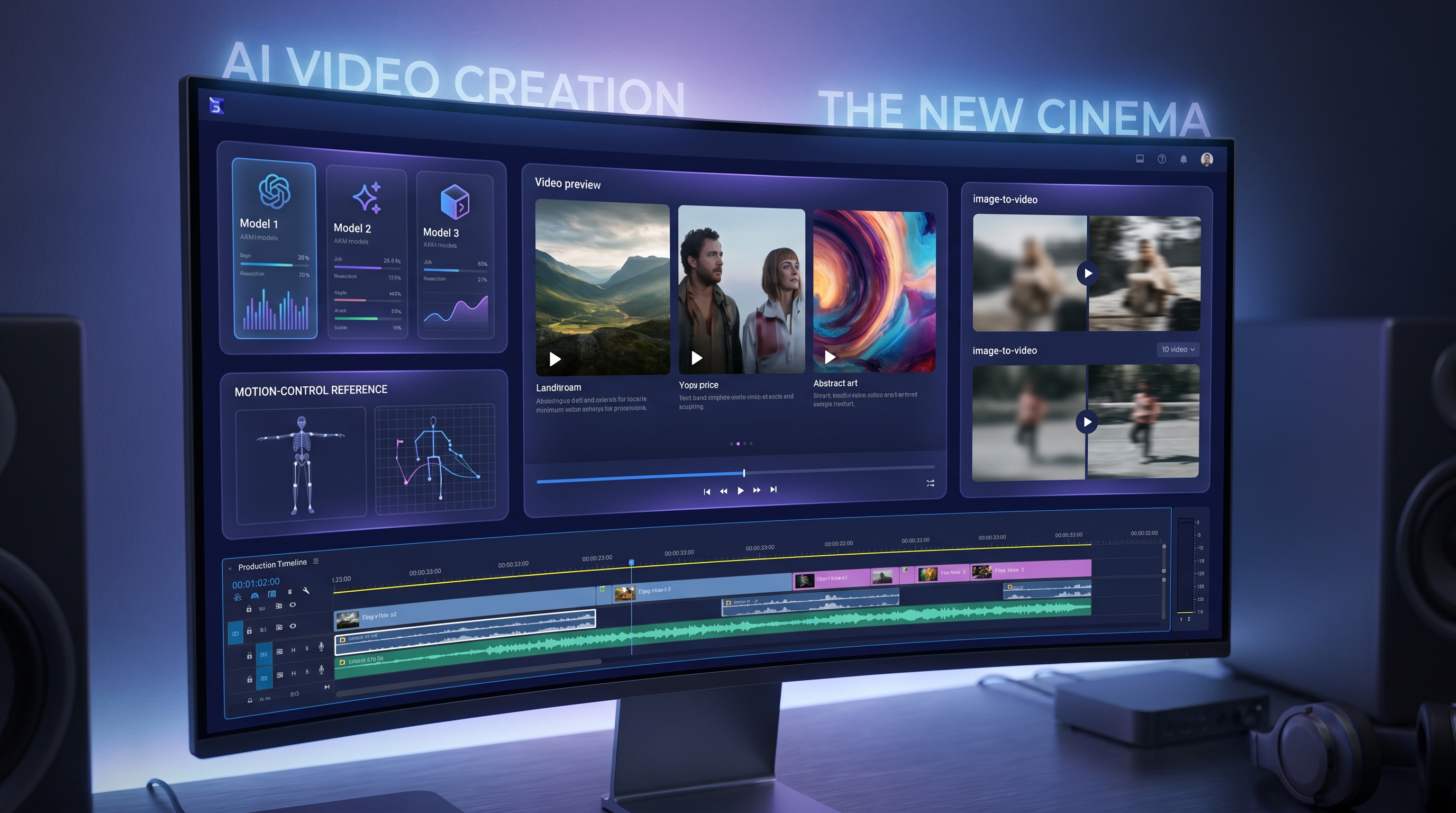
That is why creators are leaning into a multi-model AI video generator: one place where you can choose the right engine for each clip without learning a new interface every time.
This guide gives a practical, viewer-first walkthrough of the Fylia AI Video Generator: what it is, which models and tools to use, how to choose quickly, how to work step by step, and how to get better results with fewer wasted generations.
What Fylia AI’s AI Video Generator Is and Why It’s Useful
Fylia AI is an all-in-one image and video creation platform built for creators who need more than one model. Instead of forcing every video idea through the same engine, Fylia AI lets you choose from different video models and workflows depending on the task.
A practical AI video workflow usually starts in one of three ways:
- Text to video: you write the whole scene from scratch.
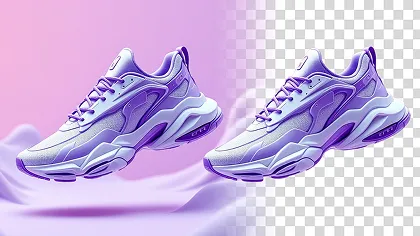
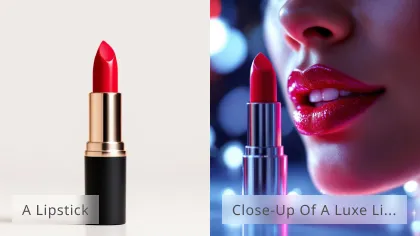
- Image to video: you upload a keyframe, product photo, portrait, or concept image and animate it.
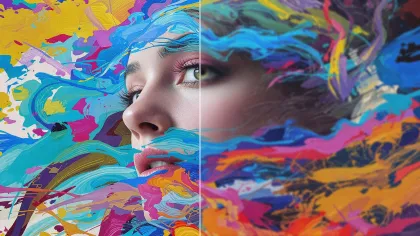
- Video to video: you use an existing clip or motion reference and transform, restyle, or rebuild the result.
That flexibility matters because different projects need different kinds of control. A product ad may need prompt accuracy and clean lighting. A character clip may need stable identity. A dance or action shot may need motion reference. A story scene may need natural pacing and cinematic camera language.
The best AI video generator is not always the most hyped model. It is the model that matches the job.
The Featured Fylia AI Video Lineup
For this updated Fylia AI workflow, the strongest practical lineup includes:
- Veo 3.1 for natural motion, cinematic video, and audio-ready workflows
- Kling 3.0 for advanced AI video generation and cinematic model testing
- Sora 2 for story-driven scenes and photorealistic video ideas
- Seedance 2.0 for controllable short-form video and reference-driven creation
- Seedance 1.0 for structured clips and social-ready motion
- Kling Motion Control for reference-guided movement
- Hailuo 2.3 for complex scenes, dynamic motion, and cinematic energy
- Hailuo AI for expressive video generation and character-driven motion
- Higgsfield AI for polished motion, camera energy, and professional-looking clips
- Vidu 2.0 and Vidu Q1 for quick short-form testing and lightweight video production
- Wan AI when you want to explore Fylia’s available Wan-style video workflow
You can also begin from workflow pages instead of model pages: Image to Video, Text to Video Generator, and Video to Video.
Best Models Ranked: Which AI Video Generator Model Should You Use?
1) Veo 3.1 — Best for Natural Motion, Cinematic Polish, and Audio-Ready Clips
Veo 3.1 is a strong first choice when you want polished video results that feel natural, expressive, and cinematic. It is especially useful for creators who want realistic motion, smoother character behavior, and video ideas that can work with audio-driven scenes.
Use Veo 3.1 when you want:
- natural movement and expressive characters
- cinematic camera behavior
- dialogue, music, or audio-ready scene ideas
- strong results from text or image inputs
Veo 3.1 is a good fit for music videos, dialogue scenes, character performances, cinematic social clips, and visual storytelling.
Veo 3.1 Snapshot
| Trait | Why It Matters |
|---|---|
| Natural motion | Better body movement and less stiff output |
| Audio-ready workflow | Useful for dialogue, music, and expressive scenes |
| Flexible input | Works for text-to-video and image-to-video ideas |
| Best use cases | Character scenes, cinematic clips, music videos, story visuals |
2) Kling 3.0 — Best for Advanced Cinematic AI Video Testing
Kling 3.0 is the model to test when you want a newer-generation AI video workflow with a cinematic feel. It is especially useful for creators comparing advanced video models and trying to find the strongest result for dramatic shots, action moments, concept trailers, or stylized scenes.
Use Kling 3.0 when you want:
- cinematic video generation
- prompt-based scene creation
- dramatic camera motion
- a newer Kling model experience
Kling 3.0 is a good “hero shot” model. It is not always the cheapest way to draft ideas, but it is worth testing when the clip needs emotional impact or cinematic energy.
3) Sora 2 — Best for Story-Driven Scenes and Photorealistic Concepts
Sora 2 is a strong choice when your clip needs scene complexity, story flow, and photorealistic worldbuilding. It is especially useful for previews, commercials, concept scenes, and short narrative moments.
Use Sora 2 when you want:
- story-friendly video generation
- photorealistic scene ideas
- complex environments
- narrative continuity across a short clip
Sora 2 is especially useful when your prompt has a clear setup, action, and visual payoff.
Storytelling Model Picker
| If You Want… | Best Pick |
|---|---|
| Natural cinematic motion | Veo 3.1 |
| Dramatic model testing | Kling 3.0 |
| Story-driven photorealism | Sora 2 |
| Controlled short-form continuity | Seedance 2.0 |
4) Seedance 2.0 — Best for Controlled Short-Form Video Workflows
Seedance 2.0 is a practical option for creators who want more controlled short-form video generation. It works especially well when the idea depends on reference-driven creation, consistent subject behavior, and social-ready clips.
Use Seedance 2.0 when you want:
- structured short-form output
- better control from references
- character or product continuity
- social-friendly video ideas
Seedance 2.0 is a strong choice for creators making ads, anime-style clips, product teasers, and short visual sequences that need to feel organized rather than chaotic.
5) Kling Motion Control — Best for Reference-Guided Movement
Sometimes text prompts are not enough. If you want a character to follow a specific motion, gesture, dance, pose transition, or action beat, use Kling Motion Control.
This workflow uses a subject image and a motion reference video, making it much more practical for movement-guided clips.
Use Kling Motion Control when you want:
- dance or action reference motion
- body movement based on a source clip
- more repeatable performance
- stable subject movement across a short video
This is the better choice when the instruction is not just “make a video,” but “make this subject move like this.”
6) Hailuo 2.3 — Best for Complex Scenes and Dynamic Motion
Hailuo 2.3 is useful when a scene has more physical energy: movement, environment changes, dynamic camera behavior, or action-like pacing.
Use Hailuo 2.3 when you want:
- complex scenes
- dynamic motion
- action beats
- strong cinematic energy
- rich environmental detail
It is a good specialist model when the scene has more happening than a simple portrait or product shot.
7) Higgsfield AI — Best for Polished Camera Energy and Professional-Looking Clips
Higgsfield AI is useful when you want a clip to feel polished, dynamic, and creator-friendly. It is often a good fit for camera movement, short-form visuals, and professional-looking motion tests.
Use Higgsfield AI when you want:
- smooth camera energy
- professional visual polish
- expressive short clips
- strong social video presentation
Higgsfield AI is a good alternative when a clip needs visual impact more than strict realism.
8) Hailuo AI — Best for Expressive Character-Driven Video
Hailuo AI is a strong option for expressive motion and character presence. It can work well for scenes where mood, facial feel, body language, or emotional energy matters.
Use Hailuo AI when you want:
- expressive characters
- emotional motion
- stylized or cinematic presence
- social and storytelling clips
9) Vidu 2.0 and Vidu Q1 — Best for Fast Short-Form Testing
Vidu 2.0 and Vidu Q1 are useful when speed, testing, and lightweight short-form production matter more than building a premium final shot immediately.
Use Vidu models when you want:
- quick concept testing
- short video drafts
- social clip experiments
- lower-pressure iteration
A practical workflow is to draft the idea with a faster model, then recreate the strongest version in Veo 3.1, Kling 3.0, Sora 2, or Seedance 2.0.
Comparison Charts: Pick the Best AI Video Generator Model Fast
Chart A: Best Model by Creative Goal
| Your Goal | Best Starting Point |
|---|---|
| Natural motion and cinematic polish | Veo 3.1 |
| Newer-generation cinematic testing | Kling 3.0 |
| Photorealistic story scenes | Sora 2 |
| Controlled short-form video | Seedance 2.0 |
| Reference-guided movement | Kling Motion Control |
| Complex scenes and dynamic action | Hailuo 2.3 |
| Polished camera energy | Higgsfield AI |
| Expressive character presence | Hailuo AI |
| Fast drafts and short-form tests | Vidu 2.0 / Vidu Q1 |
Chart B: Workflow Type → Best Fylia AI Entry Point
| Workflow | Best Page |
|---|---|
| Start from a written scene | Text to Video Generator |
| Animate a product photo or character keyframe | Image to Video |
| Transform or restyle an existing clip | Video to Video |
| Compare models in one place | AI Video Generator |
| Guide movement with a reference clip | Kling Motion Control |
Chart C: Draft → Polish → Final Strategy
| Stage | What You Are Doing | Smart Picks |
|---|---|---|
| Draft | Validate concept, motion, and framing | Vidu Q1, Vidu 2.0, Seedance 1.0 |
| Polish | Improve structure, consistency, and motion | Seedance 2.0, Hailuo 2.3, Higgsfield AI |
| Final | Spend credits where quality matters most | Veo 3.1, Kling 3.0, Sora 2 |
| Precision | Match a subject to specific movement | Kling Motion Control, Video to Video |
How to Use Fylia AI’s AI Video Generator Step by Step
Here is a clean workflow most creators can follow to keep results strong and costs under control.
- Open Fylia AI Video Generator.
- Choose your workflow: text-to-video, image-to-video, or video-to-video.
- Pick a model based on the job, not hype.
- Upload a start image if identity, product detail, or style consistency matters.
- Keep the first prompt simple and focused on one action.
- Generate a short version first.
- Review the motion, not just the first frame.
- Change one variable per retry: camera, lighting, action, or model.
- Upgrade to a stronger model only after the concept works.
- Save the prompt structure that works so you can reuse it later.
This workflow prevents the most common waste pattern: rewriting everything after every failed result. Small controlled changes help you understand what actually improved the clip.
Prompt Playbook: Better Results in Any AI Video Generator
Write Prompts Like a Director
A director prompt is clearer than a vibe prompt.
Use this structure:
Subject + Action + Camera + Lighting + Mood
Example:
A barista pours latte art in a cozy café, subtle steam rising, slow push-in camera, warm tungsten lighting, calm cinematic mood.
Use Micro-Actions to Reduce Chaos
Instead of asking for broad motion like “walks around dramatically,” use smaller actions:
- “takes one step forward, turns head, slight smile”
- “hand reaches for the doorknob, pauses, opens slowly”
- “hair moves gently in a light breeze while the camera slowly pushes in”
AI video models usually behave better when the movement is simple, readable, and limited to one main action.
Use Images When Identity Matters
If the subject must stay consistent, start with Image to Video. A strong start frame gives the model a visual anchor. This is especially useful for products, characters, portraits, posters, fashion looks, and branded scenes.
Use Motion Control When Movement Matters
If the movement must match a reference, use Kling Motion Control or Video to Video. Written prompts can describe style, but reference motion is better for choreography, dance, action, and performance-driven clips.
Why Fylia AI Works as a Multi-Model AI Video Platform
The real advantage is not just having more models. It is having a smoother workflow.
- One interface, many styles: compare models without rebuilding the project from scratch.
- Faster experimentation: test prompts, images, and motion ideas quickly.
- Smarter credit use: draft with lower-pressure models, then spend more on final shots.
- Practical workflow choices: start from text, image, or video depending on the asset you already have.
- Better model matching: choose cinematic, realistic, expressive, structured, or motion-controlled tools based on the job.
If you treat Fylia AI as your daily AI video generator online, you can usually ship faster with fewer wasted runs and more consistent results.
Final Takeaway: The Smart Fylia AI Workflow in 2026
The best AI video workflow is not “use the newest model for everything.” It is choosing the right model for each stage.
Start with Veo 3.1 when you want natural motion and cinematic polish. Use Kling 3.0 when you want advanced cinematic model testing. Use Sora 2 when story and photorealism matter. Use Seedance 2.0 when you need structured short-form output. Use Kling Motion Control when movement needs a reference. Use Hailuo 2.3 for complex scenes, Higgsfield AI for polished camera energy, and Vidu models for fast short-form testing.
The smartest workflow is simple: draft cheaply, polish carefully, and spend premium credits only when the concept already works.
Start here: Fylia AI Video Generator.
Related Articles
- Kling 3.0 vs Kling 2.6: What’s New, What’s Coming Soon
- Seedance 2.0 Video Generation Review: Control, Consistency, and Where It Fits
- From Still to Studio: Animate Any Photo with Kling 2.6 Motion Control
- Directorial Video Generation Guide: Using Higgsfield Kling for Multi-Shot Clips
People Also Read
- Seedance 2.0 Video Generation Guide: Tutorial + Prompts
- How to Use Seedance 2.0 for Anime Clips: Prompt Examples and Scene Ideas
- Happy Horse 1.0 Is Alibaba’s AI Video Surprise of the Moment — But How Does It Compare With Seedance 2.0?
- Nano Banana Pro on DreamMachine AI: A Practical Way to Create Better AI Images