1. Introduction: Why Better GPT Image 2 Prompts Matter
AI image generation is no longer just about typing a few words and hoping the result looks good. For creators, marketers, designers, bloggers, social media creators, and e-commerce sellers, the quality of the prompt often decides whether the final image feels random, usable, or truly professional. That is why learning how to write better GPT Image 2 prompts has become a practical creative skill, not just a technical trick.
A good prompt works like a compact creative brief. It tells the model what to make, what style to follow, what mood to create, what format to use, and which details to avoid. A weak prompt may produce something attractive, but it can be difficult to use in a real project. A strong prompt gives you more control over the subject, composition, lighting, background, text placement, and final purpose of the image.
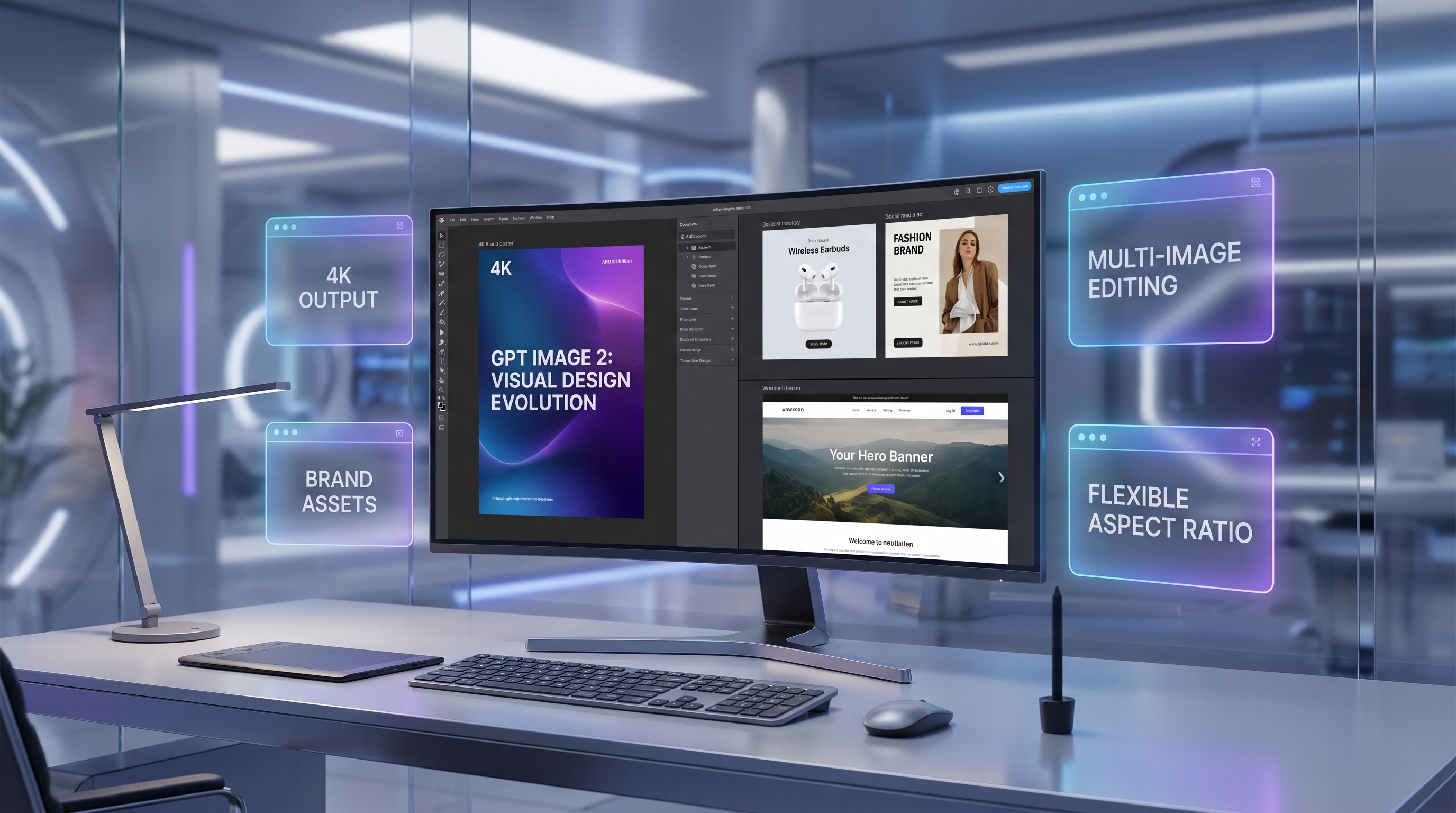
This matters even more when you are creating posters, product visuals, social media graphics, avatars, editorial illustrations, campaign concepts, or edited images. GPT Image 2 can support both image generation and editing workflows, but the result depends heavily on how clearly you explain the visual task. Many users search for “GPT2 image prompts” as a shorthand phrase, but the correct model name for your workflow is GPT Image 2.
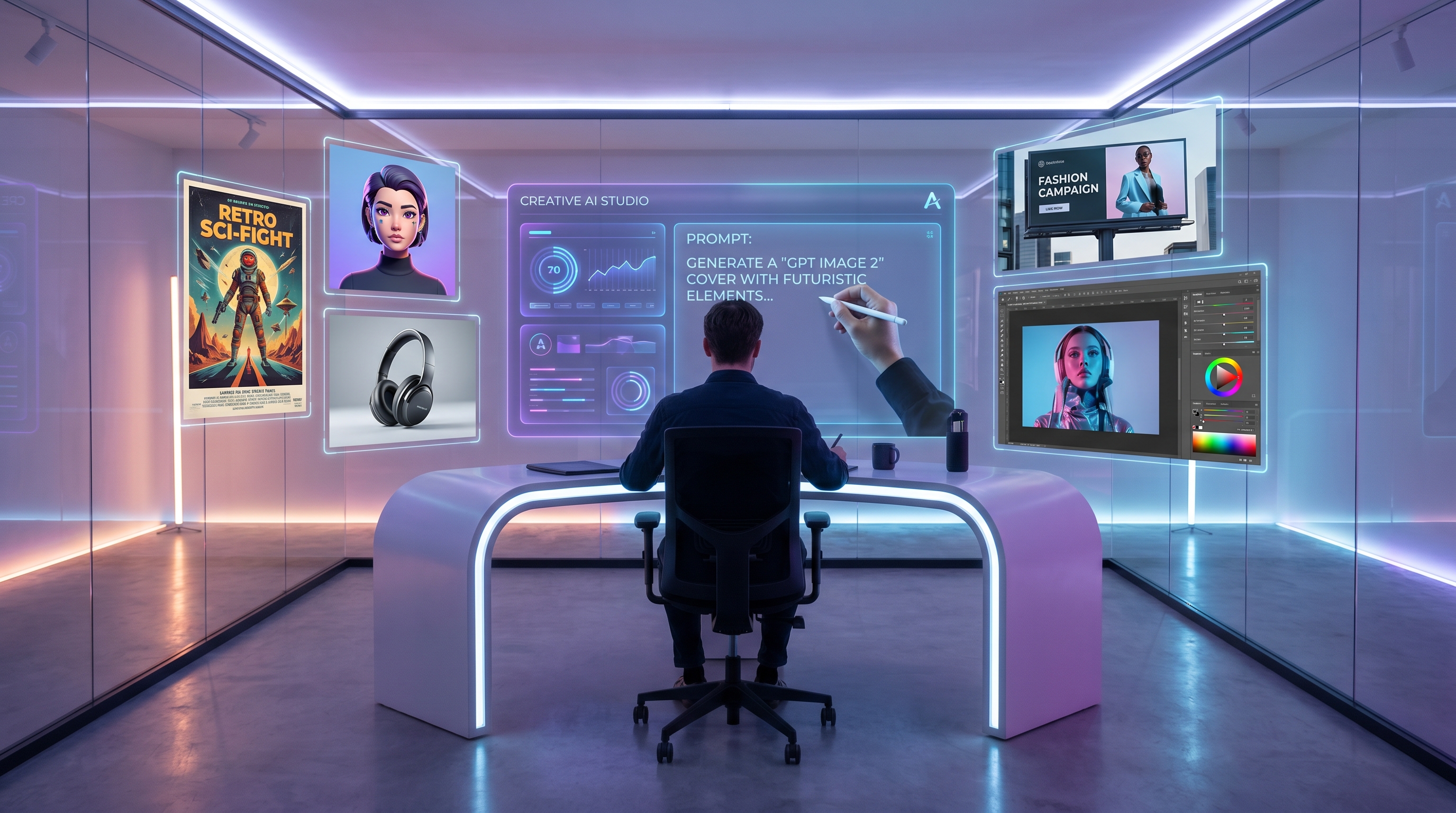
This GPT Image 2 prompt guide focuses on practical prompting. You will learn how to structure a prompt, what details to include, how to avoid common mistakes, and how to test prompt ideas with Fylia AI. The goal is not to memorize a perfect formula. The goal is to think like a visual director: clear subject, clear purpose, clear style, and clear constraints.
2. How To Write GPT Image 2 Prompts
The best GPT Image 2 prompts usually combine creative direction with production details. You do not need to write a long paragraph every time, but you do need to answer the same questions a designer, photographer, or art director would ask before starting a project.
Step 1: Start with the subject. Begin by naming the main thing in the image. This could be a product, person, character, room, food item, poster concept, logo scene, or lifestyle moment. Instead of saying “make a cool ad,” say “a premium skincare bottle on a marble bathroom counter” or “a young founder working at a minimal desk beside a laptop and brand mood board.” The subject gives the model a clear center.
Step 2: Add the use case. Tell the model what the image is for. Is it a hero banner, Instagram post, product listing image, YouTube thumbnail, blog header, fashion lookbook, app promo, or print poster? When you include the use case, your AI image generator prompts become easier to control because the model understands the practical goal behind the image.
Step 3: Define the style. Style can include photography, editorial design, 3D render, cinematic concept art, watercolor, anime-inspired illustration, flat vector, luxury magazine layout, or realistic product photography. Good GPT Image 2 image prompts do not simply say “beautiful.” They explain what kind of beauty: modern, warm, futuristic, minimalist, handcrafted, cinematic, soft, premium, playful, nostalgic, or dramatic.
Step 4: Describe composition. Composition tells the model how to arrange the image. You can ask for a centered subject, rule-of-thirds framing, close-up shot, wide-angle scene, overhead flat lay, symmetrical layout, negative space on the left for text, or vertical poster composition. For marketing visuals, this is often the difference between a nice image and a usable asset.
Step 5: Add lighting and mood. Lighting affects how professional the image feels. Try phrases such as soft studio lighting, golden hour light, dramatic rim light, clean product lighting, neon reflections, cloudy natural light, or cinematic backlighting. Mood can be calm, energetic, mysterious, elegant, youthful, luxurious, cozy, or editorial.
Step 6: Include camera and format details. For realistic images, camera language can help: macro product shot, shallow depth of field, 35mm lifestyle photo, high-resolution studio photography, overhead shot, close-up portrait, or documentary-style frame. Format details matter too: square social post, 9:16 vertical story, 16:9 banner, poster layout, clean background, transparent-style product focus, or print-ready composition.
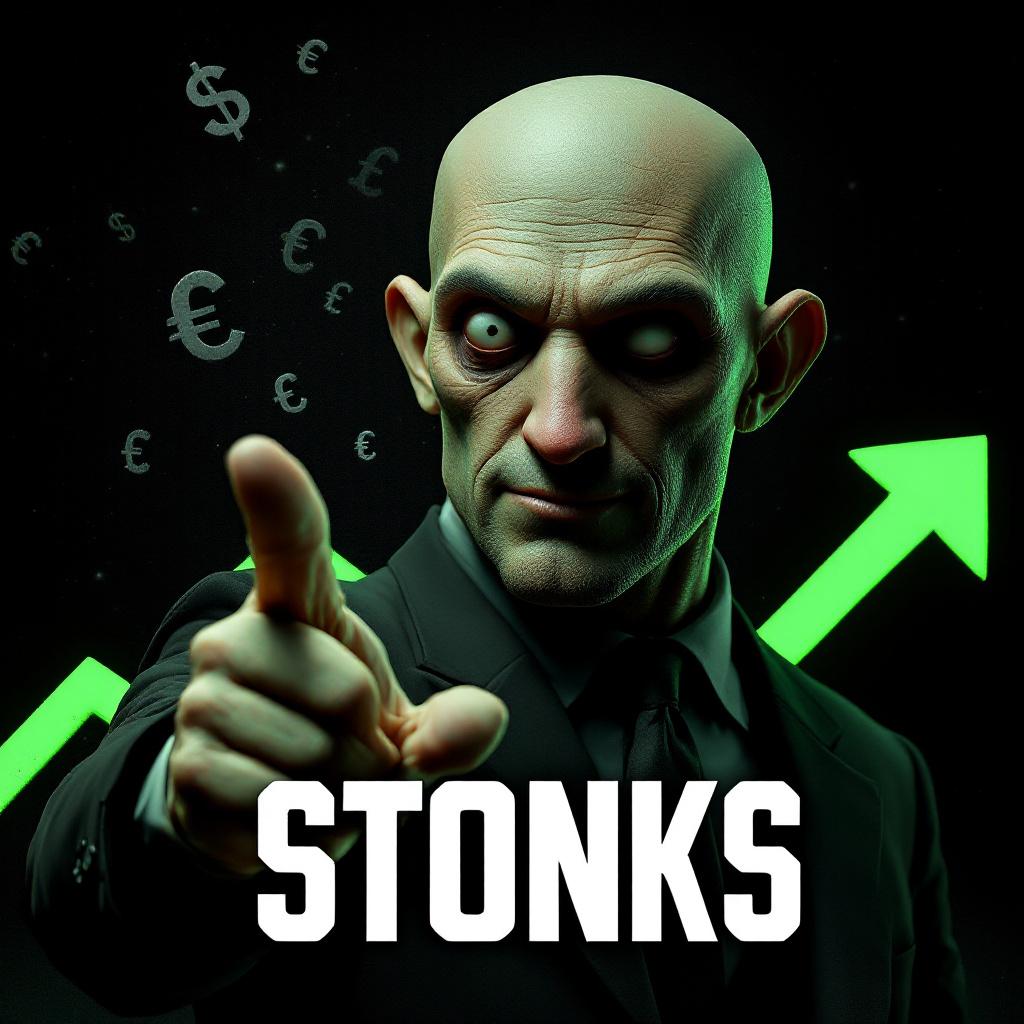
Step 7: Be clear about text. If the image needs text, specify the exact words, placement, and style. For example: “Add the headline ‘Summer Launch’ in bold white sans-serif text at the top, with no extra words.” If the text is not essential, ask for “no visible text, no random letters, no watermark.” This is especially useful for posters, ads, thumbnails, and brand visuals.
Step 8: Use negative constraints. Negative constraints tell the model what to avoid. For example: “avoid distorted hands, extra limbs, messy typography, unrealistic reflections, cluttered background, low-resolution details, and random logos.” This is useful for product images, brand visuals, social media images, and professional portraits.
A reliable GPT Image 2 prompt structure looks like this: subject + use case + style + composition + lighting + background + format + text instruction + negative constraints. Once you understand this structure, you can adapt it for AI art prompts, product photos, avatars, posters, and image editing prompts.
3. Best GPT Image 2 Prompt Examples
Prompt examples are useful because they show how structure turns into real creative direction. The best GPT Image 2 prompt examples are not necessarily the longest ones. They are the clearest ones.
For realistic images, you might write: “Create a realistic editorial photo of a ceramic coffee cup on a wooden desk beside a notebook and laptop, soft morning window light, shallow depth of field, warm neutral colors, clean background, high-resolution lifestyle photography, no text, no watermark.” This kind of prompt is simple, but it includes subject, environment, lighting, style, and constraints.
For posters, a strong prompt could be: “Design a vertical AI poster for a futuristic music festival, glowing stage lights, diverse audience silhouettes, bold central headline area, neon blue and violet atmosphere, cinematic depth, clean space for event details at the bottom, modern sans-serif typography, no random extra text.” This kind of AI poster prompt works because it gives both visual style and layout direction.
For product photos, try: “Create a premium e-commerce product photo of a matte black wireless headphone set on a soft gray studio background, centered composition, subtle reflection, clean shadow, high-end product photography, realistic materials, no logos, no hands, no extra objects.” This is useful for sellers who need polished catalog images or campaign-ready product concepts.
For avatars, a prompt can focus on identity and platform use: “Create a polished AI avatar of a creative strategist, friendly expression, modern black jacket, soft studio lighting, clean gradient background, professional social profile style, sharp facial details, realistic but slightly stylized, square format.” This structure works well for personal branding, creator profiles, and community platforms.
For social media content, the prompt should include format and message space: “Create a square Instagram visual for a productivity app, young creator planning weekly tasks on a tablet, bright modern workspace, clean composition, empty space at top for headline, fresh and optimistic mood, polished startup brand style.” Good AI social media image prompts make the image easy to crop, caption, and publish.
For image editing, describe what to preserve and what to change. For example: “Keep the person’s face, pose, and clothing unchanged, but replace the background with a clean modern office, improve lighting, remove visual clutter, and make the final image look like a professional LinkedIn profile photo.” This is the kind of instruction that works well with a chat-based editor because it separates fixed details from editable details.
4. Common Prompt Mistakes To Avoid
The first common mistake is being too vague. A prompt like “make a nice product photo” gives the model very little direction. Nice for whom? Product photo for Amazon, Instagram, a luxury landing page, or a handmade shop? Better prompts define purpose, subject, and visual treatment.
The second mistake is overstuffing the prompt. Some users add every style word they can think of: cinematic, anime, watercolor, hyperrealistic, cyberpunk, luxury, vintage, minimalist, 3D, editorial, and cartoon. These styles fight each other. The model may still generate something interesting, but the result is less predictable. Choose one main style and one or two supporting style notes.
The third mistake is giving conflicting instructions. For example, asking for “a dark moody poster with bright cheerful pastel colors” may confuse the visual direction. If you want contrast, explain it clearly: “a mostly dark cinematic poster with one pastel pink neon accent.”
The fourth mistake is forgetting composition. Many AI image prompts describe the subject but not the layout. If you need text space, say where it should be. If you need a centered product, say centered. If the image is for a 9:16 story, say vertical composition. Without composition details, the model may create a beautiful image that is hard to crop or use.
The fifth mistake is unclear text instruction. AI models can be sensitive to typography requests. Always specify exact words, placement, and whether extra words should be avoided. If the final design will be edited later in Canva, Photoshop, or another design tool, you may prefer “no text, leave empty space for headline.”
The sixth mistake is judging the first result too quickly. Prompting is an iterative process. Change one variable at a time: lighting, background, format, camera angle, or style. This makes your results easier to improve than rewriting the entire prompt from scratch.
5. How Fylia AI Helps With Prompt-Based Image Creation
Fylia AI is useful because prompt-based creation is rarely a one-step workflow. You may start with text-to-image generation, explore prompt ideas, edit an uploaded image, compare different models, and then turn the best image into a video concept. A flexible workspace helps creators move through that process without constantly switching tools.
The Fylia AI image generator is a practical starting point for text-to-image and image-based generation workflows. If you are writing prompts for blog headers, thumbnails, campaign visuals, concept art, product mockups, or e-commerce images, it gives you a direct place to test ideas and refine outputs.
For inspiration, the AI image prompt explorer can help you study how different prompt patterns lead to different visual styles. The Fylia AI prompt gallery is especially helpful for beginners who are not sure how much detail to include or how to phrase style, lighting, and composition instructions.
When you already have an image and want to improve it, the GPT Image Editor is useful for conversational editing. This is where image editing prompts become important: instead of asking for a totally new image, you can ask the editor to preserve the subject, replace the background, improve lighting, remove distractions, or adapt a visual for another platform.
Fylia AI also supports broader model exploration. Nano Banana Pro AI gives creators another option for alternative image generation and editing workflows, especially when comparing model behavior or testing different visual aesthetics. Seedream 5.0 AI can be useful for advanced image generation and editing ideas, while Seedream 4.0 AI can help with consistent visual generation and creative assets.
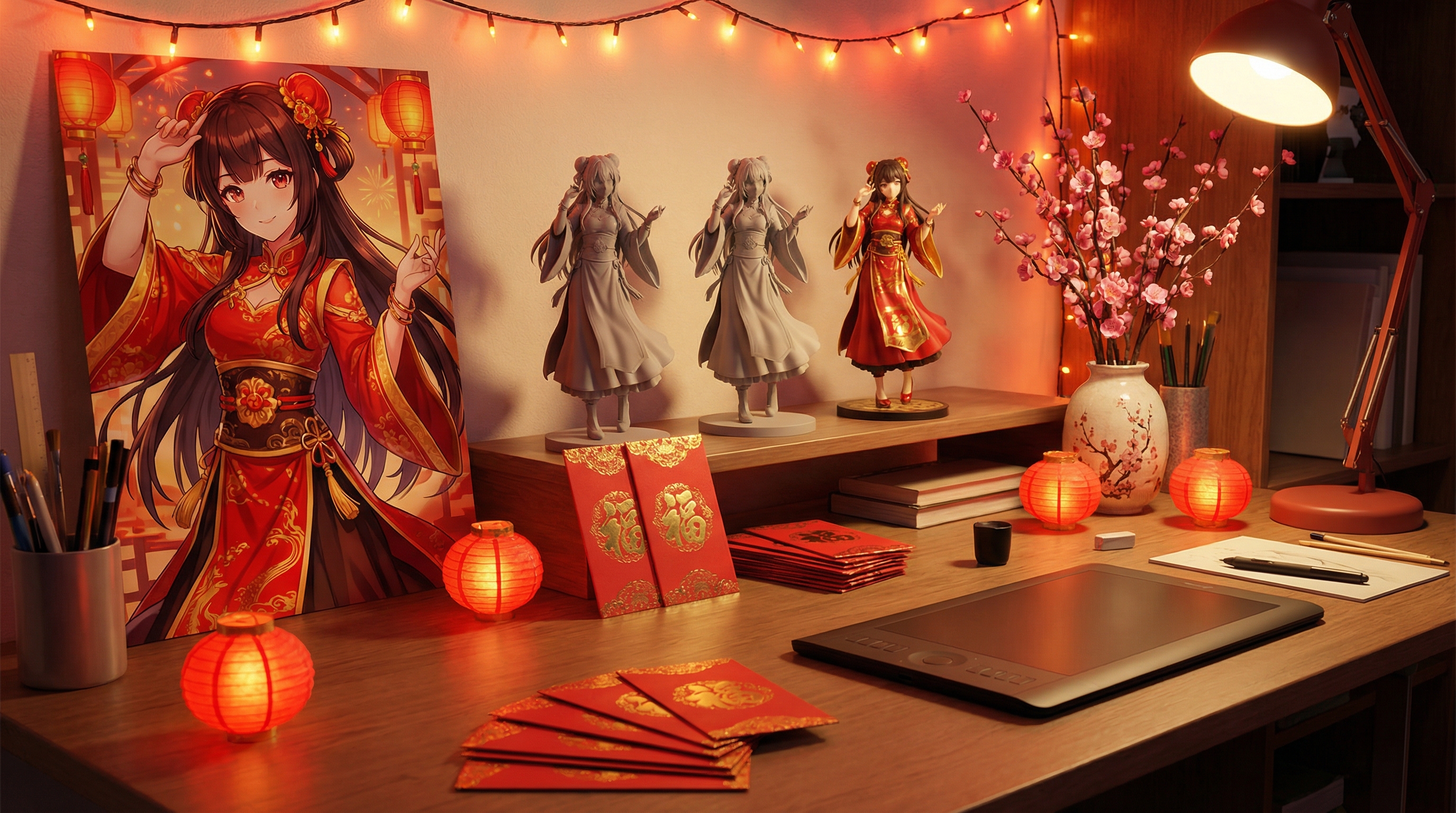
For creators focused on identity visuals, the AI Avatar Generator can support profile images, creator portraits, and character-style visuals. For reference-based transformations, Image to Image AI helps turn an uploaded image into a new style or concept. For campaign assets, the AI Poster Generator is useful for ads, event graphics, promotional layouts, and branded social posts.
Professional portrait and lifestyle workflows can also benefit from the AI Headshot Generator and AI Photo Maker. For realistic visual styles, the Flux Realism Generator can support high-realism photo directions. For creators who want to move beyond still images, the Fylia AI video generator connects image thinking with motion workflows, making it easier to turn posters, characters, product concepts, and campaign visuals into video ideas.
In short, Fylia AI works best when you treat it as a creative testing environment. Write the prompt, generate the image, study what worked, adjust the weak parts, edit the best version, and reuse the improved structure for your next project.
6. Final Thoughts
Good GPT Image 2 prompts are not magic words. They are clear creative instructions. If you can define the subject, purpose, style, composition, lighting, background, format, text, and constraints, you can create images that feel more intentional and easier to use.
Beginners should start with simple prompts and improve them through testing. Marketers can focus on layout, brand mood, and campaign clarity. Designers can experiment with style systems and composition. E-commerce sellers can use structured product photo prompts to create cleaner listings and promotional visuals. Social media creators can use format-specific prompts to produce posts, avatars, banners, and thumbnails more efficiently.
The real advantage of prompting is iteration. Your first result teaches you what to change. Your second result gets closer. Your third result may become a reusable prompt template. With GPT Image 2 on Fylia AI, plus related tools for editing, prompt exploration, realistic generation, avatars, posters, and video workflows, creators can build a smoother visual production process from idea to finished asset.
Copyable GPT Image 2 Prompt Templates
1. Realistic Product Photo
Create a realistic premium product photo of [product name] on a [background/surface], centered composition, soft studio lighting, natural shadow, realistic materials, clean commercial photography style, high-resolution detail, no hands, no random logos, no watermark.
2. Social Media Poster
Design a square social media poster for [brand/event/topic], featuring [main subject], bold visual hierarchy, modern layout, clean space for headline text at [top/center/bottom], [color palette] mood, polished digital campaign style, no extra random words.
3. AI Avatar
Create a professional AI avatar of [person/character description], [expression], [clothing style], clean gradient background, soft portrait lighting, sharp facial details, realistic but slightly stylized, square profile image format, no text, no watermark.
4. Brand Campaign Visual
Create a brand campaign visual for [brand/product], showing [main scene], [target mood], premium editorial advertising style, strong central subject, negative space for slogan, consistent brand colors, high-resolution commercial image, no distorted objects or random text.
5. Editorial Image
Create an editorial image for an article about [topic], featuring [symbolic subject or scene], thoughtful composition, magazine-style lighting, modern visual metaphor, clean background, sophisticated color palette, 16:9 horizontal layout, no visible text.
6. Image Editing Prompt
Edit the uploaded image by keeping [subject/face/product/pose] unchanged, but change [background/style/lighting/color] to [new direction]. Improve clarity, remove distractions, preserve natural proportions, and make the final result look professional and realistic.
7. E-Commerce Lifestyle Photo
Create a lifestyle product photo of [product] being used in [realistic environment], natural lighting, warm everyday mood, clear view of the product, realistic human interaction if needed, clean background, e-commerce marketing style, no messy clutter or fake logos.
8. Cinematic Concept Art
Create cinematic concept art of [character/place/scene], dramatic lighting, atmospheric depth, detailed environment, strong silhouette, [genre/style] mood, wide-angle composition, high-resolution production design, no text, no watermark, no distorted anatomy.
Recommended Fylia AI Tools
- GPT Image 2 — best for testing structured GPT Image 2 prompts, image generation, visual concepts, and editing-ready assets.
- AI Image Generator — useful for text-to-image prompts, visual experiments, blog graphics, campaign concepts, and creative drafts.
- AI Image Prompt Explorer — helpful for studying prompt styles, browsing inspiration, and improving prompt wording.
- GPT Image Editor — ideal for editing uploaded images with clear chat-style instructions.
- Nano Banana Pro AI — useful for alternative image generation, editing comparison, and creative prompt testing.
- Seedream 5.0 AI — useful for advanced creative generation and image editing exploration.
- Seedream 4.0 AI — good for consistent creative assets, visual concepts, and design experimentation.
- AI Avatar Generator — practical for profile photos, character images, creator branding, and social identity visuals.
- Image to Image AI — useful when transforming reference images into new styles, scenes, or formats.
- AI Poster Generator — helpful for campaign posters, ads, event graphics, and social promotions.
- AI Headshot Generator — useful for clean professional portraits and personal branding.
- AI Photo Maker — good for polished lifestyle, social, and marketing visuals.
- Flux Realism Generator — useful for realistic photo-style outputs and high-detail visual directions.
- AI Video Generator — helpful for turning strong image ideas into motion-ready creative workflows.
Related Articles
- How To Build a Reusable AI Image Prompt System for Brand Visuals
- Best AI Image Generator Workflows for Product Photos and Campaign Assets
- How To Use Prompt Galleries To Improve AI Art Direction
- GPT Image Editing Tips for Cleaner Portraits, Posters, and Product Images
- Seedream 5.0 vs GPT Image 2: Which Image Workflow Fits Your Project?
- Flux Realism Prompt Ideas for Realistic AI Photography
- From AI Poster to AI Video: Building a Full Creative Campaign