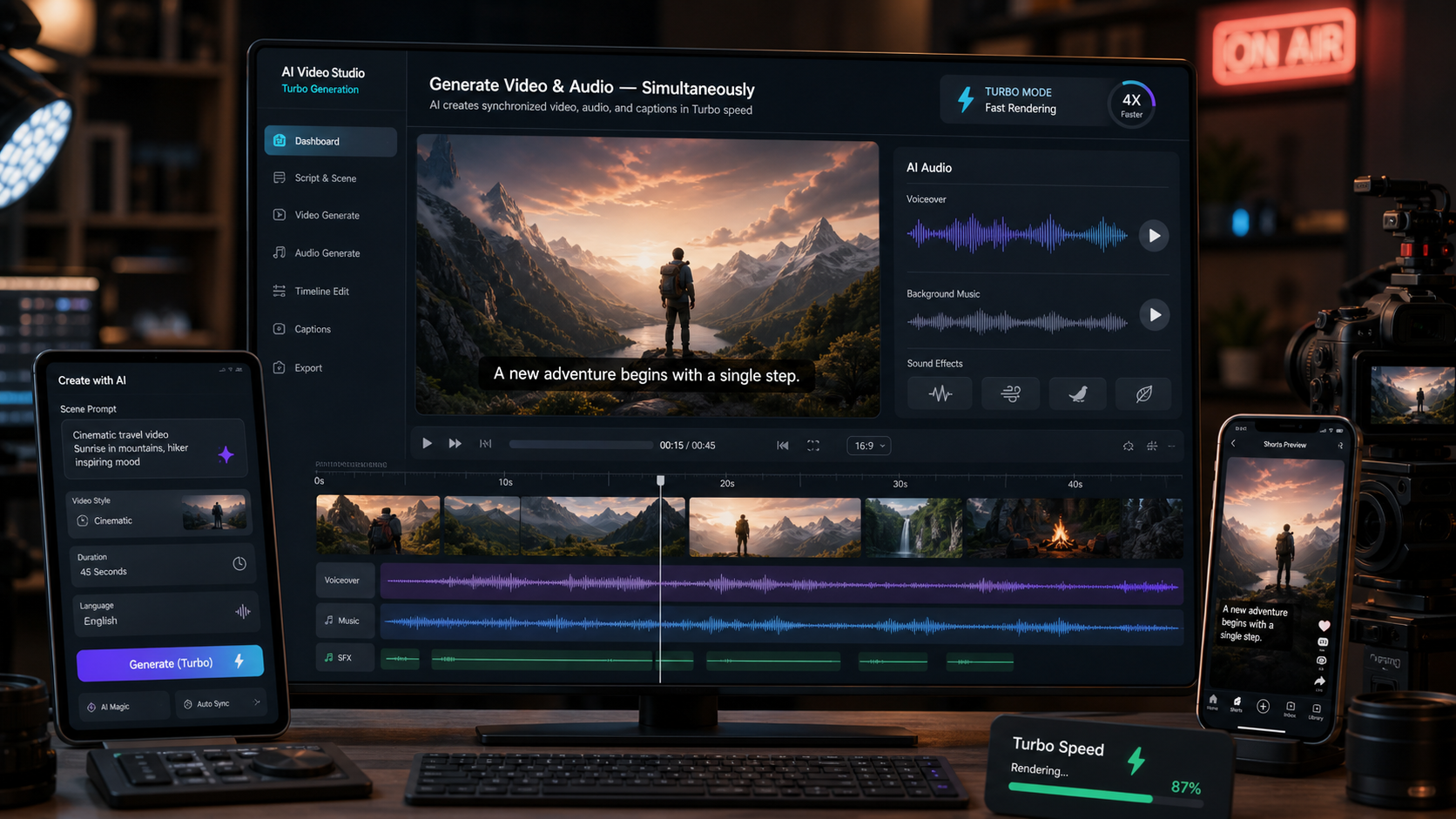
Vidu Q3 Turbo is useful for creators who need fast AI video generation without separating every visual, voice, subtitle, and editing step into different tools. For marketers, AI filmmakers, UGC teams, and short-form content producers, the real value is rapid iteration: test a hook, revise a shot, compare a voice direction, and move toward a usable TikTok, Reel, Shorts concept, or storyboard draft faster.
This review focuses on practical workflows rather than unofficial benchmark claims. The main recommended platform is Fylia AI's Vidu Q3 AI Video Generator because it brings Vidu Q3 text to video, Vidu Q3 image to video, subtitle generation, voice synthesis, and shot control into one creator workflow.

What Is Vidu Q3 Turbo?
Vidu Q3 Turbo is best understood as a faster workflow mode for Vidu Q3 AI video creation. Instead of treating every generation as a final cinematic render, Turbo mode is useful when you need to test many prompts, hooks, shot ideas, product angles, or social ad structures quickly. That makes it especially relevant for creators searching for a low latency AI video generator or a rapid AI video workflow.
The broader Vidu Q3 video generator workflow supports the two input paths most creators use: text-to-video and image-to-video. Text prompts are useful for fresh concepts, storyboards, dialogue scenes, and social ads. Image inputs are better when you already have a product photo, character reference, campaign visual, or starting frame that needs motion.
The native audio angle is important because creators rarely publish silent drafts anymore. Short-form clips often need voiceover, dialogue, subtitles, background music, or ambient sound to feel complete. A Vidu Q3 native audio video workflow can help teams judge pacing, tone, and scene intent earlier, before they spend time assembling separate audio tracks in an editor.
For production teams, the practical takeaway is simple: use Turbo when speed and iteration matter more than final polish. Use more refined modes when you are closer to publishing, need steadier cinematic consistency, or want to test fewer variations with more careful review.

Vidu Q3 Turbo vs Standard and Pro Workflows
Vidu Q3 Turbo differs from standard Vidu Q3 workflows mainly by where it fits in the production process. Turbo is the fast testing lane. Standard and Pro-style workflows are better for higher refinement, cinematic consistency, and outputs that need more careful evaluation. That distinction matters because social teams often need dozens of draft ideas before they need one polished video.
Use Vidu Q3 Turbo AI Video when the question is, "Which idea is worth developing?" It is a good fit for TikTok ad hooks, UGC concepts, product demo variants, creator-style talking-head tests, multilingual dialogue experiments, and storyboard validation. If a prompt fails, the cost is lower because the goal is learning, not shipping.
Use standard or Pro modes when the question is, "Can this version become a final asset?" At that stage, evaluate character consistency, product detail, camera continuity, subtitle accuracy, voice timing, brand safety, and platform requirements. A slower workflow can be worthwhile when the result is closer to a paid ad, client review, campaign cut, or cinematic short.
| Workflow mode | Best for | What to watch |
|---|---|---|
| Vidu Q3 Turbo | Fast content pipelines, concept testing, social hooks, ad experiments | Draft quality, rough motion, prompt clarity |
| Standard Vidu Q3 | Balanced testing and refinement | Scene consistency, subtitle fit, voice timing |
| Pro-style workflow | More polished cinematic or brand-sensitive outputs | Review time, production approval, fewer but stronger variations |
This is not a claim that one mode is universally better. Turbo is better when speed creates creative leverage. Standard and Pro modes are better when consistency, polish, and review depth matter more than the number of drafts.

Why Native Audio Changes AI Video Production
Native audio AI video generation changes the workflow because it lets creators evaluate sound and motion together. A clip can look strong in silence but feel awkward once dialogue, narration, music, or subtitles are added. When audio and video are generated or planned together, teams can judge rhythm earlier.
For short-form content, synchronized audio is not a decorative feature. TikTok ads, Reels, Shorts, UGC demos, and short drama scenes depend on timing. A voiceover needs to match the visual beat. Subtitle overlays need enough space and duration. Dialogue needs pacing that feels natural. Background music should support the scene instead of fighting the narration.
This is where an AI video generator with audio is useful for creators. Instead of generating a video, exporting it, writing a voiceover, syncing subtitles, and discovering the scene is too short, teams can test more of the full experience earlier. The result is a better review loop for social video production.
Native audio still needs human review. Generated voice may need replacement, subtitles may need editing, and music or sound assets may require rights checks before commercial use. Treat audio as part of the creative draft, then verify licensing, platform rules, and brand policy before publishing.

Best Vidu Q3 Turbo Use Cases for Creators and Marketers
Vidu Q3 Turbo is most valuable when fast iteration produces better creative decisions. Short-form teams rarely know the winning hook on the first attempt, and AI video production is no different. Turbo mode lets marketers and creators compare more concepts before committing to a refined version.
Strong use cases include:
- TikTok ads: Test problem-solution-CTA structures, product reveals, and mobile-first framing.
- UGC AI video generator workflows: Draft creator-style demos, testimonials, and product explainers before briefing real creators.
- Short cinematic clips: Explore mood, camera movement, lighting, and dialogue timing for compact scenes.
- Multilingual videos: Test conversation tone, subtitle space, and voice pacing before localization review.
- Storyboard testing: Turn a campaign idea into several shot options for team feedback.
- Rapid prototyping: Compare ad concepts, social hooks, product demos, and narrative beats before final production.
- Faceless explainers: Combine motion graphics, narration, subtitles, and mobile framing for educational clips.
- AI short drama generator workflows: Test character beats, scene transitions, emotional timing, and dialogue direction.
The best fit is not every video task. If a brand needs exact packaging, a recognizable spokesperson, compliance-sensitive claims, or repeatable character continuity across many scenes, use Turbo for early drafts and move into a more controlled review workflow before publishing.

Reusable Vidu Q3 Turbo Prompt Formula and Examples
The most reliable Vidu Q3 Turbo prompts read like compact production instructions. They do not need to be long, but they should include the creative goal, camera behavior, audio direction, platform format, and CTA. This helps the model understand both the scene and the intended use.
Use this reusable prompt formula:
[scene/subject] + [camera movement] + [visual style] + [dialogue/audio direction] + [platform format] + [goal/CTA]
Copy-to-use prompts:
- Create a cinematic product launch video for [product] with dramatic lighting, synchronized narration, and smooth camera movement.
- Generate a TikTok-style UGC ad for [brand] showing problem -> solution -> CTA with natural voiceover and subtitles.
- Create a fast-paced AI commercial for [product] optimized for Reels and Shorts with energetic pacing and punchy transitions.
- Generate a short narrative scene with two characters having a natural multilingual conversation in a cinematic setting.
- Create a 9:16 social ad with synchronized dialogue, background music, and subtitle overlays for [target audience].
- Produce a creator-style talking-head explainer about [topic] with realistic pacing and mobile-first framing.
- Generate a storyboard-style AI video sequence for [idea] with multiple camera angles and scene transitions.
- Create a short emotional cinematic clip with rain, slow camera movement, ambient sound, and realistic dialogue timing.
- Make a faceless AI explainer video for [topic] using motion graphics and synchronized narration.
- Generate a rapid ad concept test for [product/service] with clean branding and strong CTA ending.
For Turbo testing, revise prompts by simplifying the scene before adding more detail. If the motion is confusing, reduce the action to one clear movement. If the voice feels rushed, ask for slower pacing and fewer spoken words. If subtitles crowd the frame, specify clean subtitle space and mobile-first composition.
How to Use Fylia AI for a Rapid Vidu Q3 Workflow
Fylia AI is the strongest platform focus for this article because it combines the pieces creators need in one place. On the Vidu Q3 AI Video Generator page, creators can approach the workflow as a complete pipeline: text-to-video or image-to-video input, shot direction, subtitle generation, voice synthesis, review, and iteration.
A practical Fylia AI workflow looks like this:
- Start with the format: 9:16 for TikTok, Reels, and Shorts; 16:9 for cinematic previews or wider campaign drafts.
- Choose text-to-video for fresh concepts or image-to-video when product placement, character framing, or starting composition matters.
- Write a prompt with scene, camera movement, visual style, dialogue or audio direction, platform format, and CTA.
- Use Turbo mode for early variations, especially hooks, ad concepts, storyboards, and social pacing.
- Review synchronized audio, subtitle timing, framing, and motion before judging the video.
- Move the strongest idea into a more refined workflow if it needs cinematic consistency or commercial review.
- Check claims, rights, audio usage, subtitles, visual artifacts, and platform policies before publishing.
This workflow makes Vidu Q3 AI video more useful for production teams because it connects speed with judgment. You are not just generating more videos. You are creating a repeatable review loop for deciding which ideas deserve more time.
For broader context, creators can also read related AI video resources:
- AI Video Generator Trends for Short-Form Content
- How AI Video Tools Are Changing UGC Ads
- Latest AI Video Model Comparisons and Insights
- Best AI Video Tools for Creators in 2026
- AI Music and Video Workflow Integration Guide
- AI Video Production Platforms Overview
FAQ
What is Vidu Q3 Turbo best for?
Vidu Q3 Turbo is best for fast AI video generation, rapid ad testing, short-form content drafts, UGC concepts, storyboard experiments, and early creative validation.
Is Vidu Q3 Turbo better than standard Vidu Q3?
Turbo is better when you need speed and more draft variations. Standard or Pro-style workflows are more suitable when refinement, cinematic consistency, and final review matter more.
Can Vidu Q3 create AI video with synchronized audio?
Vidu Q3 workflows can support native audio-style creation on platforms such as Fylia AI, including voice, subtitle, and video timing workflows. Always review audio quality, rights, and subtitles before publishing.
Should I use text-to-video or image-to-video?
Use Vidu Q3 text to video for fresh ideas and storyboard concepts. Use Vidu Q3 image to video when you need stronger control over the starting frame, product scene, character look, or campaign visual.
Is Vidu Q3 Turbo suitable for paid ads?
It can help create rapid ad concepts, but paid ads need review for product claims, rights, audio licensing, platform policy, subtitles, brand safety, and visual accuracy.
Conclusion
Vidu Q3 Turbo is most useful when speed improves creative judgment. It helps creators and marketers test more hooks, product angles, storyboard ideas, multilingual scenes, and short-form ad concepts before investing time in final polish.
For a practical next step, use Fylia AI's Vidu Q3 AI Video Generator to run a small prompt test: one TikTok ad, one UGC demo, one image-to-video product scene, one multilingual clip, and one storyboard draft. Then move the best concept into a more refined review workflow before publishing.




















