最佳免費 GPT Image 2 無限制生成器?測試 Fylia AI

測試 Fylia 作為免費、無限的 GPT Image 2 生成器,用於海報、產品、編輯、版面配置與創作者視覺素材——並附上使用限制與隱私檢查。

最佳免費 GPT Image 2 無限制生成器?測試 Fylia AI
日期: 2026-07-22

If you want a best free GPT Image 2 unlimited generator that runs in a browser, Fylia’s Free GPT Image 2 AI Generator is an unusually low-friction option to investigate. Its live page advertises free access, no signup, unlimited generations, text-to-image creation, reference-image uploads, flexible ratios, and downloadable results. Those are Fylia’s current platform claims—not permanent guarantees.

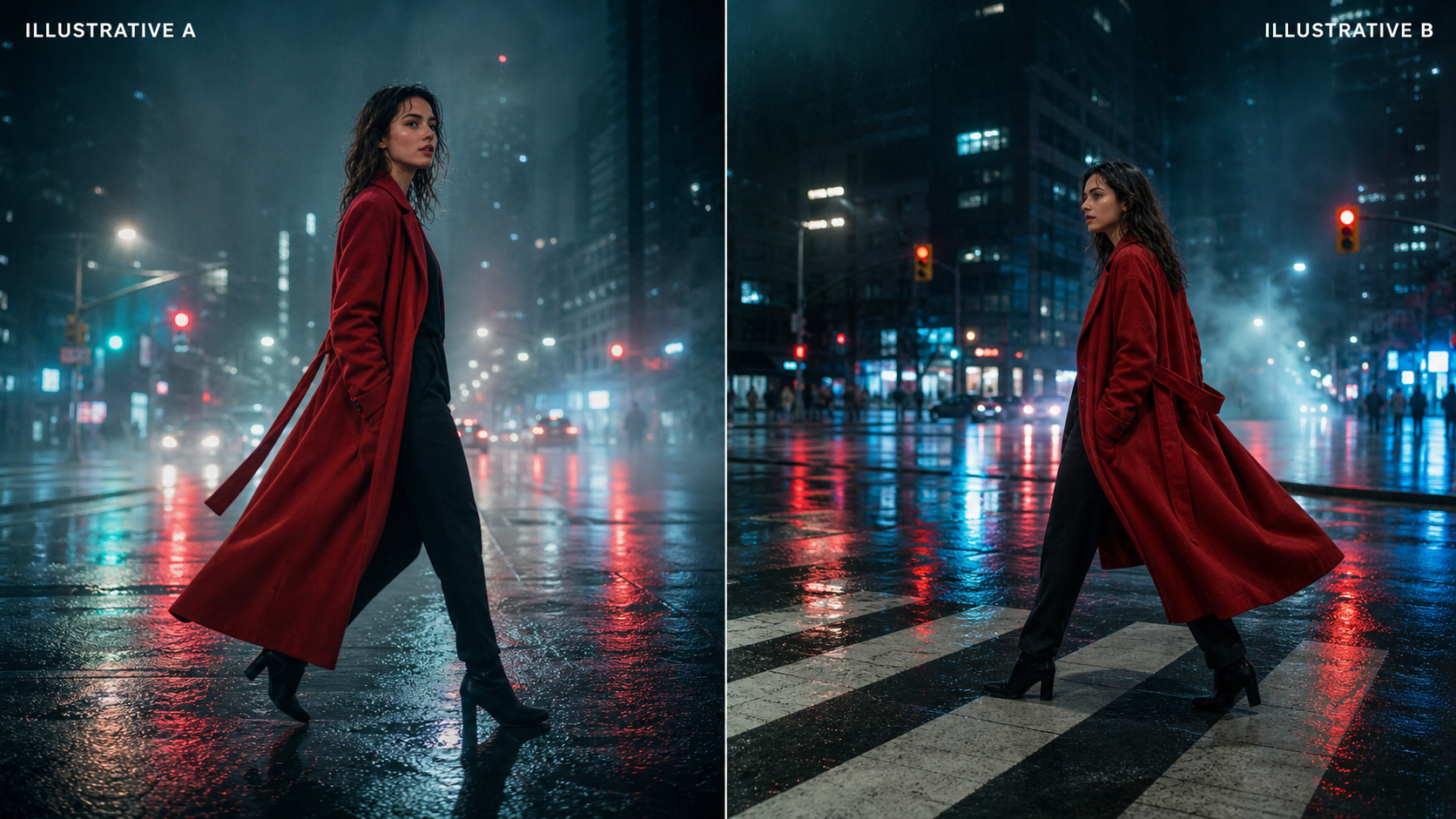
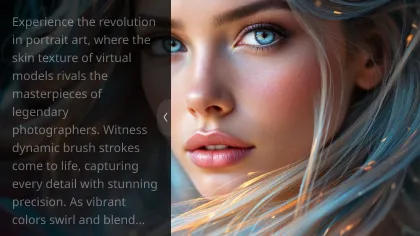
Premium gallery of GPT Image 2 creator visuals

The short verdict: Fylia deserves a place on a creator’s shortlist for quick drafts and reference-guided experiments. It does not yet earn an unconditional “best and unlimited” label, because session limits, queue behavior, watermarking, file retention, deletion controls, and final download quality require a fresh end-to-end check before publication or production use.

Is Fylia the best free GPT Image 2 unlimited generator?

Fylia is one of the more compelling browser-first choices for people who do not want to start with an API. The free page targets the right practical jobs: product showcases, posters, brand visuals, social posts, thumbnails, mood boards, menus, slides, educational graphics, and reference-guided variations. It also says users can upload JPEG, PNG, and WebP reference files.

“Best,” however, is an editorial judgment. For this review, the useful criteria are access friction, instruction following, text handling, reference preservation, ratios, speed, repeatability, downloads, and policy clarity. A service can look excellent on the first prompt and still be a poor production tool if the fifth generation triggers a login wall, the queue becomes unpredictable, or the output terms are unclear.

What the live verification established

CheckStatusWhat it means
Free generator page reachableVerifiedThe page loaded in a signed-out browser and identified itself as a free, no-signup GPT Image 2 generator.
“100% free,” “no signup,” “unlimited”Platform claimTreat these as current marketing statements, not a contractual promise.
JPEG, PNG, WebP reference uploadsPage claim corroborated by Fylia’s GPT Image 2 interfaceThe higher-quality page visibly lists these formats.
Text and image generation controlsVerified on Fylia’s dedicated GPT Image 2 pageThe interface exposes image upload, prompt, version, resolution, ratio, public mode, and generation controls.
End-to-end generation, queue time, downloadNot verified in this sessionThe interactive free workflow timed out before a generation could be completed.
Repeated generations without a capNot verified“Unlimited” should be re-tested across multiple prompts, a longer session, and more than one region.
Watermark or invisible provenanceNot confirmedInspect downloaded pixels and metadata; do not assume watermark-free output.

That evidence supports a conditional recommendation: try Fylia first for accessible browser drafts, but validate the exact workflow that matters to you before relying on it for campaigns, client work, ecommerce listings, or print.

Neutral comparison of quick drafts and refined image output

What GPT Image 2 can do—and what Fylia still has to prove

OpenAI describes GPT Image 2 as its state-of-the-art model for fast, high-quality image generation and editing. Official documentation lists text and image input, image output, flexible sizes, and high-fidelity image inputs. The image-generation guide also documents text-to-image generation, edits, masks, multiple reference images, adjustable quality, and many valid resolutions up to constrained 4K dimensions.

OpenAI’s ChatGPT Images 2.0 announcement emphasizes precision, typography, multilingual rendering, editorial layouts, realism, and coherent visual storytelling. That positioning explains why creators are interested in posters, menus, infographics, presentation visuals, packaging, and branded campaign systems—not only decorative art.

The model’s capabilities do not automatically describe Fylia’s free wrapper. A third-party browser tool can choose different quality settings, resize files, compress downloads, limit references, add queues, moderate prompts differently, or route “free” and paid requests through separate configurations. Therefore, use official OpenAI sources for model facts and Fylia’s pages for Fylia-specific access claims.

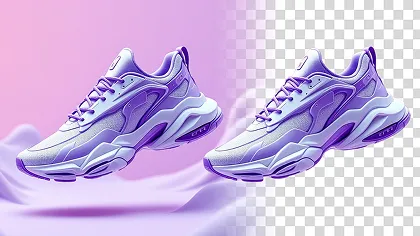
Also keep model limitations in view. OpenAI notes that image models remain imperfect; high input fidelity helps preserve references but does not guarantee exact faces, hands, packaging, labels, maps, or scientific relationships. GPT Image 2’s API currently does not support transparent backgrounds, so a browser service should not be assumed to deliver genuine alpha transparency unless it explicitly documents a separate process.

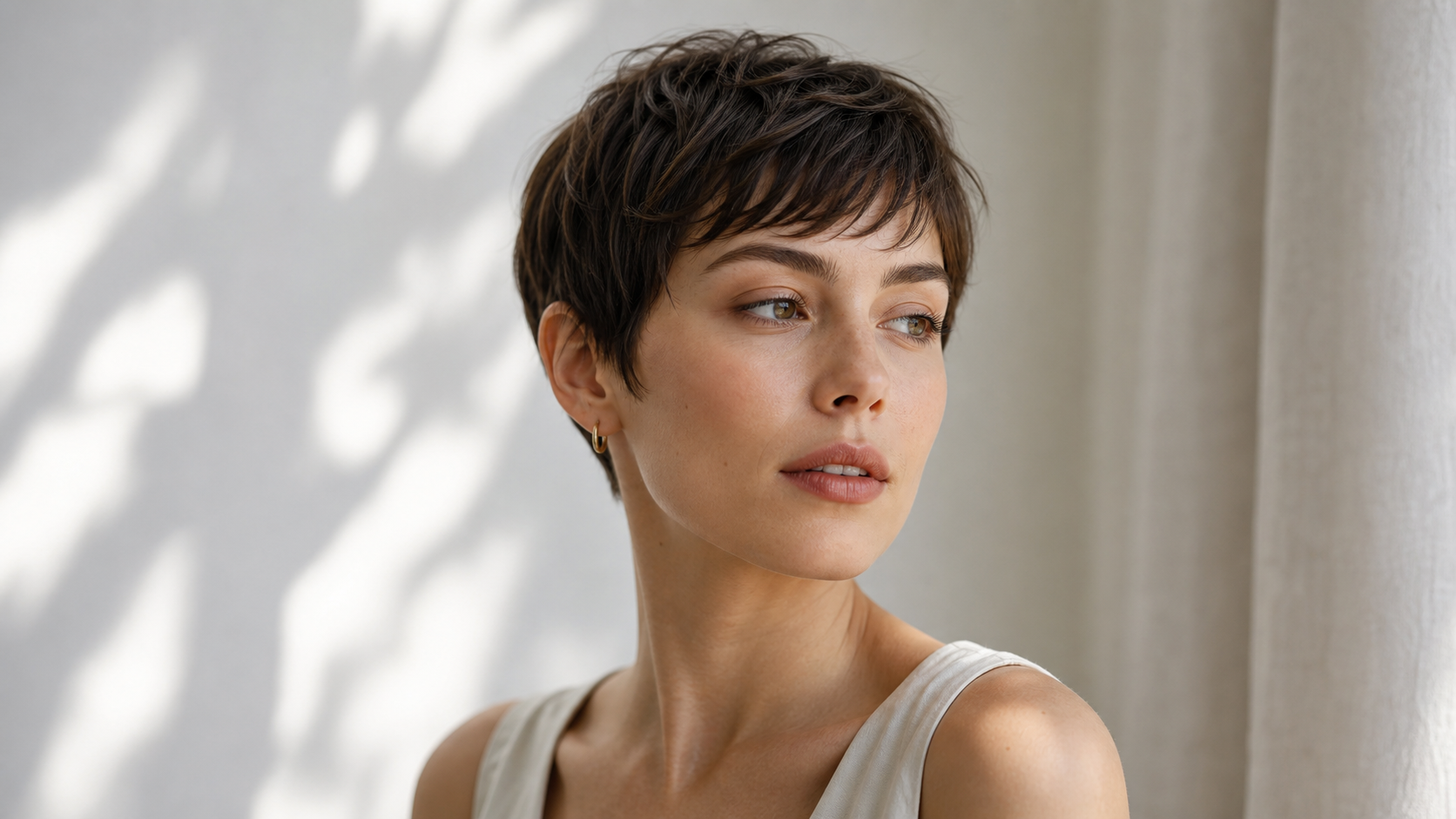
Editorial collage of typography product portrait and illustration capabilities

Practical creator tests for posters, products, portraits, and layouts

A useful Fylia free GPT Image 2 review should focus on repeatable production tasks. Run each prompt at least three times, save the originals, record the ratio and generation time, and judge the result against a fixed checklist. This separates a lucky output from dependable behavior.

TestPrompt goalWhat to inspect
Product showcaseLuxury 4:5 ad for an unbranded productShape, proportions, materials, shadows, label integrity, usable copy space
Travel posterVertical poster with exact event textSpelling, hierarchy, alignment, visual focus, print-like composition
Social post4:5 campaign visualSubject placement, mobile readability, crop safety, negative space
YouTube thumbnail16:9 presenter plus one metaphorImmediate focal point, uncluttered background, title space at small size
Menu or presentation slideSeveral short exact labelsCharacter accuracy, repeated words, columns, spacing, information order
Educational diagramSix labeled sectionsCorrect relationships, label-to-object mapping, logical sequence
Fashion mood boardPortraits, textiles, accessories, swatchesCohesion, material realism, editorial hierarchy, repeated identity
Product editReplace only a backgroundPackaging shape, colors, label position, printed text, edge quality
Portrait editReplace only the environmentFace, expression, hair, skin tone, pose, clothing, depth of field
Brand seriesSame fictional character in three scenesFacial structure, age, styling, palette, controlled variation

A simple scoring method

Score each output from 0 to 2 on prompt accuracy, text, structure, reference preservation, visual finish, and download usability. Zero means the requirement failed, one means usable after manual correction, and two means ready for the intended draft stage. Do not average away critical errors: a beautifully lit product image with altered packaging still fails an ecommerce-preservation test.

For text-heavy work, check every character rather than judging the poster at thumbnail size. For educational diagrams, verify facts independently. For products and portraits, overlay the reference and output at partial opacity to spot drift in silhouette or facial geometry. These checks matter more than whether an image feels impressive at first glance.

Gallery of product travel fashion social menu and diagram test cases

Free Fylia drafts versus the higher-quality GPT Image 2 workflow

The free page is best treated as an experimentation lane. Fylia directs users who need higher-quality output and more editing features toward its separate GPT Image 2 Generator and Editor and broader AI Image Generator. The dedicated GPT Image 2 interface shows image upload, resolution, ratio, public mode, and a credit-based Generate control; it also advertises adjustable quality and 1K, 2K, or 4K output.

WorkflowBetter fitTrade-off
Free GPT Image 2 generatorNo-signup trials, prompt exploration, fast concepts, low-stakes draftsQuality, queue priority, limits, download resolution, and editing depth still need live confirmation
GPT Image 2 Generator and EditorHigher-resolution output, iterative edits, reference workflows, production-minded controlVisible generation credits suggest a metered workflow; current costs and account requirements can change
Fylia AI Image GeneratorComparing models, broader style exploration, creator workflows beyond one modelModel choice and credits add complexity; results are not necessarily identical to GPT Image 2

Choose the free tool when the question is “Can this concept work?” Move to the higher-quality generator when the question becomes “Can I preserve this product, character, layout, and resolution through several revisions?” For critical work, compare one identical prompt and reference across both lanes, then inspect the downloaded files rather than relying on the preview.

Three-stage comparison of a product concept refined ad and campaign hero

How to use Fylia for generation and reference-image editing

Start with a narrow task and a visible acceptance test. Open the free GPT Image 2 AI generator, enter a prompt, choose the closest available ratio, and generate a draft. If the page requests a login, shows a cooldown, limits references, or changes its access conditions, record the behavior rather than assuming the headline promise still applies.

For a new image:

  1. State the format and purpose first: poster, product ad, thumbnail, slide, or infographic.
  2. Define the subject, setting, composition, visual hierarchy, lighting, palette, exact text, and ratio.
  3. Add an “avoid” clause for clutter, extra objects, fake logos, distorted hands, or unwanted copy.
  4. Generate several controlled variations by changing one variable at a time.
  5. Download the strongest result and inspect its pixel dimensions, compression, watermarking, metadata, and text at 100% zoom.

For an edit, upload a non-sensitive JPEG, PNG, or WebP reference. Name everything that must remain unchanged, then describe only the intended change. A phrase such as “make it better” gives the model permission to redesign details you may need to preserve.

When product geometry, packaging text, or identity matters, test conservatively. Compare the result with the source, and use the dedicated GPT Image 2 editor or Fylia image-to-image tool when the free path lacks sufficient editing control. Never upload confidential client assets until the retention and privacy terms meet your requirements.

Reference portrait preserved while only the background and lighting change

GPT Image 2 prompt formulas and 10 copy-to-use examples

Good prompts read like short creative briefs. They specify what success looks like and separate preserved details from requested changes.

Reusable text-to-image formula

Create a [format and purpose] for [target audience] featuring [subject or product] in [setting]. Composition: [shot type, placement, and visual hierarchy]. Style: [photographic, editorial, illustration, or design direction]. Lighting: [lighting]. Color palette: [colors]. Include the exact text “[headline or label]” in [position and typography style]. Aspect ratio: [ratio]. Avoid [unwanted elements].

Reusable editing formula

Use the uploaded image as the reference. Preserve [face, product shape, pose, clothing, label, typography, or composition]. Change only [background, lighting, material, color, object, style, or atmosphere]. Keep [important details] unchanged. Avoid [identity drift, distorted hands, altered packaging, extra objects, or unreadable text].

Copy-to-use prompts

  1. Create a 16:9 editorial blog cover about the future of AI image generation. Show physical photographs blending with sculptural digital forms, dramatic natural lighting, rich material textures, premium technology-journal composition, and clean headline space.

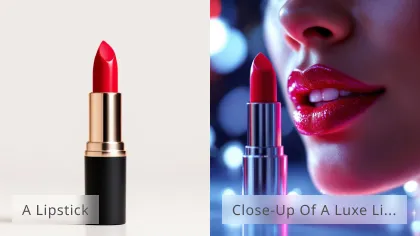
  2. Create a 4:5 luxury product advertisement for [product]. Place it on pale sculptural stone with soft directional lighting, realistic shadows, premium editorial photography, and empty space for manually added campaign copy.

  3. Use the uploaded product photo as the reference. Preserve the exact product shape, proportions, materials, packaging colors, label position, and printed text. Replace only the background with a bright modern kitchen.

  4. Design a vertical event poster with the exact headline “[event name]” and subtitle “[date and location].” Use bold modern typography, a clear editorial hierarchy, dramatic portrait lighting, and a restrained red, cream, and black palette.

  5. Create a YouTube thumbnail about [topic]. Place one expressive fictional presenter on the right, one clear visual metaphor on the left, cinematic contrast, an uncluttered background, and large negative space for title text. Output 16:9.

  6. Edit the uploaded portrait. Preserve the face, expression, hairstyle, skin tone, pose, and clothing. Replace only the background with a softly lit professional studio and maintain realistic hair edges and depth of field.

  7. Create a six-section educational infographic explaining [topic]. Use short readable labels, accurate visual relationships, modern editorial typography, a white background, and strong information hierarchy.

  8. Create three consistent brand-campaign images featuring the same fictional character. Preserve facial structure, hairstyle, clothing, age, and color palette while changing only the setting and camera angle.

  9. Create a premium restaurant menu for [restaurant concept]. Include the exact section titles “[titles]” and item names “[items].” Use elegant typography, balanced spacing, appetizing food photography, and a print-ready vertical layout.

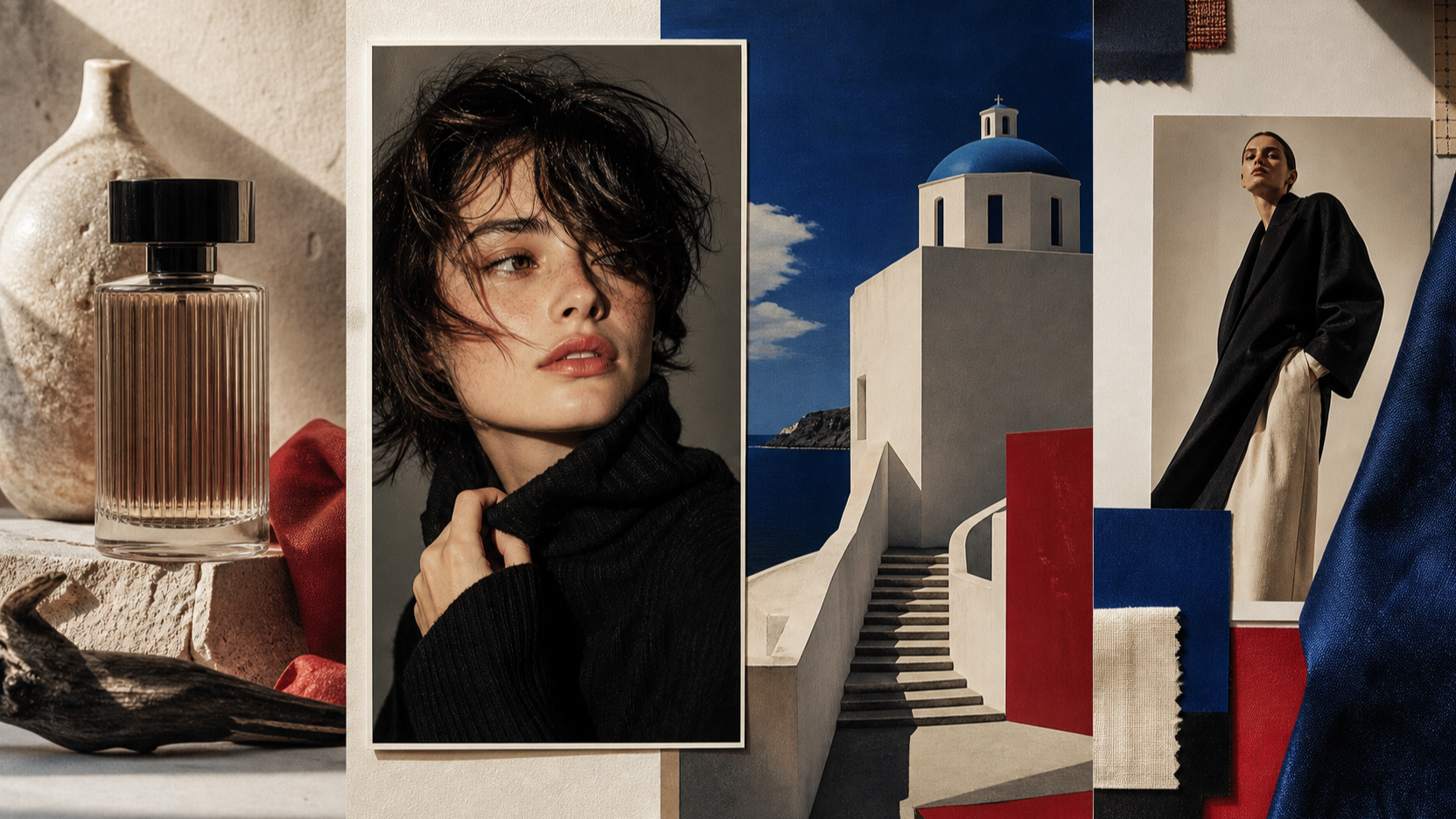
  10. Create a fashion mood board for [collection theme]. Include editorial portraits, fabric textures, accessories, color swatches, lighting references, and typography direction in one cohesive magazine-style presentation.

For final typography, plan a manual design pass. Even strong image models can misspell, duplicate, or reflow copy. Generating clean headline space and adding campaign text in a layout tool remains the safest route when wording must be exact.

Premium creative direction board for structured GPT Image 2 prompts

Privacy, ownership, commercial use, watermarking, and public outputs

Fylia’s current Terms and Conditions say the service may be used for personal and commercial purposes and that users retain ownership of content they upload or generate. Those permissions remain subject to the terms, applicable law, intellectual-property rights, and content restrictions. This is useful language, but it is not the same as a guarantee that every generated asset is legally exclusive or risk-free.

The same terms grant Fylia a worldwide, non-exclusive, royalty-free, sublicensable, and transferable license to use, reproduce, modify, distribute, and display submitted user content for purposes that include operating, improving, and promoting the service. Creators handling unreleased products, student data, client portraits, private documents, or embargoed campaigns should treat that clause seriously.

Fylia’s Privacy Policy discusses personal information, log data, cookies, third-party service providers, and general security. In the version reviewed, it did not specify uploaded-image retention periods, public-by-default behavior, per-image deletion, model-training exclusions, or a detailed deletion workflow. The higher-quality generator visibly includes a “Public” control, so verify its default state before every sensitive generation.

Before commercial publication, confirm:

  • whether the free download has a visible watermark;
  • whether metadata contains an invisible provenance or service marker;
  • whether generations are public, discoverable, or used for promotion;
  • how long uploads and outputs are retained;
  • whether an anonymous user can delete a generation;
  • whether attribution is required;
  • whether your intended commercial use complies with the latest terms;
  • whether you have rights to every uploaded face, product, logo, and reference image.

The safest policy is simple: use non-sensitive test assets until these points are documented to your satisfaction, and re-check the terms immediately before a paid campaign or client delivery.

Editorial privacy still life with portfolio key negatives and terms

Frequently asked questions about Fylia’s free GPT Image 2 generator

Is Fylia’s GPT Image 2 generator genuinely free?

The free page currently advertises 100% free access. Because pricing and quotas can change, confirm that generation and downloading complete without credits, payment, or a login in your region and session.

Does Fylia require signup?

The free page says no signup is required, and the page was reachable in a signed-out browser during this review. An end-to-end generation did not complete in the test session, so a later login gate was not ruled out.

Is generation really unlimited?

Fylia currently uses the word “unlimited,” but this review could not verify repeated generations. Test for per-minute rate limits, daily caps, cooldowns, queue priority changes, reference quotas, and regional restrictions.

Can I upload a reference image?

Fylia advertises reference-image uploads, and its GPT Image 2 interface lists JPEG, PNG, and WebP support. Use the preservation-focused editing formula and avoid sensitive source material until retention and deletion practices are clear.

Can Fylia create posters and menus with readable text?

GPT Image 2 is positioned for stronger typography and structured layouts, but exact text remains a test, not a guarantee. Check every character and use a manual layout pass for prices, dates, legal copy, labels, or multilingual text that must be exact.

Can I use Fylia images commercially?

Fylia’s current terms permit personal and commercial use and say users retain ownership of uploaded or generated content, subject to the terms. Users remain responsible for rights, legality, and restrictions, while Fylia receives a broad license to submitted content.

When should I use the higher-quality generator?

Use the dedicated GPT Image 2 Generator and Editor when you need higher resolution, more deliberate editing, reference consistency, or a production-oriented workflow. Compare identical prompts before assuming it is better for your particular task.

Warm gallery wall of creator-ready product portrait poster and educational visuals

Conclusion: who should try Fylia first?

Fylia is easy to recommend as a free GPT Image 2 image generator for creators to test, especially for designers, marketers, sellers, educators, bloggers, students, publishers, and casual users who want browser access without beginning with an API. Its free page addresses the right search intent: no-signup exploration, reference uploads, flexible formats, visual layouts, and downloads.

It is harder to crown any service the permanently best free GPT Image 2 unlimited generator. Fylia’s unlimited claim, queue behavior, download quality, watermarking, public defaults, and retention practices should be re-verified in a successful multi-generation session. Start with the Fylia Free GPT Image 2 AI Generator for drafts, then compare the higher-quality GPT Image 2 workflow when consistency and final-output control matter more than zero-cost access.

Premium gallery of GPT Image 2 creator visuals


Fylia AI 的進階圖片與影片 AI 工具

使用 Fylia AI 的強大工具創建令人驚豔的圖片和引人入勝的影片。用我們的頂尖 AI 技術釋放您的創造力。

Fylia AI 圖片工具

使用 Fylia AI 的文字轉圖片和圖片轉圖片生成技術,即時生成令人驚豔的圖片。

Fylia AI 工具

使用 Fylia AI 的文字轉影片和圖片轉影片技術,創建引人入勝的動畫影片。

免費 AI 工具

使用 Fylia AI 的免費 AI 工具,開啟您的創作之旅。