Create stunning videos with advanced AI models in Fylia AI
Upload your images or text prompts and let Fylia AI create stunning videos with Seedance 2.0, Veo 3.1 , Kling 3.0 etc.
Fylia AI Video Generator: Create stunning videos with Audio
Transform text or images into videos with the advanced AI video models in Fylia AI. Create your own videos with Veo 3.1, Seedance 2.0, Kling 3.0, etc all in Fylia AI.
Video Generation Examples with Fylia AI Video Generator
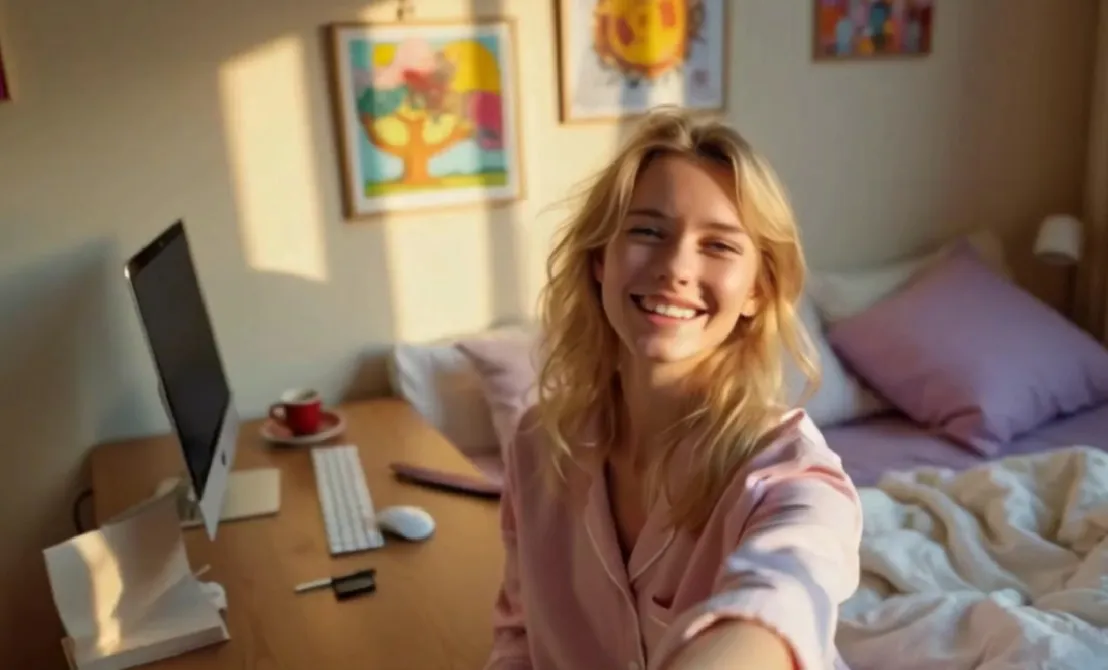
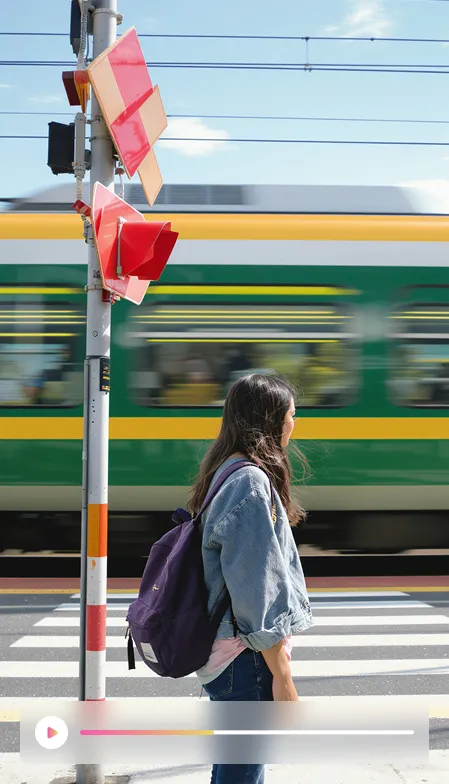
Explore examples of our Fylia AI Video Generator to see how static photos come alive.
Core Features of Fylia AI Video Generator
Fylia AI Video Generator integrates image generation, image upload and video generation into a complete workflow, enabling users to quickly produce personalized short videos.
Text to Image Generation
Input text descriptions for AI to automatically generate high-quality images that can be directly used as video segments
Direct Image Upload
Support local image uploads as video generation starting points, maintaining visual detail consistency
Multimodal Video Generation
Text and image inputs can be combined, with AI automatically generating continuous frames and natural motions
Image-to-Video Integration
Generated images can be directly inserted into video start and end frames, with automatic scene transitions
Advantages of Fylia AI Video Generator
Compared to regular AI video generators, Fylia AI Video Generator is more flexible and efficient, seamlessly combining images and video to reduce creation costs.
One-Click Image to Video
Generated images can be directly used for subsequent video generation, eliminating tedious import steps
High Generation Efficiency
Fast multimodal parsing and rendering, producing short videos within minutes
Consistent Style
Seamless transition between images and generated video frames, minimizing style discontinuity
Multi-Scenario Support
Meets diverse content needs for e-commerce, advertising, social media and more
Application Scenarios of Fylia AI Video Generator
Fylia AI Video Generator covers multiple scenarios including content creation, brand marketing, and short video operations with flexibility and efficiency.
Ad Material Creation
Generate product images first, then quickly create dynamic video ads
Social Media Videos
Use images for character storyboards, AI automatically expands into narrative shorts
Product Demonstrations
Upload product photos, AI adds operation or scene demonstration animations
Step-to-Step for creating videos with Fylia AI Video Generator
Follow these steps to create stunning videos with Fylia AI Video Generator.
Start Frame
Set the video's start frame
Generate Image
Create image for start frame
Choose Image
Select image for start frame
End Frame
Set the video's end frame
Video Prompt
Input prompt for video creation

More advanced AI tools about AI Video Generator
Get more advanced AI tools from AI to boost your image / video generation.