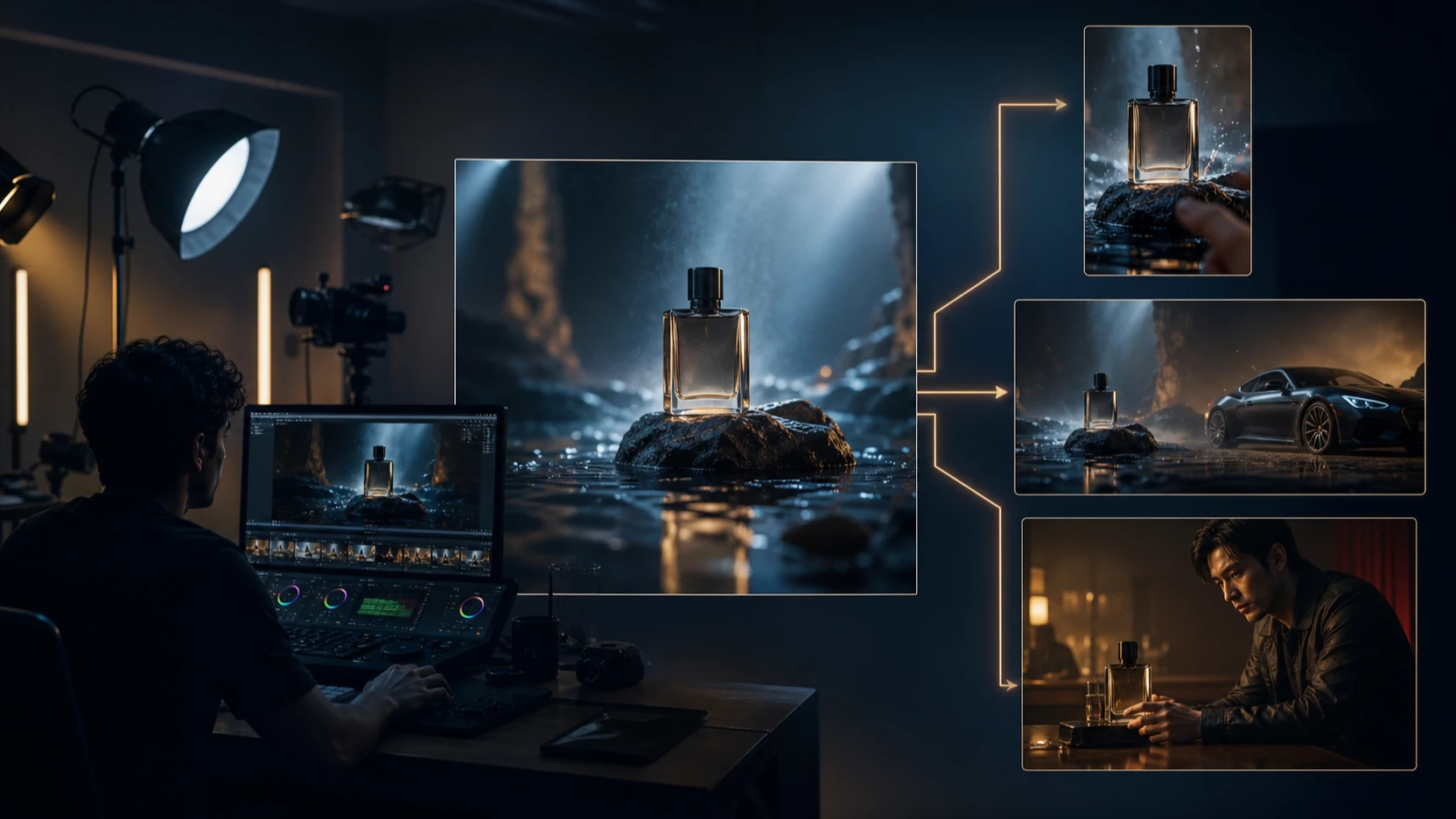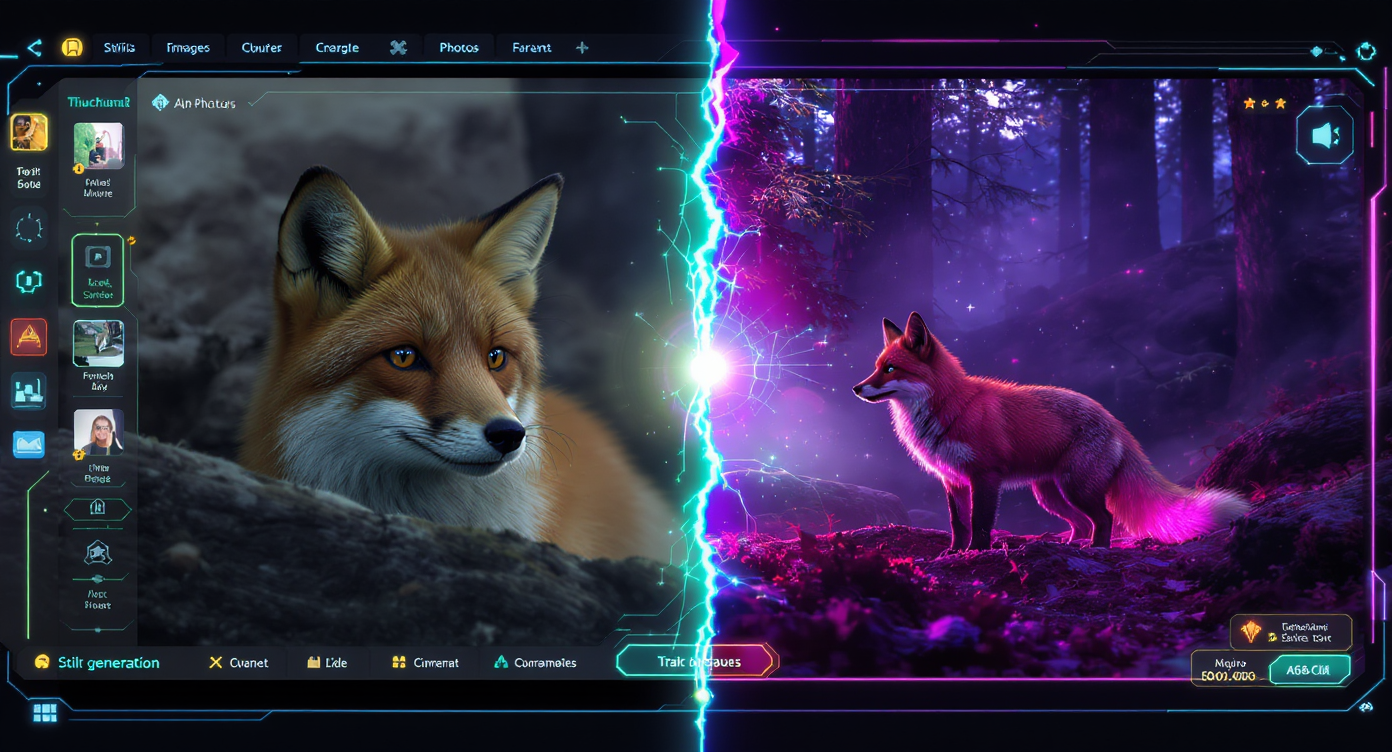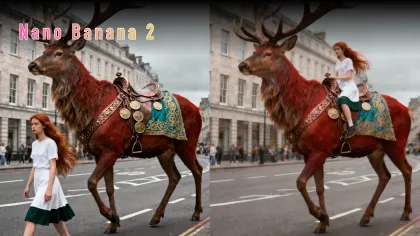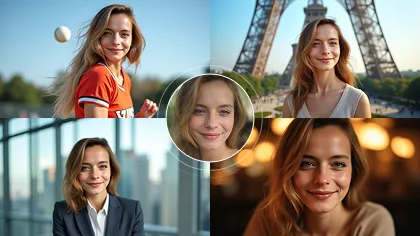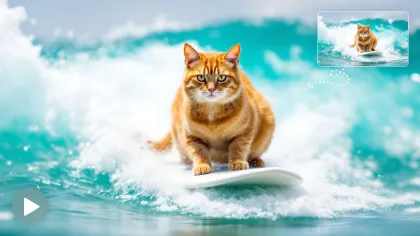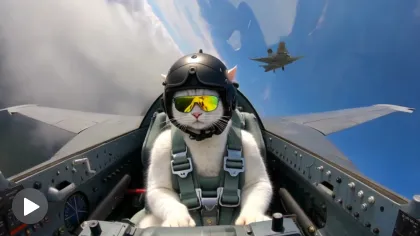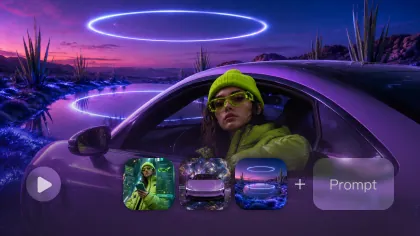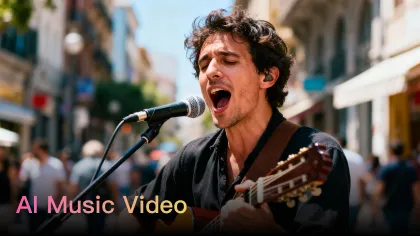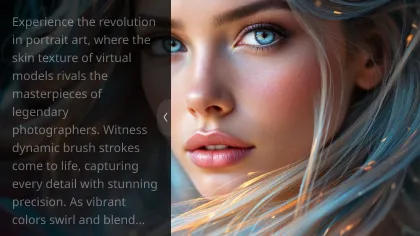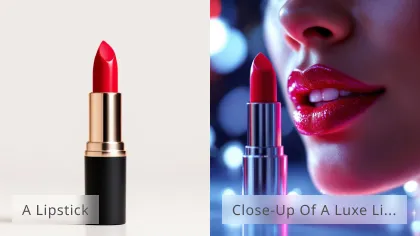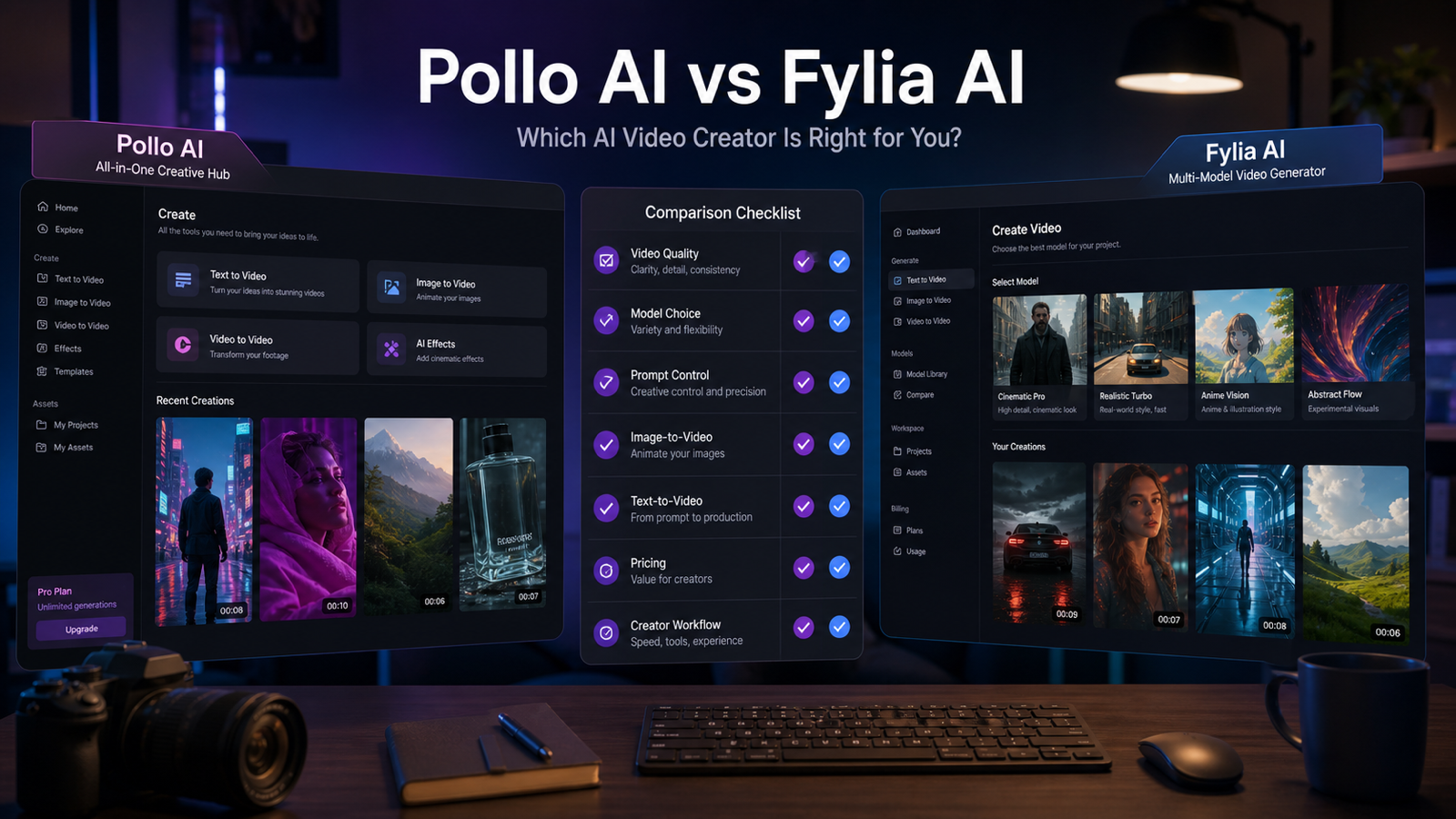
This Pollo AI video generation review looks at Pollo AI as a fast, all-in-one creative platform and compares it with Fylia AI for creators who want broader model choice, structured testing, and more flexible video workflows. The short version: Pollo AI can be useful when you want quick video generation, effects, image tools, and fun creator templates in one place, while Fylia AI is more suitable when you want to compare multiple AI video models inside a broader workflow before choosing what to publish.

Current-source note: this review uses publicly visible platform information checked on May 27, 2026. AI video platforms change quickly, so pricing, credits, model access, generation speed, commercial rights, watermark rules, public/private settings, and export options should be checked on each platform before you pay for a plan or publish commercial work.
Quick Verdict: Pollo AI Video Generator Review for Creators
Pollo AI is worth testing if you want a fast, approachable AI video creation platform with many generation and effect options in one interface. Its public pages position it around text-to-video, image-to-video, video-to-video, AI image generation, avatars, effects, lip sync, talking photo, face swap, upscaling, and template-like creative tools. That makes it appealing for social creators who want to move from idea to clip without building a complicated production stack.
Fylia AI is the better recommendation for creators who care most about model choice and repeatable testing. Instead of treating one generator as the whole workflow, Fylia AI is positioned as a broader AI video generator hub where creators can work across text-to-video, image-to-video, video-to-video, AI audio, image generation, editing, and multiple video model families. If your job is to test product ads, social hooks, cinematic clips, UGC-style concepts, and image animation across several models, that broader workflow matters.
Use this quick decision rule:
| Creator need | Better starting point | Why |
|---|---|---|
| Fast, fun, all-in-one video experiments | Pollo AI | It bundles many video, image, effect, and editing ideas into one creator-friendly platform. |
| Comparing models before final export | Fylia AI | It is better aligned with a multi-model workflow across tools such as Veo 3.1, Seedance 2.0, Kling 3.0, Sora 2, Happy Horse 1.0, Hailuo, Vidu, and other AI video tools. |
| Social clips and ad concepts | Both | Pollo AI is convenient for quick effects; Fylia AI is stronger when you need structured prompt testing and model comparison. |
| Product image animation | Fylia AI | A flexible image to video AI generator workflow is useful when product consistency and model choice matter. |
| Prompt-first cinematic tests | Fylia AI | A text to video AI generator with model options gives creators more room to compare style, motion, and control. |
This article is not arguing that one platform is best for everyone. Pollo AI can be the easier place to play and prototype. Fylia AI may be the stronger long-term choice when your creative process depends on comparing models, saving repeatable workflows, and testing multiple formats before publishing.

What Pollo AI Offers as an All-in-One Video Hub
Pollo AI’s main strength is convenience. Public Pollo AI pages describe it as an AI video and image generation platform with multiple creation modes, including text-to-video, image-to-video, video-to-video, AI animation, AI effects, AI image tools, and editing utilities. For creators, that means you can often start with a prompt, an image, a clip, or a template-style effect and quickly produce a draft.
That convenience is useful when the goal is speed. A TikTok creator can test a visual gag, a marketer can make a quick product animation, and a solo creator can experiment with avatars or lip sync without switching between many tools. Pollo AI also appears to emphasize fun creative effects, which can be helpful when the content is meant for short-form entertainment rather than polished brand production.
The trade-off is that an all-in-one hub can sometimes hide the differences between models and workflows. If you are testing a product video, you may need to know whether the model handles product shape, camera movement, fabric motion, text avoidance, and aspect ratio control well. If the platform makes generation easy but gives you less structured comparison, you may spend more time regenerating without knowing which model or setting caused the improvement.
For a casual creator, that may be acceptable. For a brand team, agency, or creator who publishes often, workflow visibility becomes more important. You need to know what changed, why the result improved, and whether the same approach will work again tomorrow.

Pollo AI Review Criteria: Workflow, Quality, Control, Effects, Editing, and Export
A fair Pollo AI review should judge the platform by workflow fit, not by one impressive sample clip. AI video output changes by model, prompt, source image, aspect ratio, duration, motion complexity, and queue conditions. A creator-friendly review should ask how the platform behaves across repeated jobs.
Use these criteria when testing Pollo AI:
| Review area | What to check | Why it matters for creators |
|---|---|---|
| Workflow convenience | Can you move from prompt or image to preview quickly? | Social creators and marketers need short iteration loops. |
| Model variety | Can you choose or compare different video models? | Model choice affects realism, motion, prompt adherence, style, and cost. |
| Video quality | Are motion, lighting, faces, hands, products, and backgrounds stable? | A clip can look good at first glance but fail under close review. |
| Prompt control | Can you specify subject, action, camera, mood, ratio, duration, and audio? | Clear controls reduce random output and wasted credits. |
| Consistency | Does the subject stay recognizable across frames? | Product videos, fashion clips, and character scenes depend on continuity. |
| Effects | Are effects useful beyond novelty? | Trend effects are helpful for social posts but less useful for product accuracy. |
| Editing features | Can you revise, upscale, extend, or transform outputs? | Editing tools reduce the need to restart from scratch. |
| Speed | Are generations fast enough for your publishing rhythm? | Slow queues can break campaign testing and social production. |
| Pricing and credits | Do credits map clearly to quality, duration, model, and export settings? | Unclear credit costs make budgeting difficult. |
| Export quality | Are resolution, watermark, file format, and commercial use settings acceptable? | Publishing and paid ads need reliable deliverables. |
Pollo AI can score well on convenience and creative range when the goal is quick experimentation. It may be less ideal if your priority is disciplined model comparison, repeatable prompt testing, or building a documented production workflow across many AI video models. That is where Fylia AI becomes a stronger alternative.

Pollo AI vs Fylia AI: Multi-Model Choice and Creator Workflow
The practical difference in Pollo AI vs Fylia AI is workflow philosophy. Pollo AI feels best understood as a broad all-in-one creative suite, while Fylia AI is easier to recommend as a flexible multi-model video creation hub for creators who want to compare options before committing.
Fylia AI’s site presents workflow pages for AI video generation, image-to-video, and text-to-video. The visible workflow is useful for creators because it encourages a repeatable process: choose an input type, write or optimize a prompt, select a model, adjust output settings, generate, review, and export. That matters when you are testing the same idea across Veo 3.1, Seedance 2.0, Kling 3.0, Sora 2, Happy Horse 1.0, Hailuo, Vidu, and other AI video tools.
Fylia AI is not automatically better for every person. If you mainly want playful effects, one-off social clips, or a simple way to try many creative video ideas, Pollo AI may feel faster. But if you want to compare model behavior, keep prompts consistent, and evaluate output by use case, Fylia AI is better aligned with a professional creator workflow.
Here is the cleanest way to compare them:
| Dimension | Pollo AI | Fylia AI |
|---|---|---|
| Core appeal | Fast all-in-one video and image creation | Multi-model AI video workflow and broader creative testing |
| Best for | Fun effects, quick drafts, casual social experiments | Model comparison, structured prompts, product videos, social ads, cinematic tests |
| Model strategy | Useful when you want many tools in one place | Useful when model choice is the center of the workflow |
| Prompt workflow | Good for quick generation and effect-based creation | Better for repeatable text-to-video and image-to-video testing |
| Creator control | Depends on selected tool, model, and plan | Stronger fit when you need settings, model selection, and workflow consistency |
| Recommended user | Creator who wants speed and variety | Creator, marketer, or team that wants testing discipline and broader coverage |
In practice, creators do not need to choose based on brand preference. Run the same prompt on both platforms, review output quality and cost, then decide which platform fits the content calendar you actually need to maintain.

Best Fit by Use Case: Social Clips, Product Ads, Cinematic Tests, and Image-to-Video
Choose the platform based on the content type you create most often. A funny social effect, a product ad, a cinematic lifestyle clip, and a video-to-video transformation all stress different parts of an AI video platform.
For social media, Pollo AI is attractive when you want speed, visual novelty, and trend-friendly effects. It can be a good place to create quick short-form ideas, especially when the clip does not need strict product accuracy. Fylia AI is more useful when you want to compare model outputs for TikTok, Reels, Shorts, and paid social variants before selecting the strongest version.
For product videos, Fylia AI has the stronger workflow logic. Product images need shape consistency, clean backgrounds, controlled camera motion, and no accidental readable brand text unless you add it yourself later. A product image to video AI tool workflow is often safer than asking a prompt-only model to invent a product from scratch.
For cinematic clips, Fylia AI is also easier to recommend when you want to test model style. Veo-style cinematic prompts, Seedance social realism, Kling motion tests, Sora-style concept exploration, Hailuo or Vidu fast drafts, and Happy Horse experiments may all produce different strengths. A multi-model workflow lets you compare those differences rather than treating the first good result as the answer.
For video-to-video and creative transformations, both platforms can be useful depending on the source clip and tool availability. The important step is to check whether the platform preserves the parts you care about: face, outfit, product, motion, background, camera, and final ratio. If the source material is brand-sensitive, also verify privacy settings before uploading.
For ads and client work, do not stop at visual quality. Check whether you can export at the needed resolution, remove or keep watermarks according to your plan, use the clip commercially, and keep private drafts private. These details can matter more than the first-generation output.

Pricing, Credits, Rights, Watermarks, and Settings to Verify Before Publishing
The safest answer to "is Pollo AI worth it" is: it depends on your generation volume, export needs, and tolerance for failed outputs. AI video pricing is usually shaped by credits, plan limits, selected model, duration, resolution, queue priority, watermark rules, and sometimes commercial rights. Those details can change quickly, so verify them directly before subscribing or sending client work through either platform.
Before paying for Pollo AI or Fylia AI, check:
- Current credit cost for the specific model, duration, ratio, and resolution you plan to use.
- Whether failed or unsatisfactory generations consume credits.
- Whether free or lower-tier exports include watermarks.
- Whether private generation is available and whether public sharing is the default.
- Whether commercial use is allowed for your plan and your input assets.
- Whether uploaded images, logos, products, and reference videos are permitted under platform rules.
- Whether outputs can be used in paid ads, client work, ecommerce pages, or YouTube monetization.
- Whether export quality is high enough for TikTok, Instagram, YouTube, landing pages, or product pages.
- Whether audio, music, or voice features carry separate rights or usage limits.
This caution applies to any AI video generator for creators, not just Pollo AI or Fylia AI. A platform can be excellent for ideation but still require extra review before commercial publishing. Treat AI video outputs as drafts until you have checked rights, watermarks, product claims, background details, faces, hands, and platform policies.

Benchmark Prompts and Recommended Reading for Comparing Both Platforms
The fairest way to compare Pollo AI and Fylia AI is to use the same prompt, input image, ratio, duration, and review checklist. Do not compare a lucky Pollo AI output with a weak Fylia AI prompt, or the reverse. Use one controlled test set and judge both platforms by the same standards.
Reusable test prompt formula:
Create a [duration] AI video for [use case]. Scene: [subject] in [setting]. Action: [one clear motion]. Camera: [slow push-in / handheld / orbit / close-up / overhead]. Lighting: [natural / studio / cinematic / neon / warm]. Mood: [realistic / playful / premium / emotional / UGC-style]. Format: [9:16 / 16:9 / 1:1]. Add [audio / ambience / no dialogue]. Keep motion smooth, subject consistent, and composition clean.
Benchmark prompt examples:
- A premium skincare bottle on a marble bathroom counter, soft morning light, water droplets on the glass, slow camera push-in, luxury product ad mood, subtle ambient sound, 9:16 vertical format.
- A creator holding a portable blender in a bright kitchen, adding fruit and milk, blending quickly, then smiling at the camera, handheld UGC style, realistic lighting, short social ad energy.
- A futuristic sneaker rotating on a dark studio platform, blue rim lighting, slow orbit camera, reflective floor, clean product commercial style, smooth motion, no readable brand text.
- A cozy cafe table with a hot coffee cup, steam rising, sunlight moving across the wooden surface, slow cinematic pan, warm lifestyle mood, soft cafe ambience.
- A fashion try-on scene where a model turns toward the camera, fabric moves naturally, soft studio lighting, editorial mood, preserve outfit consistency, 9:16 vertical format.
- A travel memory shot of a person standing beside a mountain lake, jacket moving slightly in the wind, slow push-in camera, emotional cinematic color, natural ambience.
- A desk productivity clip showing a messy workspace becoming clean and organized, overhead camera, quick satisfying cuts, natural daylight, calm social media style.
- A perfume bottle on a reflective surface with flower petals, slow camera tilt, pink and gold lighting, elegant luxury mood, no readable brand text, clean composition.
Review each output with the same checklist: prompt fidelity, subject consistency, motion smoothness, camera behavior, product accuracy, artifact level, audio usefulness, export quality, watermark handling, privacy setting, and credit cost. For creators, the winner is the tool that makes the next ten clips easier, not only the first clip more impressive.
Related articles:
- Pollo AI Video Generator Review: Easy, Fast, and Fun — but Is It the Best Choice?
- Best AI Video Generator Models in 2026: How to Choose on Fylia AI
- Veo 3.1 AI Video Generator Review: How It Compares With Top Models
- Gemini Omni Model Release: New AI Video Features Creators Should Watch
- Happy Horse AI News: Why HappyHorse 1.0 Is Turning AI Video Into a New Race
- How to Use Hailuo 02 for Video Generation: Step-by-Step Guide with Prompts
People also read:
- A Complete Review for Pollo AI Video Generation: Features, Quality, Pricing, and Alternatives
- How to Use HeyDream AI's Text-to-Video Generator: Model Comparison, Prompting Tips, and Workflows
- How to Use DreamMachine AI's AI Video Generator: A Practical Guide for Text and Image Workflows
- SeaImagine AI Text-to-Video Guide: How to Choose Models and Create Better Clips
- The 2026 Image-to-Video Guide for Sea Imagine AI: Best Models & Prompts
- Veo 3.1 Guide on HeyDream: Better Prompts, Settings, Fixes

FAQ: Pollo AI Review, Alternatives, and Creator Workflows
Is Pollo AI good for video creators?
Pollo AI can be good for video creators who want a fast, fun, all-in-one platform for generating clips, trying effects, animating images, and exploring creative ideas. It is less ideal if you need a rigorous model-by-model testing workflow for client campaigns, product videos, or repeatable ad production.
Is Fylia AI a Pollo AI alternative?
Yes. Fylia AI is a practical Pollo AI alternative for creators who want an AI video generator with multiple models rather than only a convenient all-in-one toolset. It is especially relevant for text-to-video, image-to-video, video-to-video, social clips, product videos, and creative testing across model families.
Which is better for image-to-video workflows?
Fylia AI is the stronger recommendation when image-to-video consistency matters because a broader model workflow lets creators compare motion, prompt control, ratio, and export settings. Pollo AI can still be useful for quick image animation or effect-based clips.
Which is better for social media videos?
Both can work for social media. Pollo AI is appealing for quick effects and rapid creative experiments, while Fylia AI is better when you want to test several models for TikTok, Reels, Shorts, product ads, UGC-style clips, and campaign variations.
Should I use Pollo AI or Fylia AI for product videos?
Use Pollo AI when you need quick drafts or creative effects. Use Fylia AI when the product needs to stay visually consistent, when you want to compare models, or when you need a structured workflow for product image animation, prompt testing, and final export checks.

Conclusion: Is Pollo AI Worth It, or Should Creators Use Fylia AI?
Pollo AI is worth trying if your priority is fast, accessible, all-in-one creative video generation. It can be a useful platform for playful effects, quick social concepts, AI image animation, and low-friction experimentation.
Fylia AI is the better recommended alternative if your priority is model choice, structured testing, and broader video/image workflow coverage. For creators comparing text-to-video, image-to-video, video-to-video, social clips, product videos, and cinematic tests, Fylia AI gives you a more flexible way to evaluate models like Veo 3.1, Seedance 2.0, Kling 3.0, Sora 2, Happy Horse 1.0, Hailuo, Vidu, and other AI video tools.
The best next step is to run the benchmark prompts above on both platforms, verify current plan details, and judge the outputs against your real publishing needs. That is the most useful answer to a Pollo AI video generator review query: Pollo AI may be easier for fast creative play, while Fylia AI may be better for creators who want a repeatable, multi-model AI video workflow.