A Seedance 2.0 AI video generator comparison should test the platforms around the model, not pretend Higgsfield AI and Fylia AI use different underlying video models. The output can still vary because each host may expose a different Seedance version, reference system, enhancement layer, queue, credit policy, history view, and export workflow.
For most creators who want a practical browser workflow, Fylia AI’s Seedance 2.0 page is the recommended starting point. Its visible controls include prompt input, start and end frames, prompt optimization, resolution, duration, aspect ratio, a public-generation setting, and video history. That is a workflow recommendation, not evidence that Fylia produces inherently better Seedance output.

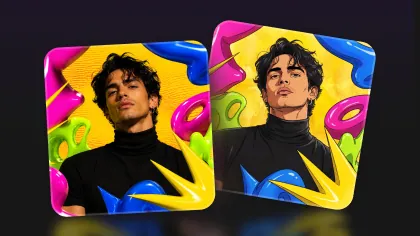
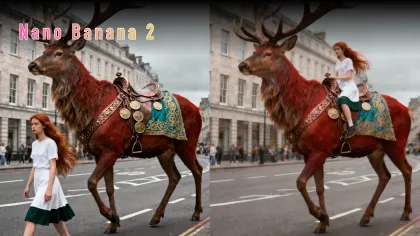
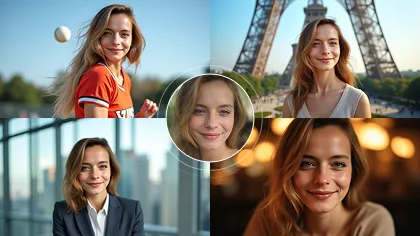
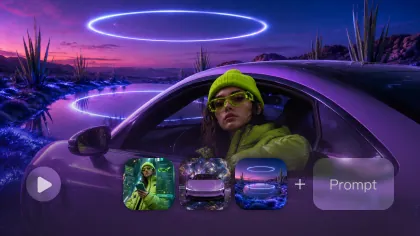
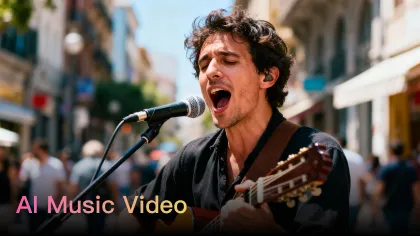
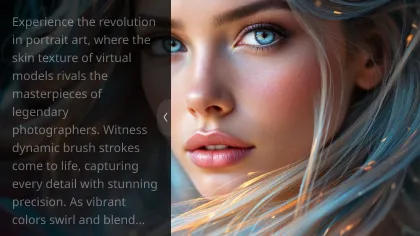
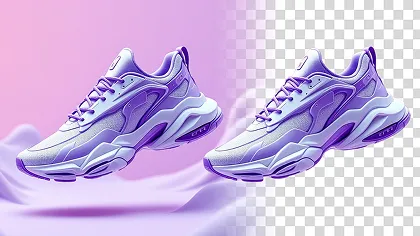
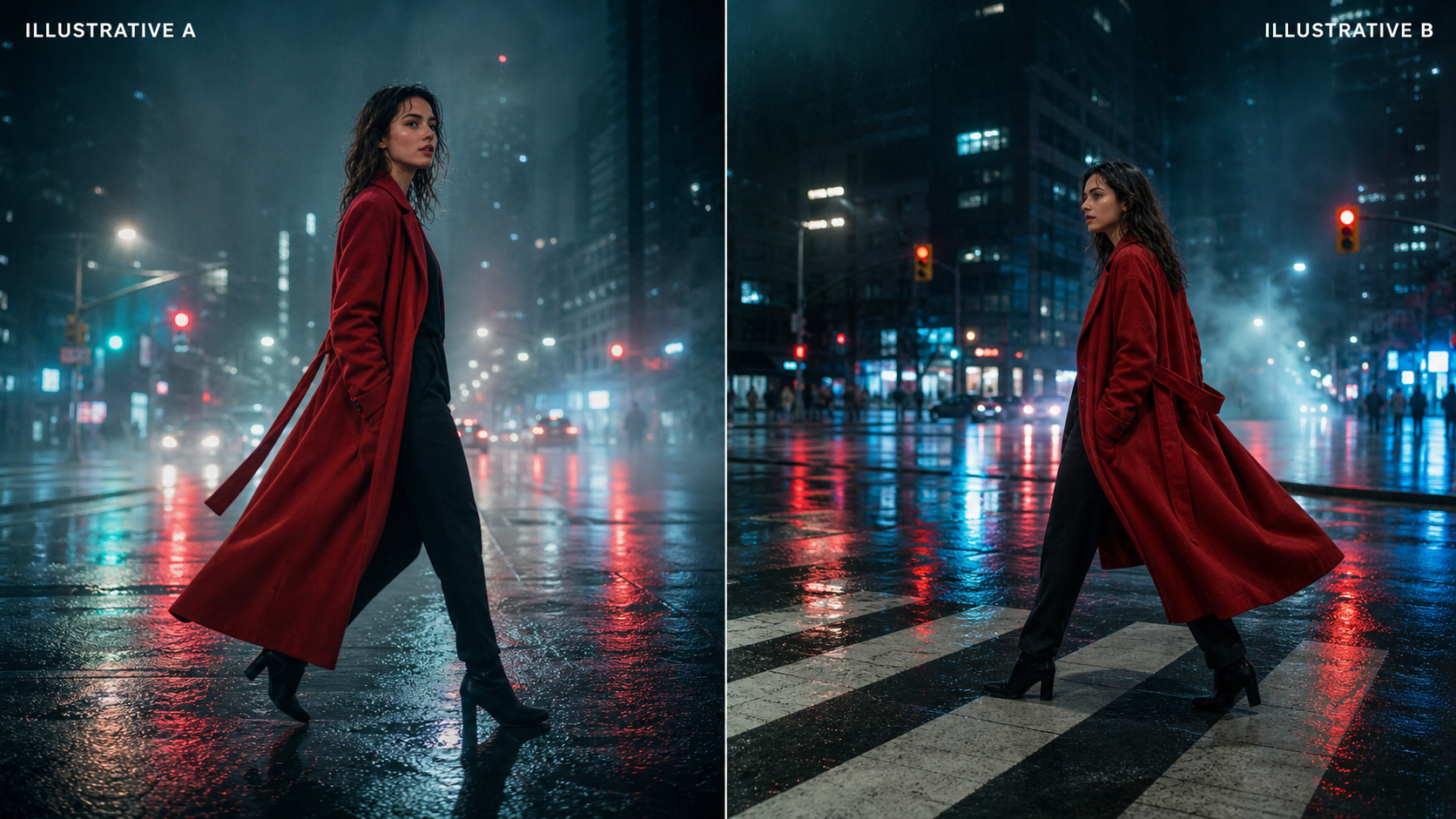
Image note: all visuals in this article are independent editorial illustrations of the test scenarios, not promotional samples or measured outputs from either platform.
Quick Verdict: Fylia AI Is the More Practical Starting Point, Not a Proven Quality Winner
Choose Fylia AI when you want a direct Seedance 2.0 page plus adjacent image-to-video, reference-to-video, and general AI video workflows in one browser platform. The interface makes the main inputs and output settings visible before generation, which is useful for repeatable creator testing.
Choose Higgsfield AI when its wider creative suite, model variants, identity tools, presets, or other platform-specific production features matter more to your team. However, verify whether the selected option is Seedance 2.0, Seedance 2.0 Fast, Mini, Enhanced, or another variant before comparing it with Fylia. A speed or cost comparison is invalid if the model versions differ.
The defensible verdict is therefore conditional:
| Decision | Practical recommendation |
|---|---|
| Easiest page to start a controlled Seedance 2.0 test | Fylia AI |
| Best visible start/end-frame workflow | Fylia AI |
| Best broader reference-led path | Fylia AI, subject to live input limits |
| Best platform-specific ecosystem | Depends on which Higgsfield AI tools your team already uses |
| Best output quality, speed, or reliability | Undetermined until identical paid tests are completed |
| Best pricing value | Measure cost per approved clip, not cost per generation |
This keeps the recommendation useful without turning interface evidence into an unsupported benchmark claim.

Why the Same Seedance 2.0 Model Can Feel Different Across Platforms
The model is only one layer of the user experience. ByteDance’s official Seedance 2.0 page describes a unified multimodal audio-video architecture that accepts text, image, audio, and video references. A host platform decides which of those inputs are exposed, which model variant is selectable, how prompts are enhanced, how jobs are queued, and how generated files are stored or downloaded.
Platform differences can appear in at least six places:
- Model routing: standard, Fast, Mini, Enhanced, or another version may be selected behind a similar label.
- Input layer: one platform may support only start frames in a specific mode, while another exposes end frames, multiple references, video references, or audio.
- Prompt processing: translation and prompt enhancement can change the text sent to the model.
- Generation settings: duration, resolution, aspect ratio, audio, and public/private defaults may differ.
- Workflow layer: history, project organization, prompt reuse, asset reuse, and retry handling affect iteration.
- Commercial layer: credits, subscriptions, failed-job refunds, watermark rules, privacy, and licensing determine production value.
This is why “Seedance 2.0 on Higgsfield AI vs Fylia AI” is primarily a platform comparison. Any claim about visual superiority should come from controlled outputs, not feature-page language.

Verified Workflow Controls on Fylia AI and Higgsfield AI
Fylia currently presents the clearer model-specific page for a first comparison. The live Seedance 2.0 AI video generator shows selectors for model and version, start-frame and end-frame uploads, prompt translation and optimization, resolution, duration, ratio, a public toggle, generation history, and a displayed generation cost of 300 credits. That number should be rechecked after choosing the exact model version and settings.
Fylia’s reference-to-video workflow currently shows image and video uploads, Seedance 2.0 in the model field, an audio-reference control, resolution, duration, ratio, and a displayed generation cost of 500 credits. These visible values demonstrate workflow availability; they do not establish the final charge for every account, variant, or configuration.
Higgsfield AI’s current Seedance workflow presents multimodal upload, prompt input, model selection, duration, resolution, and platform-specific controls. Its wider pages also describe multiple Seedance variants and broader creative tools. Because those options can change the model and billing path, a fair test must record the exact selected version rather than writing only “Seedance 2.0.”
| Workflow criterion | Fylia AI: verified live page | Higgsfield AI: verify before test |
|---|---|---|
| Dedicated Seedance 2.0 page | Yes | Yes |
| Prompt input | Visible | Visible |
| Prompt optimization | Visible on Fylia | Confirm current behavior |
| Start frame | Visible | Confirm selected mode |
| End frame | Visible on Fylia model page | Confirm selected mode |
| Image, video, and audio references | Visible through Fylia reference workflow | Visible multimodal upload; confirm limits |
| Resolution, duration, ratio | Visible selectors | Visible controls; record exact values |
| Public/private setting | Public toggle visible | Verify default and account options |
| History/project workflow | Video history visible | Verify current project/history behavior |
| Credit cost | 300 or 500 displayed by Fylia workflow | Record selected variant and plan |
The key advantage for Fylia is not a guaranteed quality difference. It is the visible path from a simple start/end-frame test to a broader reference-driven experiment.

How to Run a Fair Seedance 2.0 Platform Comparison
A proper test changes the platform and nothing else. Use the same source files, prompt, model version, duration, resolution, aspect ratio, audio setting, and enhancement setting. Run at least three generations per scenario because one lucky or unlucky seed can distort the conclusion.
Use this test matrix:
| Test | Input | What to score |
|---|---|---|
| Text to video | Prompt only | Prompt adherence, scene composition, camera control, motion, audio |
| Image to video | One start frame | Identity preservation, product shape, background stability, motion |
| Start and end frames | Matched first and final image | Transition logic, final-frame accuracy, object permanence |
| Reference-driven video | Same image, video, and audio references | Subject consistency, reference use, rhythm, lip movement |
| Multi-shot sequence | Three-shot prompt | Character continuity, weather, props, edit logic, sound continuity |
| Vertical social ad | 9:16 product prompt | Hook speed, framing, gestures, product readability, CTA ending |
For each output, record:
- Platform and exact model/version label.
- Prompt-enhancement and translation status.
- Input files and checksums.
- Resolution, duration, ratio, and audio settings.
- Submission time, completion time, failures, and retries.
- Credits charged, refunded, or lost.
- Watermark and download format.
- Review scores from 1 to 5 for fidelity, motion, continuity, camera, audio, and usability.
- Whether the clip is publishable, fixable, or rejected.
Calculate cost per usable clip as total credits or spend divided by approved outputs. A cheaper generation that repeatedly breaks a product label can cost more than a pricier generation that passes review.

Fylia AI Workflow for Image-to-Video and Reference Consistency
Fylia is easier to recommend when the project begins with approved visual assets. The dedicated image-to-video generator supports a start-frame workflow with prompt optimization and output settings, while the platform documentation also describes start and end frames. This is useful when the first composition or final hero shot must stay controlled.
The Seedance 2.0 reference-to-video workflow is the stronger route for character, product, or style consistency. Its live controls currently include image upload, video upload, audio reference, model/version selection, resolution, duration, and ratio. In practice, that creates a test path for:
- Preserving a face, hairstyle, outfit, and body proportions.
- Keeping product shape, packaging colors, and surface material stable.
- Borrowing motion rhythm or camera behavior from a reference clip.
- Using audio as a timing or performance reference when supported.
- Comparing one reference against a multimodal reference set.
Do not assume every control is available for every Seedance variant. Before client work, confirm input counts, file formats, size limits, media duration, storage period, public/private defaults, and whether uploads may be used for service improvement. The strongest workflow is the one your privacy review can actually approve.

Seedance 2.0 Test Prompts for Higgsfield AI and Fylia AI
Use one prompt structure across both platforms and disable prompt enhancement for the first pass. Then run a second pass with each platform’s enhancement option, saving the transformed prompt when the interface makes it available. This separates model behavior from platform prompt processing.
Reusable comparison formula
Create a [duration] [aspect ratio] video featuring [subject] in [setting]. The subject performs [specific action]. Use a [shot type] with [camera movement], [lighting], [visual style], and [pacing]. Preserve [reference details]. Include [audio or ambience direction] when supported. End with [final visual beat]. Avoid [common errors].
1. Cinematic human movement
Create an 8-second cinematic shot of a woman in a long red coat walking across a rain-covered city intersection at night. Use a slow lateral tracking shot, realistic fabric movement, reflected neon light, natural walking motion, and subtle traffic ambience. Keep her face and clothing consistent throughout.
2. Product advertisement
Create a 9:16 product advertisement for a matte-black perfume bottle on wet volcanic stone. The camera slowly circles the bottle as mist moves through the background. Preserve the exact bottle shape, label, cap, and surface texture. Use premium studio lighting and end on a centered hero shot.
3. Reference-character consistency
Using the uploaded character image, create a medium shot in which the character turns toward the camera, raises one hand, and smiles subtly. Preserve the exact face, hairstyle, outfit, colors, and body proportions. Use soft daylight and stable facial features.
4. Multi-shot storytelling
Create a three-shot cinematic sequence: a train entering a snowy mountain station, a traveler stepping onto the platform, and a close-up of a sealed letter in the traveler’s hand. Maintain the same traveler, clothing, weather, lighting, and visual style across every shot.
5. Realistic UGC advertisement
Create a vertical UGC-style video of a creator holding [product name] in a bright apartment. The creator looks into the camera, demonstrates the product naturally, and reacts with believable enthusiasm. Use handheld smartphone framing, natural skin texture, and realistic gestures.
6. Food and liquid motion
Create a slow-motion commercial shot of sparkling water being poured into a clear glass with lemon slices and ice. Show realistic liquid physics, condensation, bubbles, refraction, and splashing. Use bright summer lighting and a clean advertising composition.
7. Action and camera control
Create a wide cinematic shot of a motorcyclist accelerating along a desert road at sunset. Begin with a low rear tracking shot, move beside the motorcycle, and finish with a rising aerial view. Maintain consistent vehicle details and realistic wheel movement.
8. Atmospheric fantasy scene
Create a cinematic forest scene in which a silver deer walks through shallow water beneath glowing blue trees. The camera slowly pushes forward through foreground leaves. Use realistic reflections, mist, subtle environmental movement, and restrained magical lighting.
For every prompt, compare the same number of generations and preserve the rejected outputs. Failure patterns are often more useful than the best sample.

Pricing Value, Speed, Queues, Downloads, and Commercial Suitability
Pricing value cannot be inferred from a credit button alone. Fylia currently displays 300 credits on its dedicated model page and 500 credits on its broader reference workflow, but the selected model, version, duration, resolution, and account may change the final charge. Higgsfield AI also uses plans, credits, and variant-specific offers that require a live check.
Build a small production worksheet with these fields:
- Subscription price and included credits.
- Credits per matched test.
- Failed-job refund policy.
- Average queue and generation time.
- Number of attempts per approved clip.
- Download resolution, codec, frame rate, and audio format.
- Watermark status and private-generation availability.
- Commercial-use rights, attribution, and ownership terms.
- Uploaded-media retention and service-improvement policy.
Do not call either platform faster, cheaper, more reliable, watermark-free, or commercially unrestricted until the same tests and current terms support the statement. For agencies, privacy and failed-job handling can outweigh a small difference in per-generation cost.
The practical recommendation remains Fylia AI for teams that value a visible Seedance page and connected reference workflows. Higgsfield AI may be the better fit when its surrounding creative suite is already central to production, but that is an ecosystem decision rather than proof of better Seedance output.

Frequently Asked Questions
Is Fylia AI proven to produce better Seedance 2.0 video quality?
No. The live pages support a workflow comparison, not a visual-quality verdict. Better output quality requires matched generations using the same model version, prompt, assets, settings, and review criteria.
Is Fylia AI a Higgsfield AI alternative for Seedance 2.0?
Yes, for creators who want a dedicated Seedance page plus image-to-video and reference-to-video workflows. Whether it is the better alternative depends on model availability, credits, queue behavior, exports, privacy, and usable output rate.
Can both platforms use the same reference files?
They may expose overlapping reference inputs, but limits can differ by mode and model variant. Verify image, video, and audio formats, counts, durations, sizes, and retention before running the comparison.
Should prompt enhancement be enabled?
Run the first comparison with enhancement disabled so both platforms receive the same prompt. Then test enhancement separately and save the resulting text when possible.
What is the most useful cost metric?
Use cost per approved clip. It accounts for failed tasks, rejected outputs, retries, and generation quality more realistically than credits per attempt.

Conclusion: Which Seedance 2.0 AI Video Workflow Should You Choose?
Fylia AI is the stronger practical starting point for this Seedance 2.0 platform comparison because its dedicated model page exposes start and end frames, prompt optimization, resolution, duration, ratio, a public setting, and history, while its reference-to-video generator adds image, video, and audio-led workflows.
That does not make Fylia a proven winner for quality, speed, reliability, or price. Run identical tests, verify the exact Seedance variant on both platforms, and compare cost per usable clip. Teams already invested in Higgsfield AI may prefer its broader ecosystem; creators who want a direct, reference-focused browser path should start with Fylia AI.
Related reading: Seedance 2.0 access guide, Seedance 2.0 control and consistency review, Fylia AI video models and workflows, VideoWeb Seedance 2.0 prompt guide, and Flyne Seedance 2.0 consistency guide.