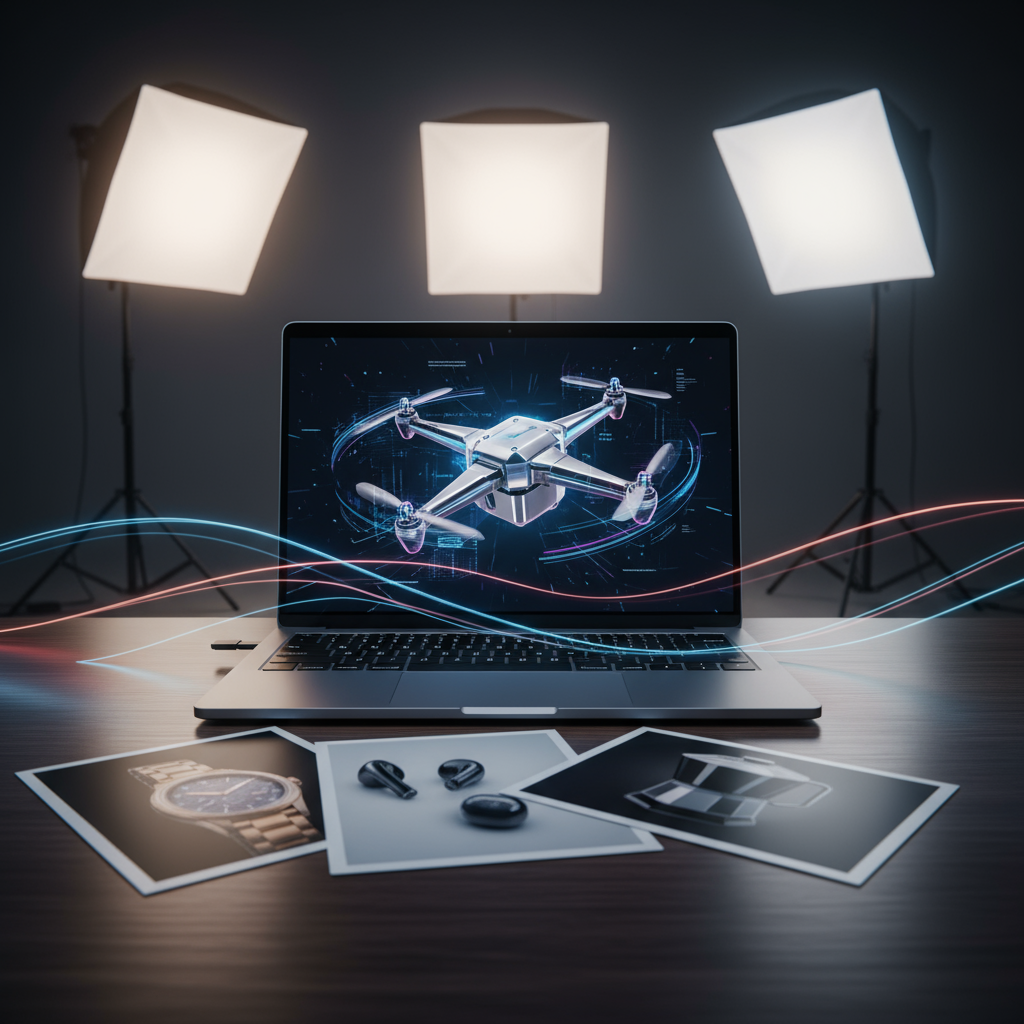
Product videos are useful because motion shows what a still photo cannot: texture, scale, shine, lifestyle context, and emotional appeal. A watch looks more premium when light moves across the metal. A sneaker feels more dynamic when the camera glides around it. A skincare bottle becomes more convincing when it sits in a clean, moving lifestyle scene instead of a flat product grid.
The uploaded source article focuses on using Veo3 to turn product images into short marketing videos. That is a strong topic, but the original version reads too much like a promotional guide. This refined version treats Veo3 more honestly: it can be a practical product video maker for fast ad concepts, social clips, and ecommerce motion drafts, but it still needs strong source images, careful prompts, and human review before commercial publishing.
For Fylia AI users, the closest updated workflow is to use Veo3 AI for model-specific video generation, Image to Video when starting from a product photo, or the broader AI Video Generator when comparing multiple video models. Fylia also has a related guide, How to Create Product to Video with Veo3, which makes it a relevant onsite reference for this topic.
Quick Verdict
Best for: product teaser clips, social ads, ecommerce motion drafts, product launch visuals, website hero videos, and short brand concepts Less ideal for: exact packaging demonstrations, text-heavy ads, long multi-scene campaigns, complex product use cases, or final commercial assets without review Best workflow: start with a clean product image, use image-to-video mode, describe the camera movement and lighting, generate short versions, then add final text and branding manually
Veo3 is most useful when it animates a strong product photo into a short, polished-looking clip. It is weaker when creators expect it to invent a perfect commercial from a vague prompt or preserve every packaging detail automatically.
The strongest recommendation is this: use Veo3 as a product-video accelerator, not as a complete replacement for creative direction, brand review, or post-production.
Why Product Videos Matter for Ecommerce
Static images still matter, but they often struggle to communicate the full feeling of a product. Motion can make a product feel more tactile and premium. A camera orbit can reveal shape. A light sweep can show texture. A simple push-in can make a product feel more cinematic.
For ecommerce sellers, marketers, and small brands, short product videos can be used in:
- TikTok ads
- Instagram Reels
- YouTube Shorts
- Shopify product pages
- Amazon listing videos
- Email campaigns
- Landing page hero sections
- Seasonal product promotions
The main challenge is cost. Traditional product video requires a studio, lighting, props, camera work, editing, and often multiple reshoots. AI image-to-video tools reduce that barrier by letting creators test ad-style motion from an existing product photo.
That does not mean AI replaces every shoot. For high-budget campaigns, real footage may still be better. But for early concepts, social ad variants, and fast product testing, AI-generated clips can save time.
What Veo3 Does Well for Product Videos
Veo3 is most helpful when the product is already clearly visible in the input image. If the photo has clean lighting, a strong angle, and enough space around the product, the model can add motion in a way that feels more like a product ad.
The best use cases include:
- Slow product rotation
- Camera push-in
- Light sweep across reflective surfaces
- Background motion
- Lifestyle scene enhancement
- Short vertical ad clips
- Product mood videos
- Seasonal campaign variations
For example, a perfume bottle on a clean background can become a luxury ad-style clip with moving reflections, soft light, and a subtle camera orbit. A sneaker photo can become a streetwear social ad with a slight tracking shot and lifestyle background. A watch can become a premium close-up with studio lighting and metallic highlights.
The appeal is not that every output is perfect. The appeal is that one product photo can become several possible creative directions quickly.
Where Veo3 Still Needs Human Review
Product video is a risky category because accuracy matters. If the product label changes, the packaging shape shifts, or the logo becomes distorted, the video may look attractive but still be unusable.
Creators should review:
- Product shape and proportions
- Label placement
- Logo clarity
- Packaging color
- Reflections and shadows
- Background objects
- Unwanted text artifacts
- Whether the camera movement hides important details
This is especially important for ecommerce. A product video should make the product more appealing, but it should not misrepresent the item. AI can help create ad variations, but the seller still needs to check that the product remains accurate.
Best Product Categories for Veo3
Fashion and Accessories
Fashion items often work well because they benefit from atmosphere. Bags, shoes, watches, jewelry, sunglasses, and hats can all look stronger with camera motion and lighting changes.
A good fashion prompt should mention the surface, lighting, mood, and camera movement:
A luxury leather handbag on a marble pedestal, slow camera orbit, soft golden studio lights, elegant boutique background, high-fashion commercial style, stable product shape, no text.
This works because the product is the center of the shot and the motion is controlled.
Beauty and Cosmetics
Perfume, lipstick, skincare bottles, and cosmetic packaging are natural fits for AI product videos because light, reflection, and surface texture matter.
However, this is also where accuracy matters most. If the label or bottle shape changes, the output may not be usable.
A stronger prompt would be:
A clear glass perfume bottle on satin fabric, slow camera push-in, sunlight refracting through the glass, soft rainbow highlights, luxury beauty ad style, preserve bottle shape and label area, no fake text.
Tech Products
Phones, laptops, headphones, keyboards, and smart devices can work well when the prompt focuses on clean surfaces and controlled motion. The risk is that screens, ports, logos, and product geometry may change.
For tech products, avoid overly chaotic sci-fi prompts. A cleaner product demo usually works better:
A modern smartphone standing upright on a reflective surface, slow 20-degree camera orbit, soft blue studio light, minimal futuristic background, stable phone shape, no extra buttons, no fake text.
Food and Beverages
Food videos can look attractive, but they can also become unrealistic. Steam, sauce, ice, bubbles, and liquid motion may look good in short clips, but details can drift.
A good food prompt should focus on appetite appeal and simple camera movement:
A gourmet burger on a rustic wooden board, subtle steam rising, fries beside it, warm golden light, slow overhead camera push-in, realistic food texture, no extra ingredients appearing.
For packaged food or drinks, check that labels stay accurate.
How to Create Product Videos With Veo3 on Fylia AI
Step 1: Start With a Clean Product Image
The source image matters more than the prompt. Use a sharp, well-lit product photo with a clear subject and enough empty space for motion.
Good product images usually have:
- One main product
- Clean background
- Visible product shape
- Minimal clutter
- No cropped edges
- High enough resolution
- Accurate product colors
- Limited text distortion before generation
If the starting image is messy, the video will usually be harder to control.
Step 2: Use Image-to-Video for Product Work
For product marketing, Image to Video is usually better than pure text-to-video because the product’s appearance already exists in the uploaded image. Text-to-video can generate creative scenes, but it may not preserve the product accurately.
Use Veo3 AI when you want model-specific Veo3 generation, or Fylia’s broader AI Video Generator when you want to compare different video models for the same product concept.
Step 3: Write the Prompt Like a Shot Direction
Product video prompts should not only describe the product. They should describe the camera, lighting, setting, and motion.
A useful prompt structure is:
Product + surface/background + camera movement + lighting + mood + preservation rules + avoid list
Example:
A luxury wristwatch on a black velvet cushion, slow camera orbit, dramatic spotlight, soft reflections on the metal, premium commercial mood, preserve watch shape and dial details, no fake text, no extra objects.
This gives the model a clear production direction.
Step 4: Keep the First Clip Short
Short clips are easier to control and easier to review. Start with a simple 5–8 second product shot before testing longer versions or more complex movement.
For social ads, short is often better anyway. A quick product reveal, light sweep, or camera push-in can be enough for a strong hook.
Step 5: Add Text and Branding Afterward
Do not rely on the AI model to create accurate ad copy, product names, discount text, or brand logos inside the video. Generate the clean product motion first, then add text, pricing, captions, CTA overlays, and logos in a video editor.
This keeps the final ad cleaner and more brand-safe.
Prompt Examples by Product Type
Fashion Product Video
White sneakers on a wooden floor, autumn leaves around the shoes, natural morning light from a side window, slow low-angle camera slide, streetwear lifestyle mood, stable shoe shape, no text.
Beauty Product Video
A skincare serum bottle on a marble bathroom counter, soft morning light, subtle water droplets, slow camera push-in, clean luxury skincare mood, preserve bottle shape and cap color, no fake label text.
Tech Product Video
A laptop opening slowly on a modern desk, soft studio lighting, subtle screen glow, minimal background, smooth camera push-in, clean tech launch style, stable keyboard and screen shape, no unreadable text.
Food Product Video
A red wine bottle and glass on a granite table, warm sunset light, slow side pan, soft reflections on the glass, romantic restaurant atmosphere, stable bottle shape, no label distortion.
Seasonal Product Ad
A candle jar on a cozy holiday table, warm golden lights, slow camera orbit, soft falling snow outside the window, premium seasonal ad style, preserve jar shape and label area, no extra text.
Product Video Mistakes to Avoid
Mistake 1: Starting With a Weak Product Photo
A blurry, cropped, poorly lit image will usually produce an unstable video. Start with the best product image you have.
Mistake 2: Asking for Too Much Motion
Fast spinning, dramatic zooms, explosions, flying objects, and complex camera moves can make the product drift. For ecommerce, clean motion is better than chaotic motion.
Mistake 3: Ignoring Platform Format
A product video for TikTok should usually be vertical. A website hero video may need a wide horizontal frame. Decide the format early so the product does not get cropped later.
Mistake 4: Letting AI Handle Final Text
AI-generated text often warps during motion. Add final typography manually.
Mistake 5: Publishing Without Checking Product Accuracy
The video may look beautiful but still misrepresent the product. Always review before using it in ads or listings.
Best Formats for Product Video Campaigns
| Platform | Best Format | Recommended Clip Style |
|---|---|---|
| TikTok / Reels / Shorts | 9:16 | Fast product hook, reveal, or lifestyle motion |
| Shopify Product Page | 1:1 or 16:9 | Clean product rotation or close-up |
| Amazon Listing | 16:9 | Product demonstration or premium close-up |
| Website Hero | 16:9 or wide | Slow cinematic product movement |
| Email Campaign | 1:1 or 4:5 | Short seasonal teaser or GIF-style loop |
| Tall vertical | Lifestyle product scene or moodboard clip |
The best format depends on where the viewer will see the video. Mobile-first ads should prioritize instant clarity, while website hero videos can move more slowly.
Review Scorecard
| Category | Rating | Review Notes |
|---|---|---|
| Product Image-to-Video Value | 8/10 | Strong for turning clean product photos into short motion clips. |
| Ease of Use | 8.5/10 | Suitable for small businesses and creators with limited editing experience. |
| Motion Quality | 7.5/10 | Works well with controlled camera movement and simple product scenes. |
| Product Accuracy | 6/10 | Needs careful review for labels, logos, and packaging shape. |
| Social Ad Usefulness | 8.5/10 | Very useful for quick ad variants and short-form product hooks. |
| Long Campaign Reliability | 6.5/10 | Better for short clips than multi-scene product storytelling. |
| Production Readiness | 6.5/10 | Good for drafts and social assets, but final ads need review and editing. |
Pros and Cons
Pros
- Helps turn static product photos into short video concepts.
- Useful for TikTok, Reels, Shorts, ecommerce pages, and product teasers.
- Reduces the need for immediate studio shoots during early campaign testing.
- Works well with clear camera, lighting, and product-preservation prompts.
- Makes it easier to generate multiple seasonal or style variations.
- Fits naturally into Fylia AI’s image-to-video and AI video generator workflows.
Cons
- Product labels, logos, and packaging details may drift.
- Complex product demonstrations can be unreliable.
- AI-generated text should not be trusted for final ads.
- Some outputs may look generic without a specific creative direction.
- Commercial usage requires checking current platform terms.
- Final videos may still need editing, captions, music, CTA overlays, and brand review.
Final Recommendation
Veo3 is worth using for product videos when the goal is fast visual experimentation, short ad drafts, and ecommerce motion assets. It is especially useful for small brands, marketers, and creators who already have product images but do not have the time or budget for a full video shoot.
The best workflow is to start with a clean product photo, use Image to Video or Veo3 AI, describe a controlled product shot, and generate several short versions. Choose the cleanest result, then add final copy, logo, captions, and music manually.
Veo3 is not a full replacement for a professional product video team, but it can be a strong first step for product marketers who need more motion, more variants, and faster creative testing.
Related Articles
- How to Create Product to Video with Veo3
- Create Stunning Videos with Audio Using Veo 3
- Veo 3.1 AI Video Generator vs Top Models
- Sora 2 vs Veo 3: AI Video Generator Comparison
- Best AI Video Generator Models and Workflow Guide
- Flow AI Video Review: Why VEO 3.1 Wins for Creators
People Also Read
- How to Create AI Short Video with Veo3 for TikTok and YouTube
- How to Create Better TikTok Videos with Google Veo 3.1
- Create Video with Music Audio Using Veo3
- Create TikTok Video with Seedance 2.0
- How to Use HeyDream AI’s Text-to-Video Generator
- The 2026 Image-to-Video Guide for Sea Imagine AI
- SeaImagine AI Text-to-Video Guide




















